How to check project overview in Asana
Here is how to check project overview in asana
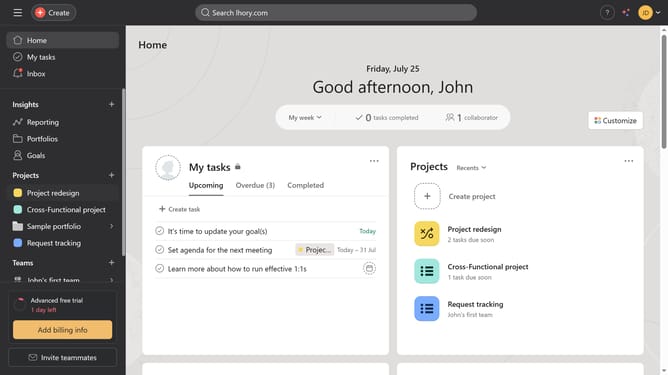
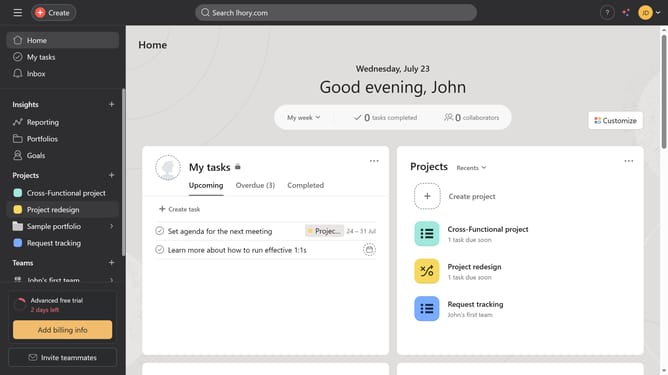
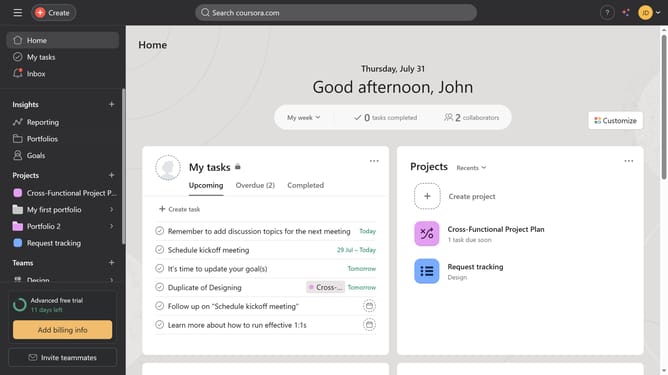
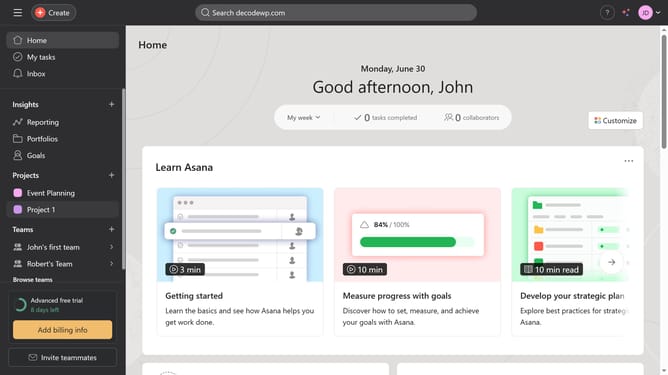
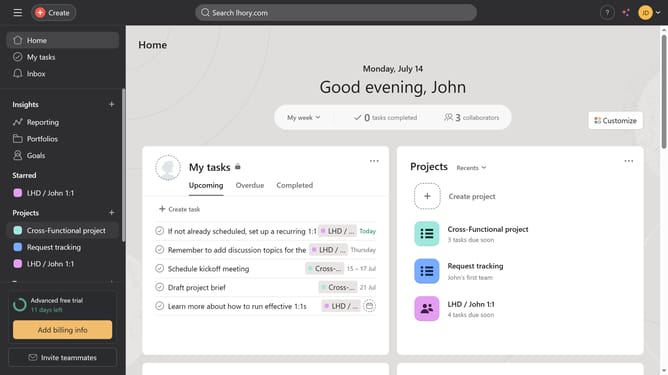
- First click on a project in the Projects section of the left sidebar
- To see the project overview click on the Overview tab in the top navigation menu
- To see recent updates and progress click on the project summary card in the right sidebar
- To see the snapshots of the project click the "X" button on the top right
- Finally scroll down to see the snapshots of the project
Why should you check project overview in Asana
Asana is a powerful tool designed to streamline project management and enhance team collaboration.
By checking the project overview in Asana, users get a comprehensive snapshot that helps in tracking progress and meeting deadlines. This feature assembles all essential information like project goals, timelines, and responsibilities into one easily accessible location.
Utilizing the project overview empowers teams to stay aligned, adapt to changes quickly, and maintain a clear vision of their objectives, ultimately boosting productivity and satisfaction.
Last update