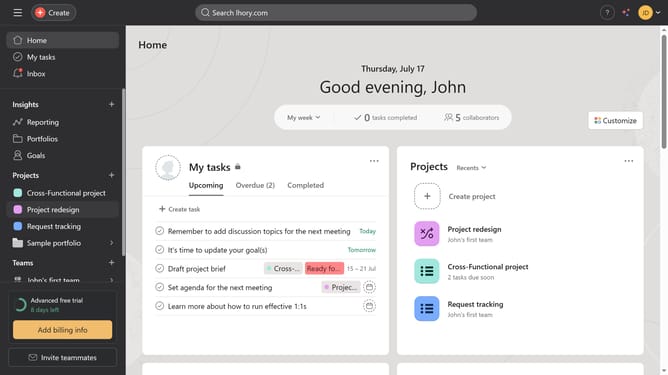
How to archive completed event tasks in Asana
Here is how to archive completed event tasks in asana
- First click on your event project in the left sidebar
- Then click on "List" view in the top navigation bar
- Next click on "Filter" button in the top toolbar
- Then select "Incomplete tasks" from the quick filters menu
- Click on "Filters" button to close the filter options
- Review and click the check mark on any incomplete tasks if they are already done
- Next clickthe arrow down button option on the project header
- If the entire project is complete click archive
Why should you archive completed event tasks in Asana
Asana is a dynamic tool designed to streamline task management and boost team productivity.
One of the key features of Asana is the ability to archive completed event tasks, helping to maintain an organized workspace. By archiving, you efficiently manage your task list, ensuring it remains uncluttered and focused on active projects.
This feature benefits users by providing a clear history of achievements and completed milestones, promoting a sense of progress and accomplishment. Efficient task archiving also allows teams to easily reference past projects without crowding their current workspace.
Last update