How to add time tracking in Asana
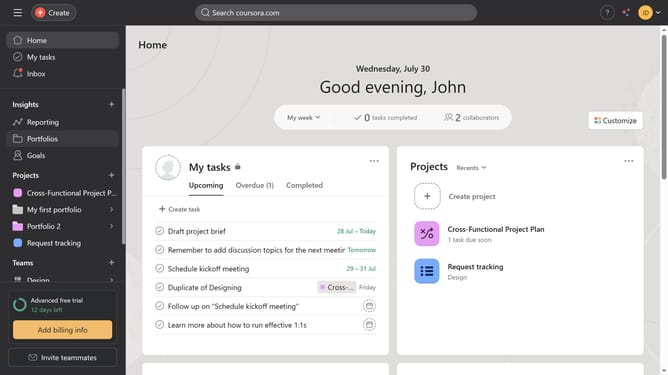
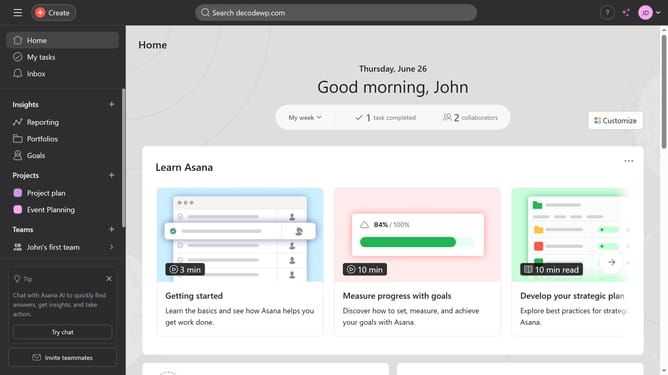
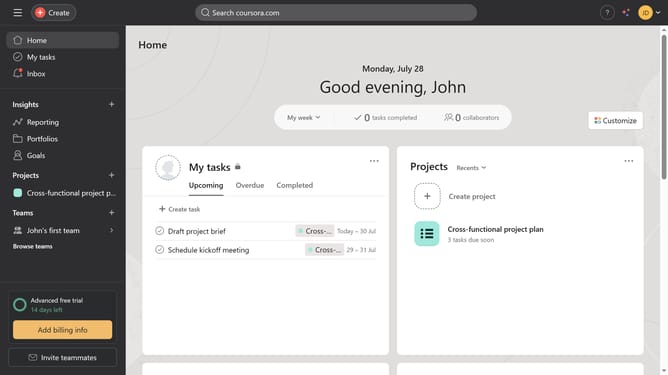
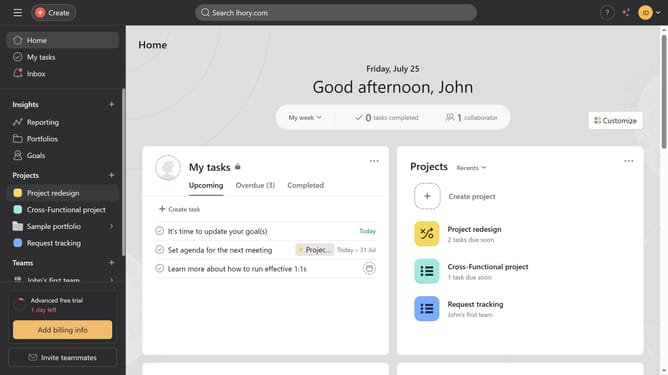
Here is how to add time tracking in asana
- First click on the project in the left sidebar
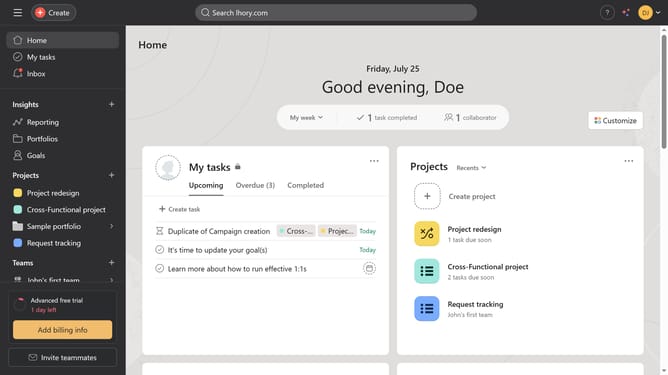
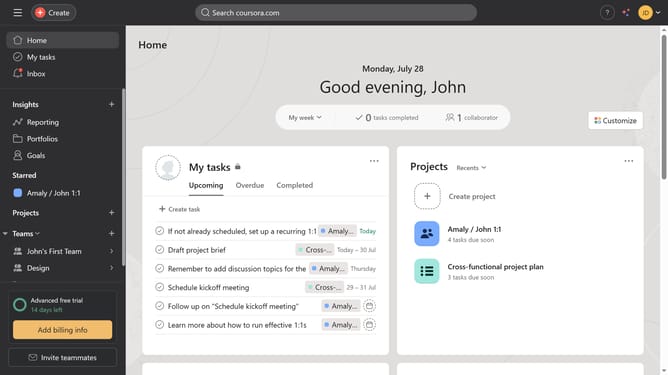
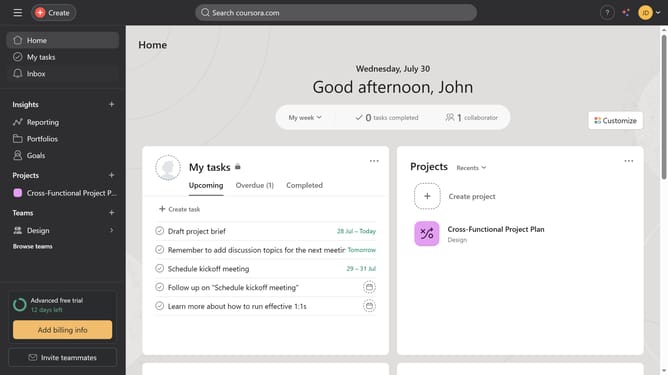
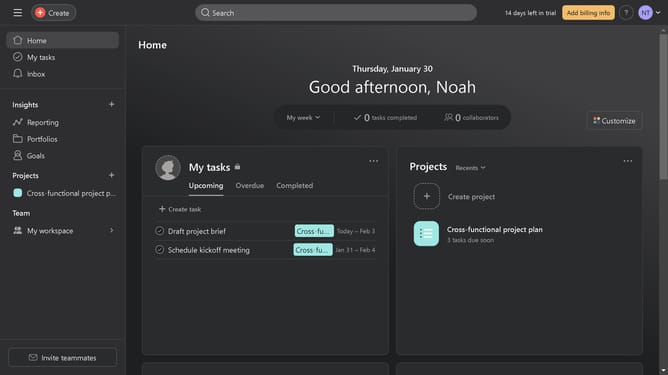
- Then click on the "Customize" button in the top-right corner of the project view
- Next click on the "Fields" option in the customization panel
- Click to expand the "Add" dropdown menu in the Fields section
- Select "Time your work" option from the dropdown menu
- Finally click the Customize button again to close the customization panel and view the time tracking field
Why should you add time tracking in Asana
Asana is a streamlined project management tool designed to optimize team collaboration and workflow efficiency.
Adding time tracking in Asana enhances its capabilities by allowing users to monitor the duration spent on tasks seamlessly.
This feature empowers teams to improve productivity by identifying where time is being utilized most effectively.
It also enables accurate project forecasting and resource allocation, ensuring that projects are completed efficiently and on schedule.
Last update