How to unassign tasks in Asana
Here is how to unassign tasks in asana
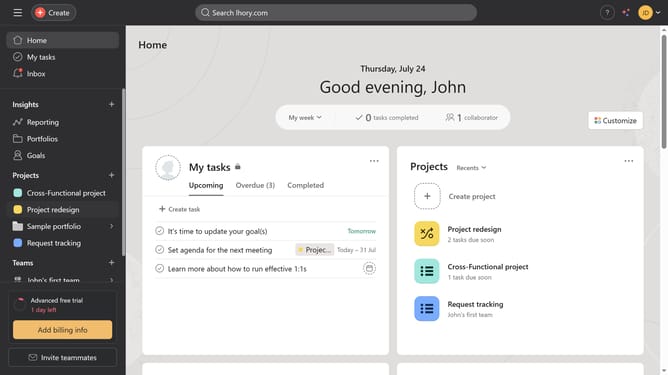
- First click on a project in the left sidebar under Projects section
- Then click on the task you want to unassign a person from in the List view
- Next click on the name or email in the Assignee field shown in the task details panel
- Finally click the "X" button next to the assignee email or name to remove the current assignee
Why should you unassign tasks in Asana
Asana is a versatile project management tool designed to streamline team collaboration and task management.
One beneficial feature of Asana is the ability to unassign tasks easily. This feature helps prevent confusion and ensures team members are accountable only for the tasks they are actively working on.
By unassigning tasks, teams can maintain clarity in responsibility distribution, ultimately enhancing productivity and efficiency.
This practice supports adaptive workflows and keeps project dynamics fluid and responsive.
Last update