How to duplicate tasks in Gantt view in Asana
Here is how to duplicate tasks in gantt view in asana
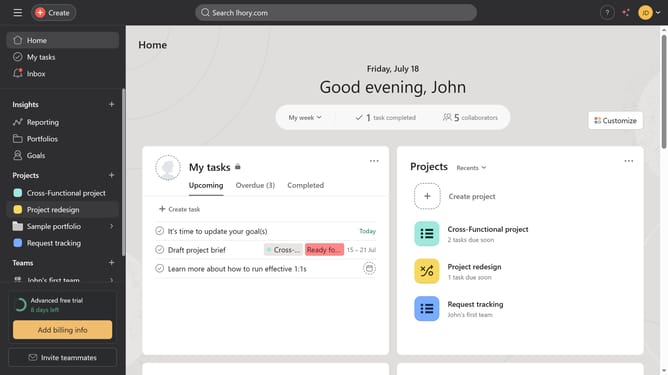
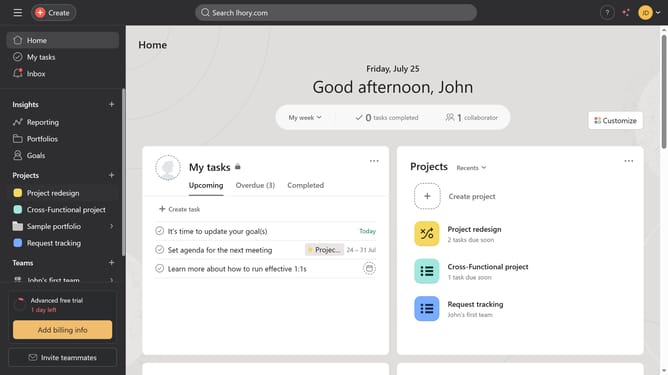
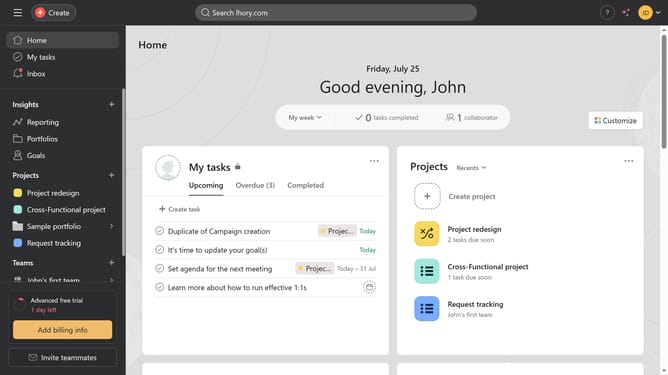
- First click on a project in the left sidebar under Projects section
- Then click on "Gantt" view option in the top navigation bar
- Next click on task block you want to duplicate
- Then click on the "More actions" button (three dots) in the task details panel
- Next click on "Duplicate task" option from the dropdown menu
- Finally click in the Gantt chart area to place the duplicated task
- Finally click on the Create a New Task button to complete duplicating the task
Why should you duplicate tasks in Gantt view in Asana
Asana is a powerful tool designed to help teams manage projects successfully.
In Gantt view, Asana allows you to duplicate tasks effortlessly, enhancing your workflow efficiency.
This feature is particularly beneficial for streamlining repetitive projects and maintaining consistency across similar tasks.
By duplicating tasks, project members can save time and focus more on strategic tasks, boosting overall productivity.
Last update