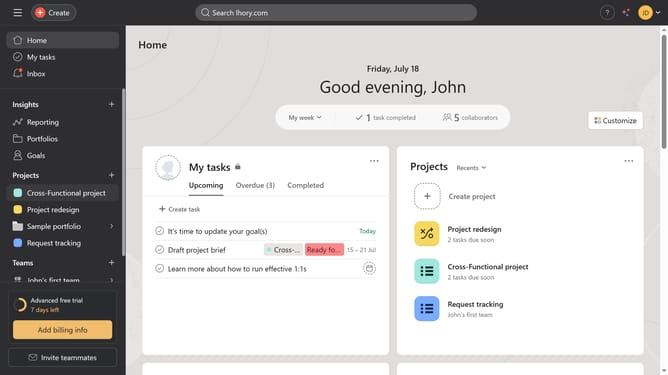
How to connect a parent goal in Asana
Here is how to connect a parent goal in asana
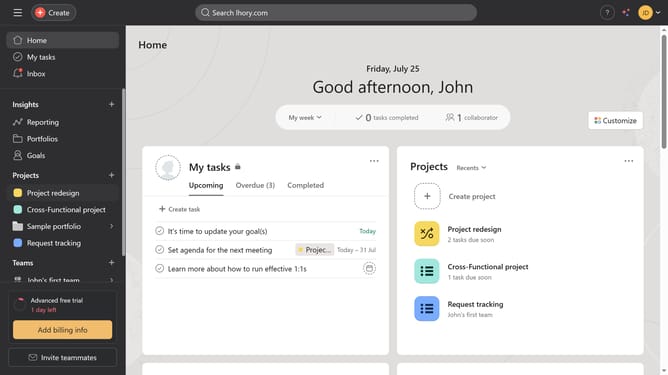
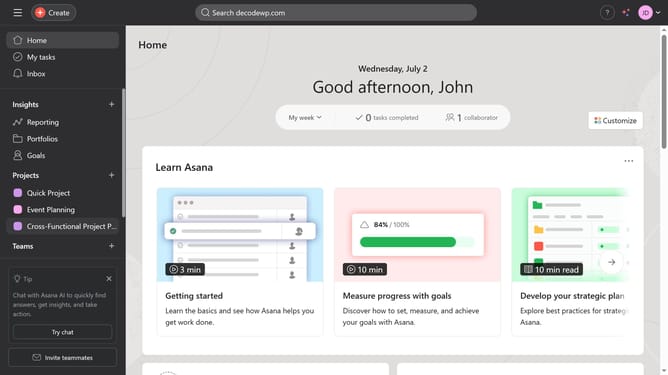
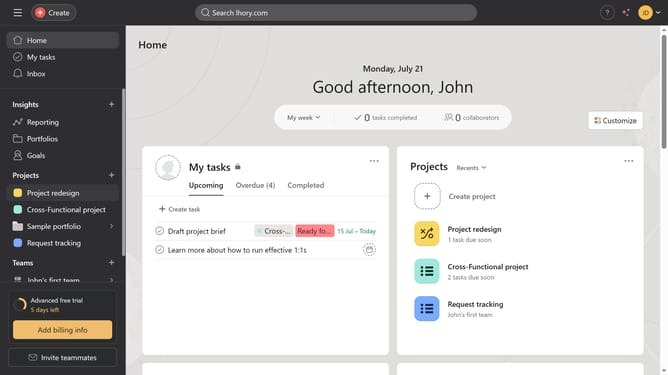
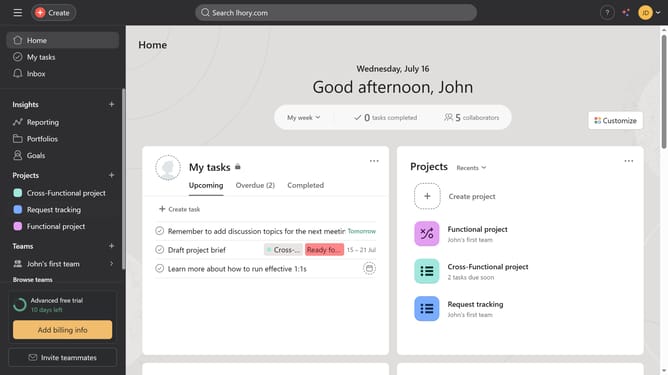
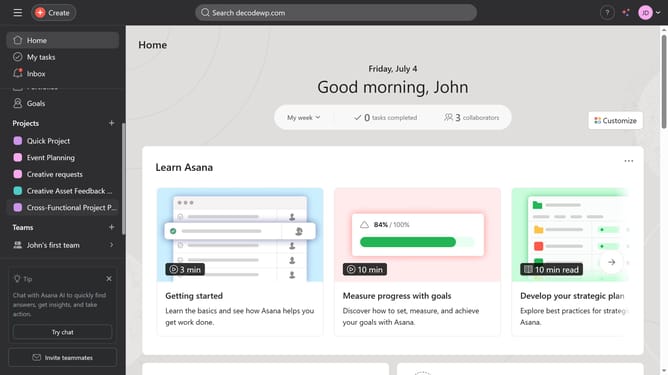
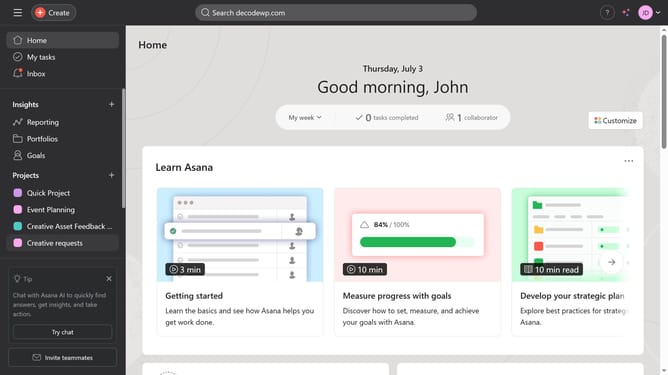
- First click on the "Goals" item in the left sidebar menu
- Next click the goal you want to set a parent goal for in the Company goals section
- Then click on "Connect a parent goal" link in the right sidebar
- Next type the name of the goal in the input field that you want to set as the parent goal
- Finally select the goal from the list menu to set it as the parent goal
Why should you connect a parent goal in Asana
Asana is an intuitive project management tool designed to help teams organize, track, and manage their work efficiently.
Connecting a parent goal in Asana offers a clear hierarchy that aligns individual tasks with overarching objectives. This feature fosters clarity by visually linking smaller tasks to their larger aims.
Utilizing parent goals facilitates improved team collaboration and ensures everyone is focused on the same long-term objectives, enhancing productivity and achieving aligned outcomes.
Last update