Here is how to delete task in calendar view in asana
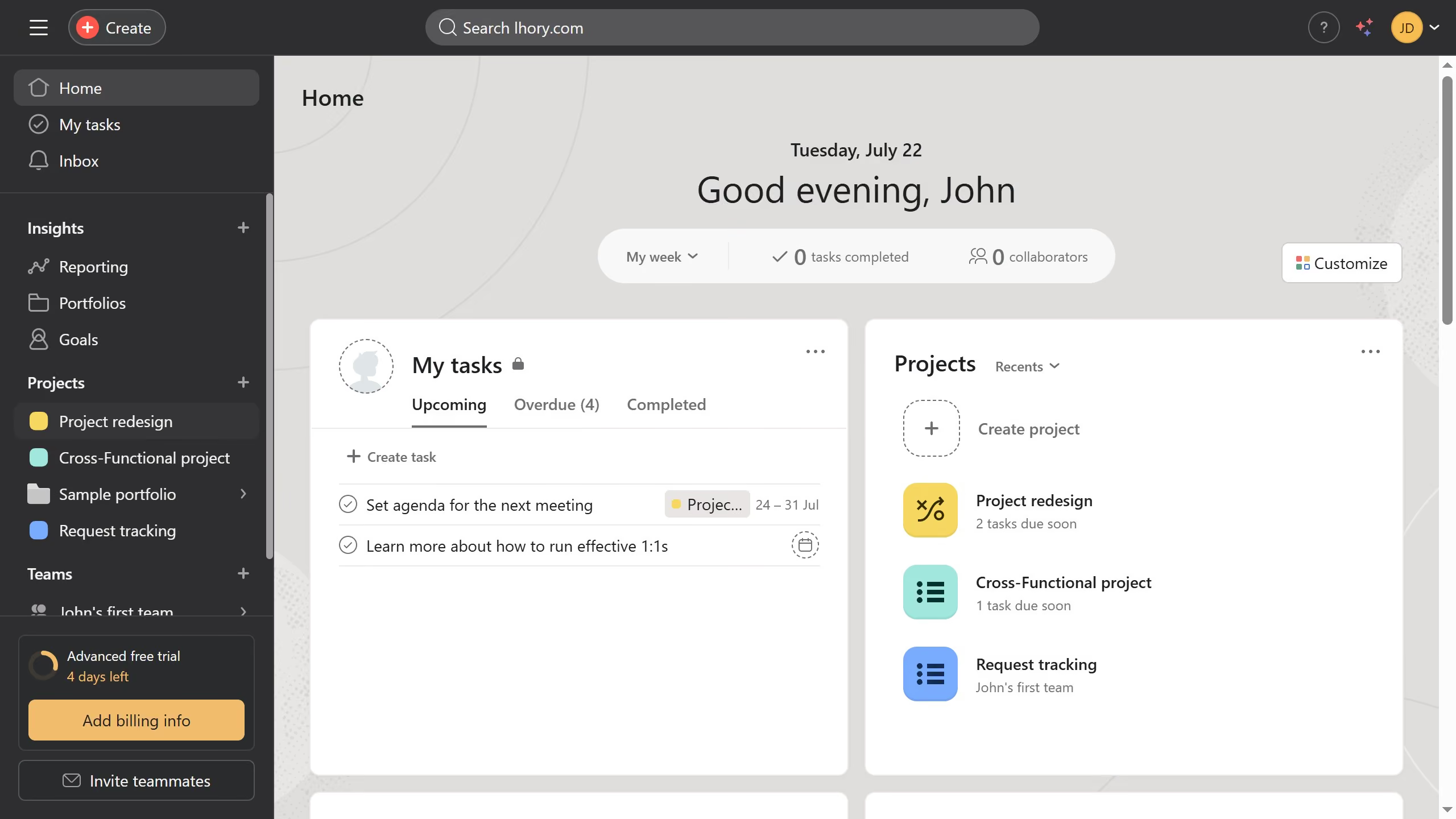
- First click on "Project redesign" in the left sidebar projects menu
- Then click on "Calendar" tab in the project's top navigation menu
- Next click on the task you want to delete in the calendar view
- Click on the three dots menu button in the top-right corner of the task details panel
- Select "Delete task" from the dropdown menu
- Click "Delete permanently" button in the task deletion confirmation dialog
- Finally click "Delete" button in the permanent deletion confirmation popup