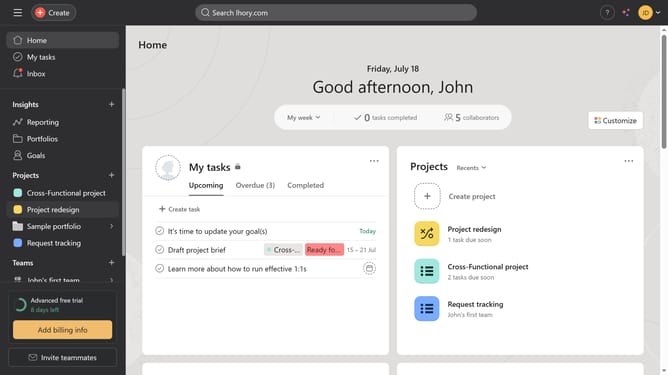
How to move tasks between sections in Asana
Here is how to move tasks between sections in asana
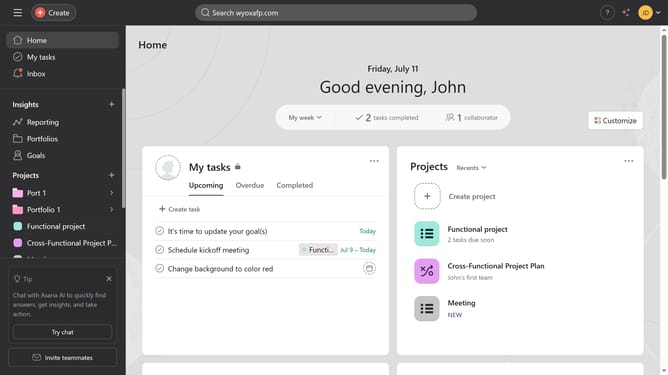
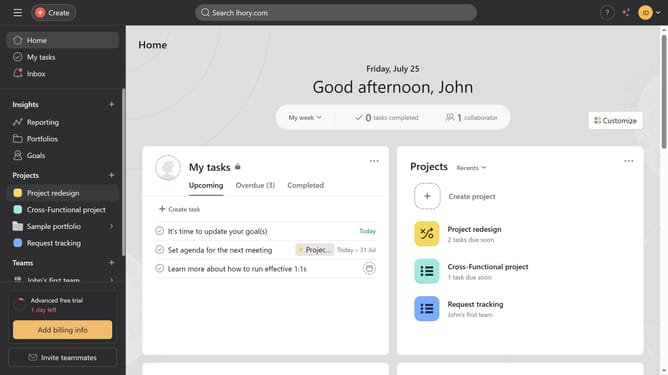
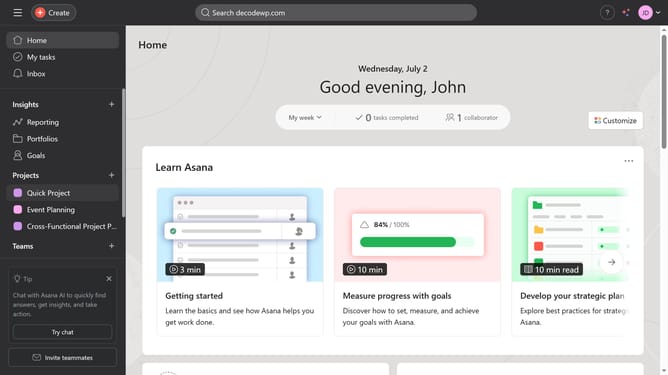
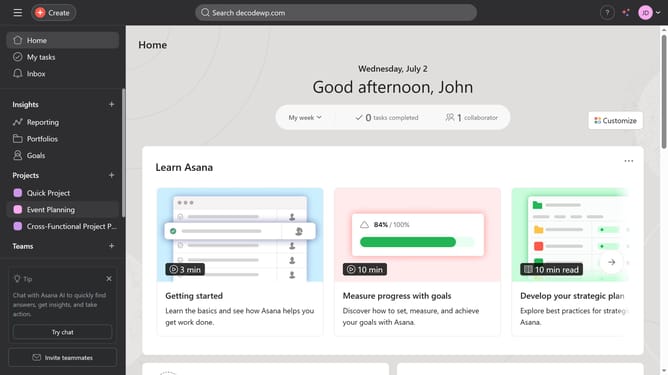
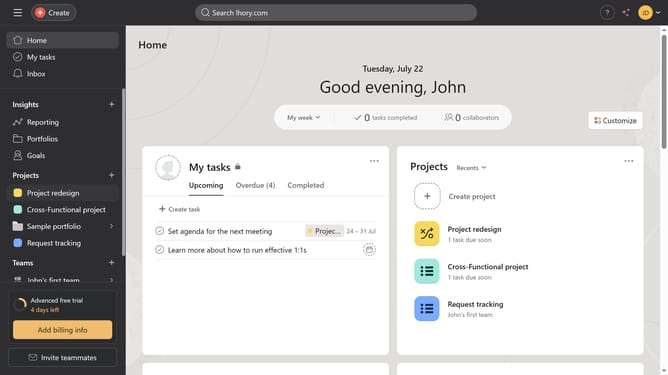
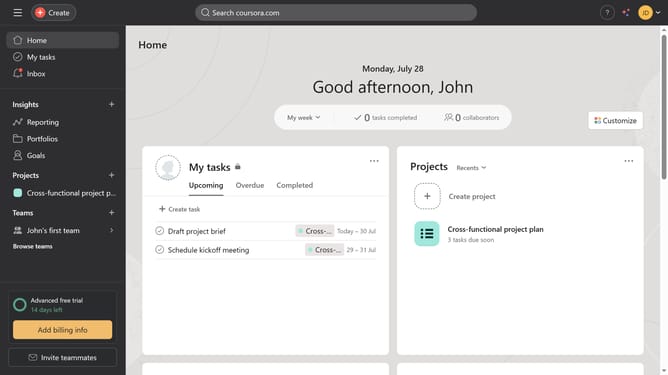
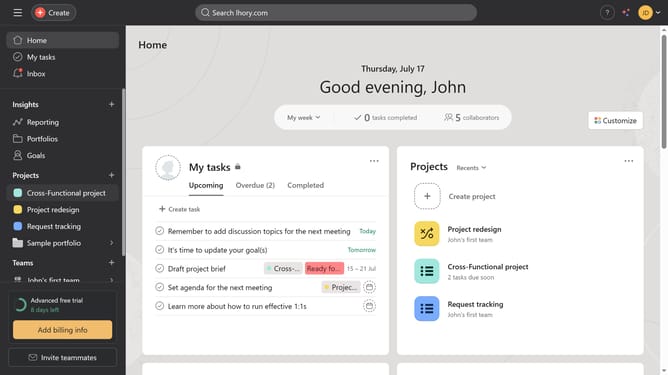
- First click on your project in the left sidebar under Projects section
- Then click on the task you want to move in the project list view
- Next click and hold the task options button (six dots) on the left side of the selected task
- Finally drag it into the section where you want to move it
Why should you move tasks between sections in Asana
Asana is a powerful tool designed to streamline team collaboration and enhance productivity.
The ability to move tasks between sections in Asana lets users effortlessly maintain project organization. This feature ensures that as priorities shift, tasks can easily be reallocated and reordered according to evolving needs.
By efficiently relocating tasks, teams can stay agile and responsive, fostering a dynamic workflow that supports continuous progress and clarity in project management.
Last update