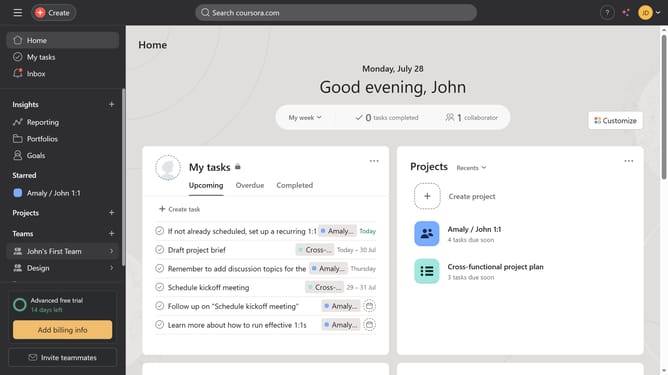
How to search for tasks in Asana
Here is how to search for tasks in asana
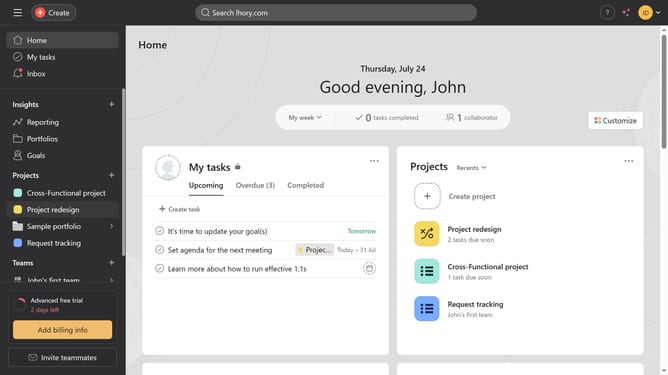
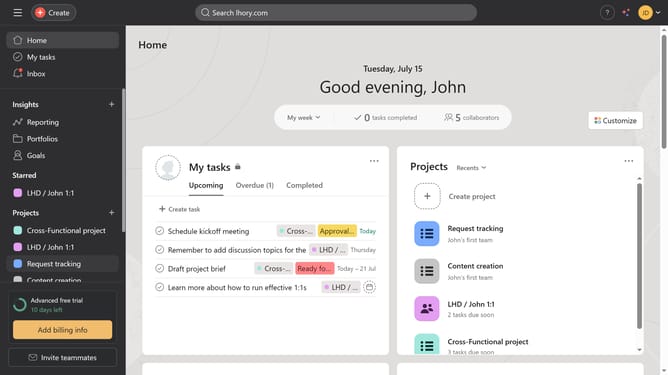
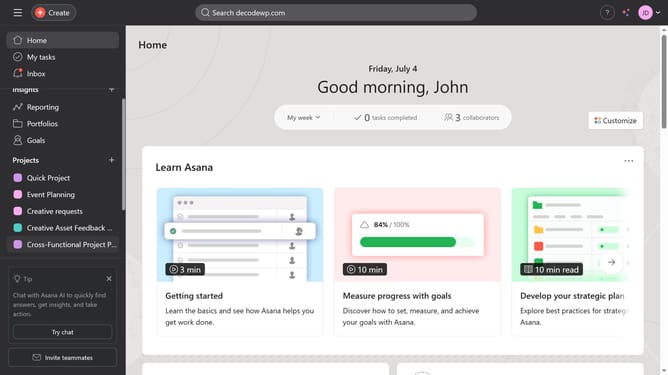
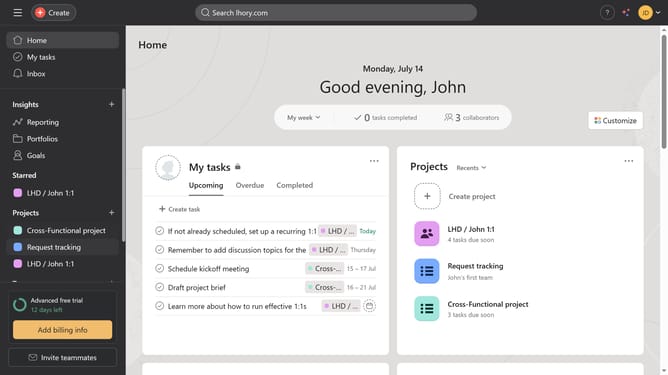
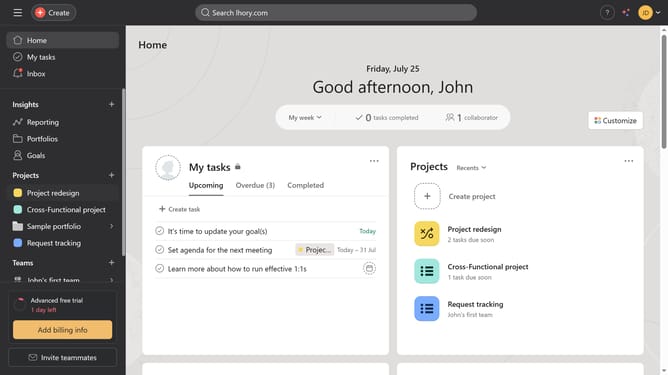
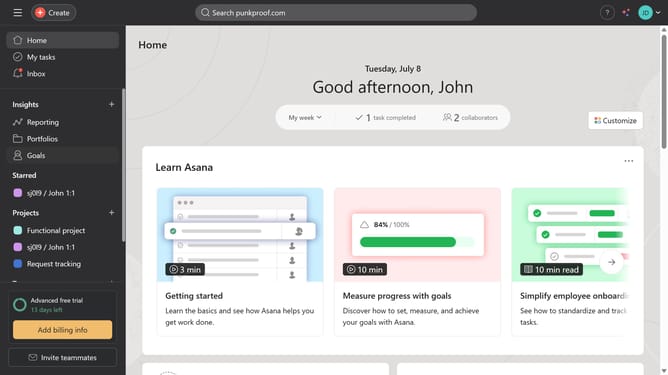
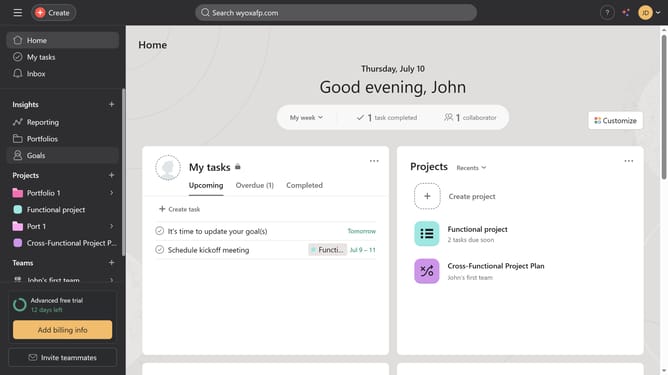
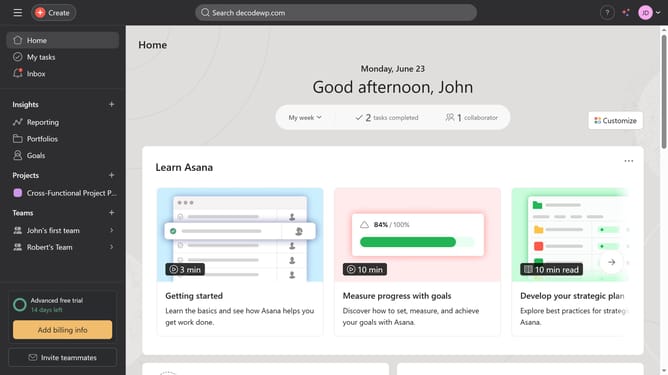
- First click in the top search bar of the application
- Then type the name of the task in the search field
- Next click the search icon or hit enter on your keyboard
- Finally click on the task you searched for in the results list to view more details
Why should you search for tasks in Asana
Asana is a versatile project management tool designed to streamline team collaboration and task management.
The "search for tasks" feature in Asana empowers users to quickly locate specific tasks amidst potentially overwhelming project details, increasing efficiency and focus.
By utilizing this feature, users can effortlessly navigate through ongoing projects, access essential information, and maintain a clear overview of task priorities, ensuring that nothing falls through the cracks and productivity remains high.
Last update