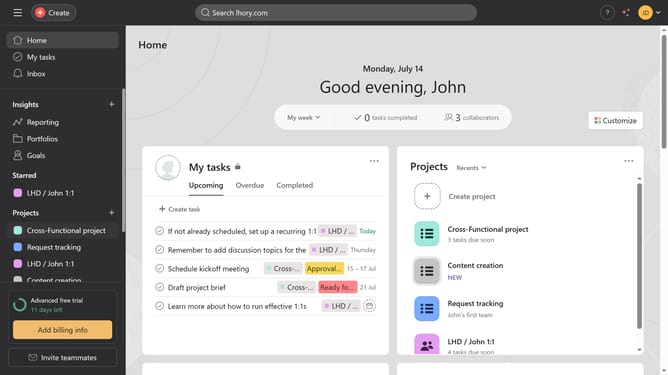
How to manage goals privacy settings in Asana
Here is how to manage goals privacy settings in asana
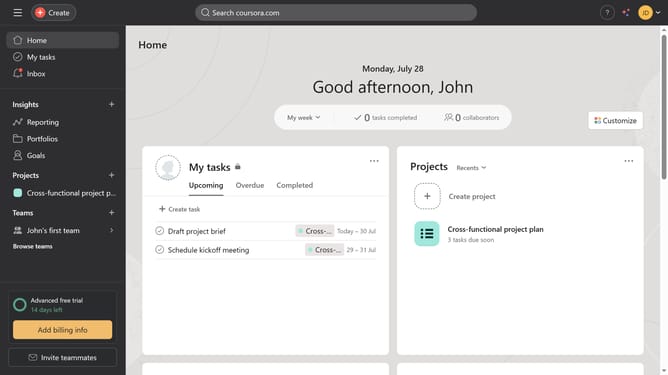
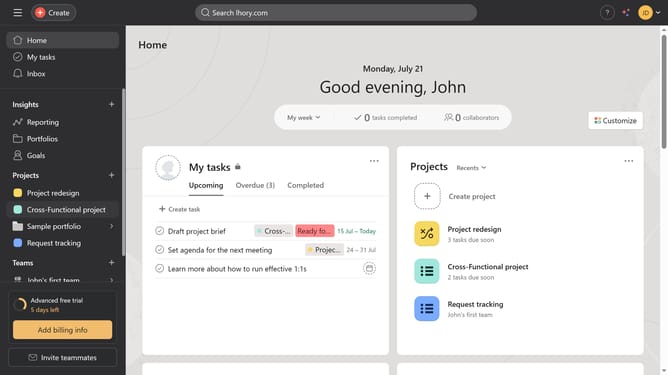
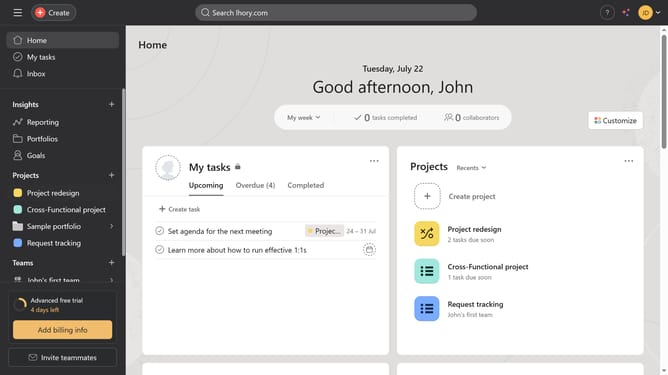
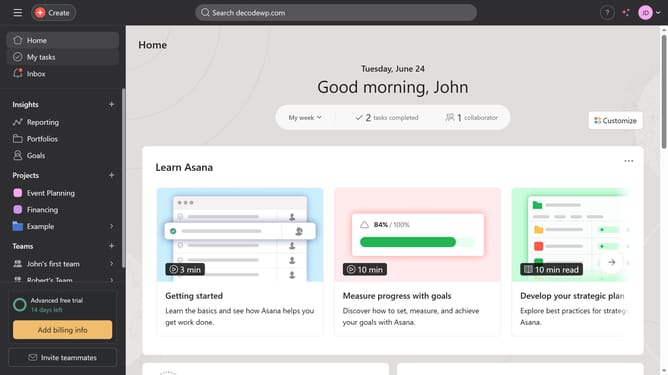
- First click on the "Goals" item in the left sidebar menu
- Then click the goal you want to change the privacy settings for in the company goals list
- Next click on the "Share" button in the top-right corner of the goal details page
- Then click on arrow button under the Access settings
- Finally click on the desired privacy option in the access settings dropdown menu
Why should you manage goals privacy settings in Asana
Asana is a powerful project management tool designed to streamline team collaboration and task organization.
Managing goals privacy settings in Asana is an essential feature to ensure that sensitive project information is viewed only by intended stakeholders. This feature empowers users by allowing them to customize who can see, edit, and track progress on specific goals.
By utilizing this feature, teams can maintain focus and security, as well-managed privacy settings help foster a confidential environment where everyone knows their objectives are safeguarded.
Last update