How to sort tasks in Asana
Here is how to sort tasks in asana
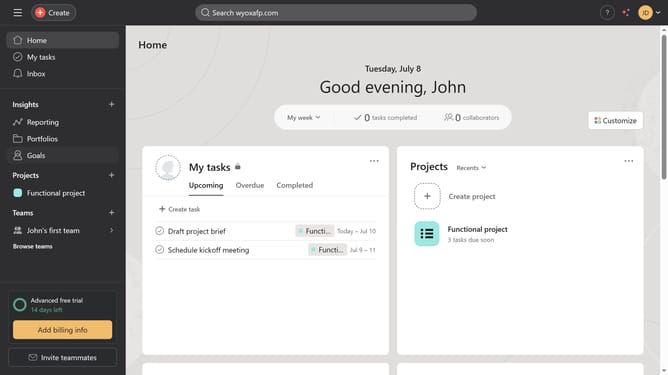
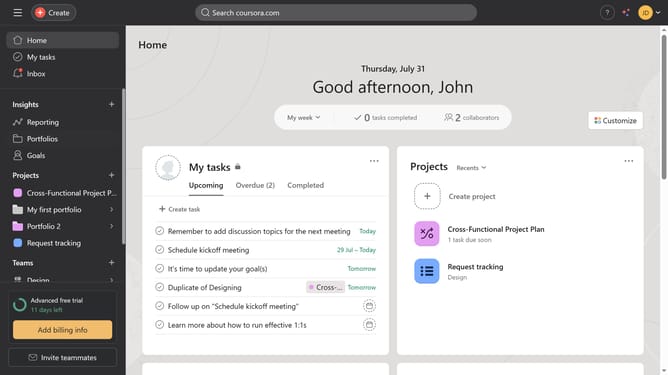
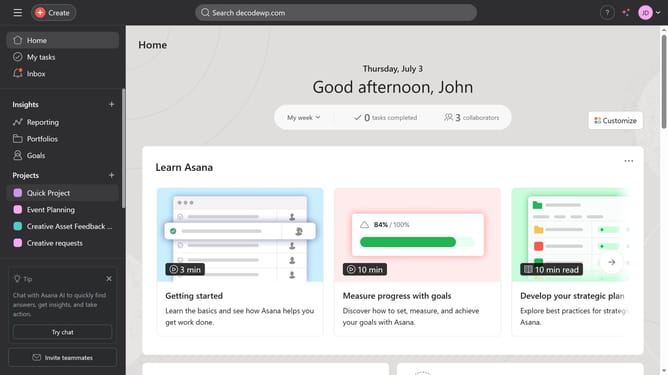
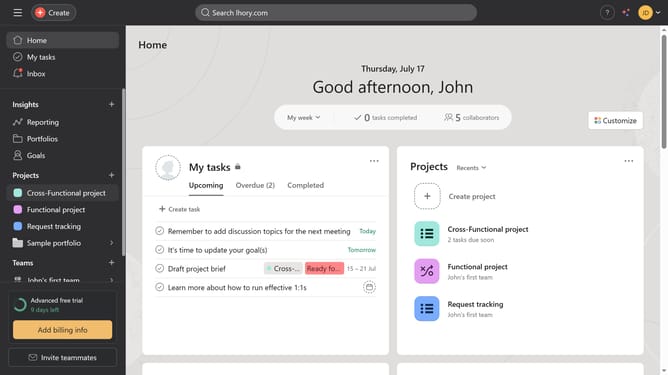
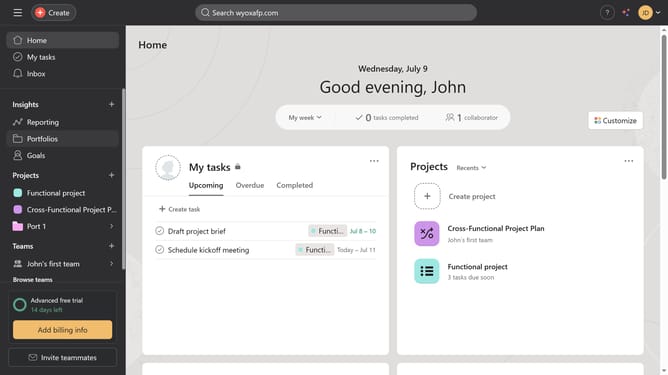
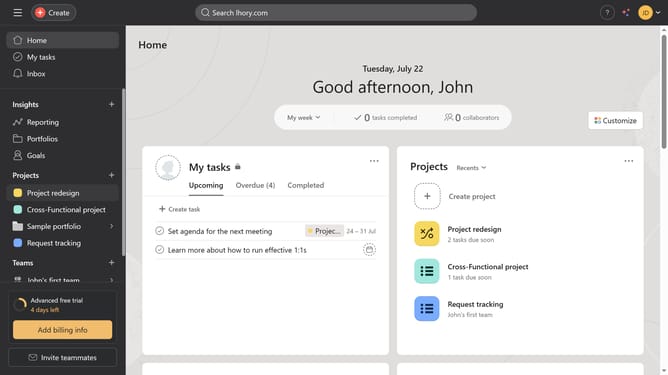
- First click on "My tasks" in the left sidebar menu
- In the main content area, click on the "Sort" button in the top toolbar
- Select the type of sort you want from the dropdown menu
- Click on the "Sort" button again
- To sort in ascending or descending order, click the arrow button in the sort options
- Next select either ascending or descending from the available options
Why should you sort tasks in Asana
Asana is a powerful tool designed to streamline project management and enhance team productivity.
Sorting tasks in Asana offers users the ability to organize their workflows efficiently, creating a seamless and intuitive experience.
By utilizing the sorting features, teams can prioritize tasks by due date, assignee, or custom criteria, ensuring that key activities are never overlooked.
This feature not only saves time by reducing the need to manually search but also enhances focus by highlighting immediate priorities, fostering a more productive and organized work environment.
Last update