How to view milestones in Gantt view in Asana
Here is how to view milestones in gantt view in asana
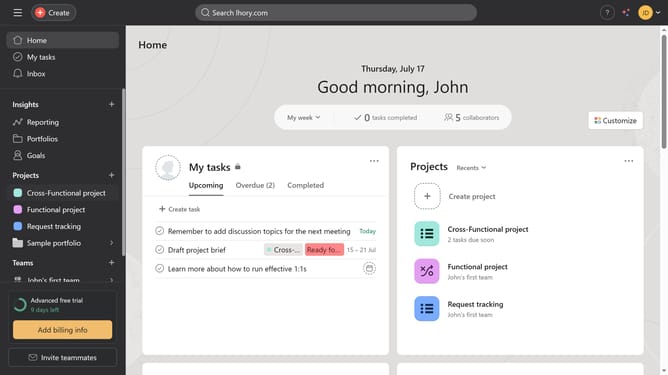
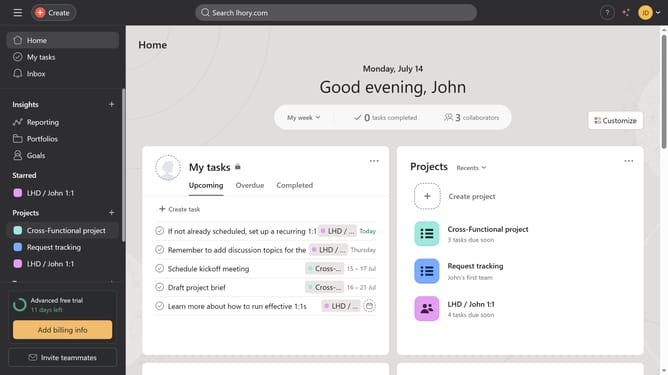
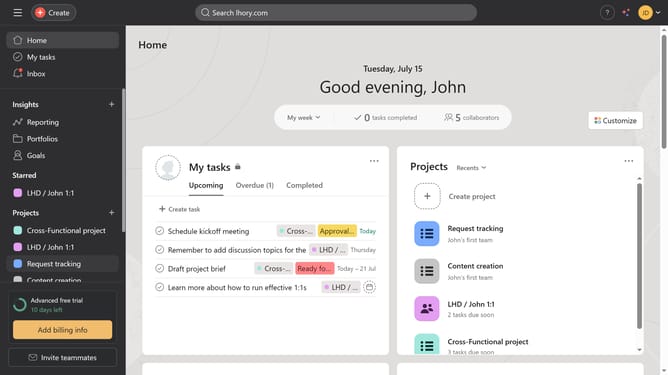
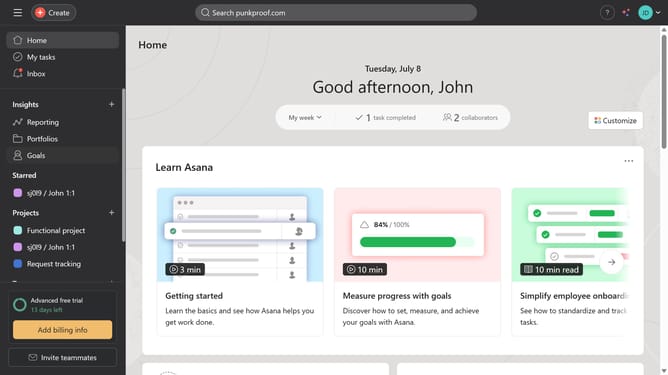
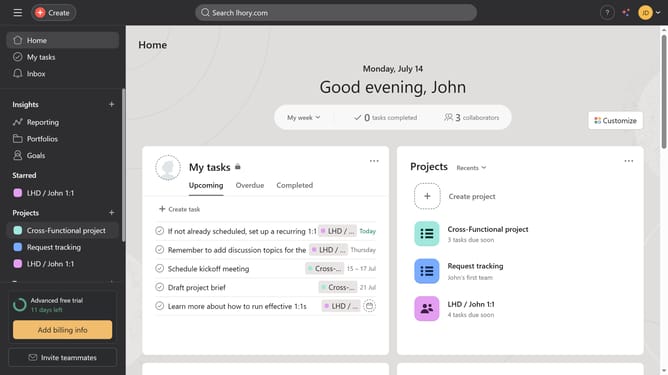
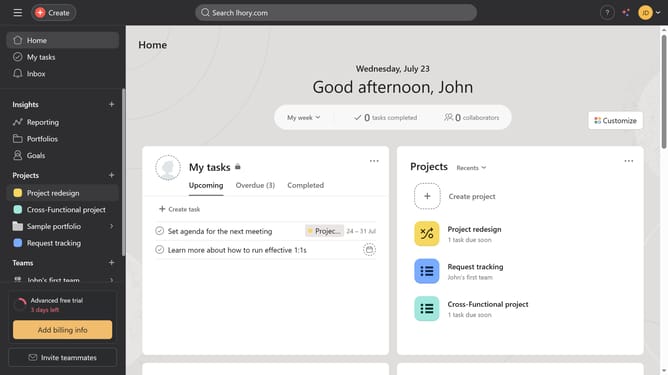
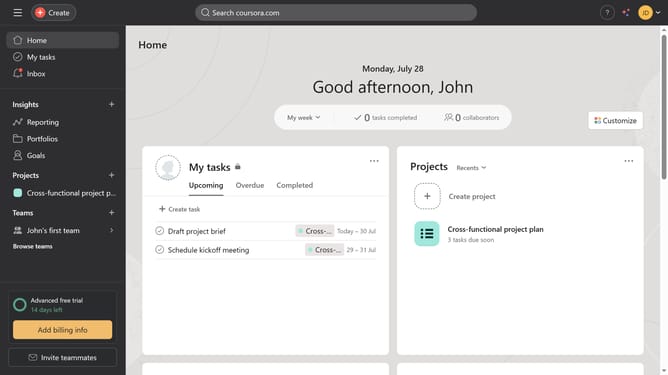
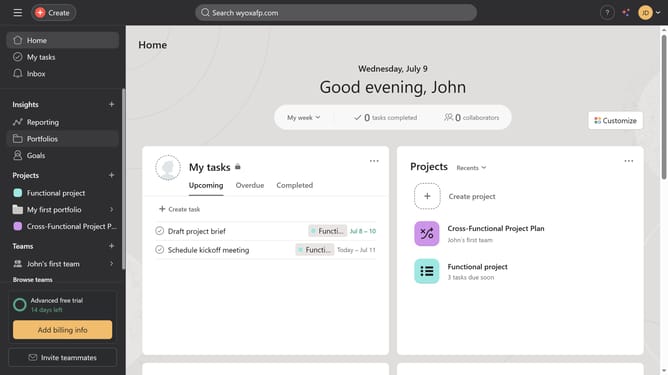
- First click on the item in the left sidebar under Projects section
- Then click on the "Gantt" view button in the top navigation bar
- Next click the diamond icon to see the details of the milestone
- Finally view the task details panel that appears on the right showing the milestone information and edit it if needed
Why should you view milestones in Gantt view in Asana
Asana is a powerful tool designed to streamline teamwork and boost productivity.
Incorporating milestones into the Gantt view in Asana offers a detailed visual representation of a project's timeline. This feature allows you to track significant events and deadlines with clarity.
Viewing milestones in this manner helps teams stay aligned, ensuring transparency and better coordination. The Gantt view visually maps out project phases, enhancing understanding and focus on crucial milestones.
Ultimately, this enhances strategic planning and keeps projects on track, adding efficiency to your workflow.
Last update