How to filter tasks by created date in list view in Asana
Here is how to filter tasks by created date in list view in asana
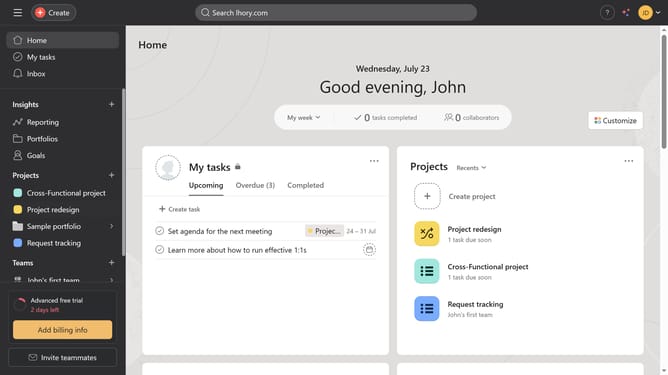
- First click on a project in the left sidebar
- Then click on "List" view in the project navigation tabs
- Next click on "Filter" button in the task list toolbar
- Then click on "Add filter" dropdown button in the filter panel
- Next click on "Created on" option from the filter dropdown menu
- Then click on time period dropdown button in the filter row
- Next select the time period you want to apply in your filter from the dropdown menu
- Finally click on "Save view" button in the top right corner of the task list
Why should you filter tasks by created date in list view in Asana
Asana is a powerful tool designed to streamline team collaboration and enhance productivity.
The ability to filter tasks by created date in Asana's list view is an invaluable feature for users navigating through large volumes of work.
By allowing users to focus specifically on tasks initiated within a certain timeframe, this feature significantly boosts efficiency and ensures timely review and prioritization.
This organized approach is particularly beneficial for managing project timelines, helping teams ensure that even the newest tasks receive attention without delay.
Last update