Asana
Asana is a work management tool for planning, tracking, and executing projects.
Website
Industry
Project Management
Share this article:

How to change team privacy to membership by request in Asana

Here is how to change team privacy to membership by request in asana

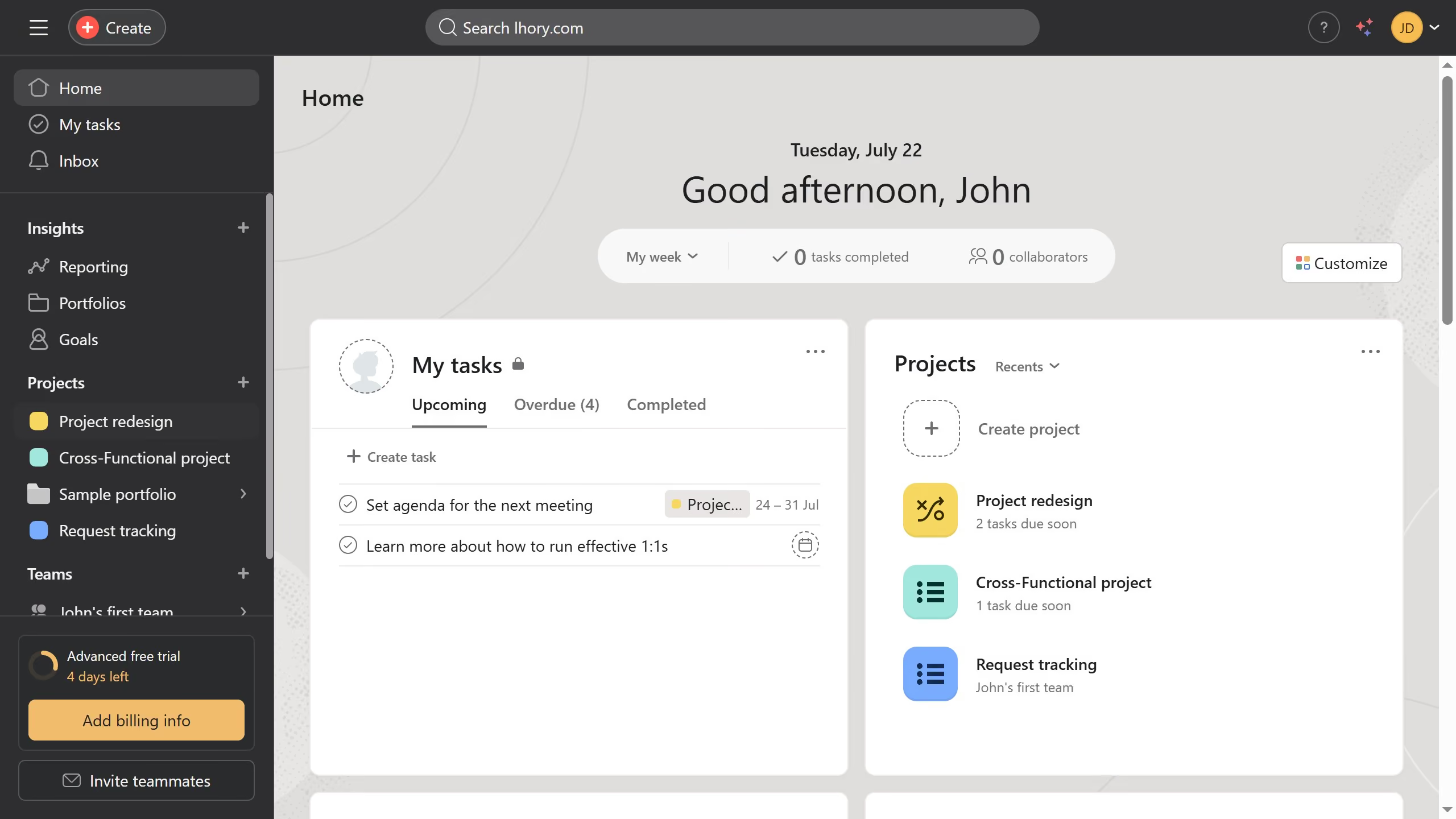
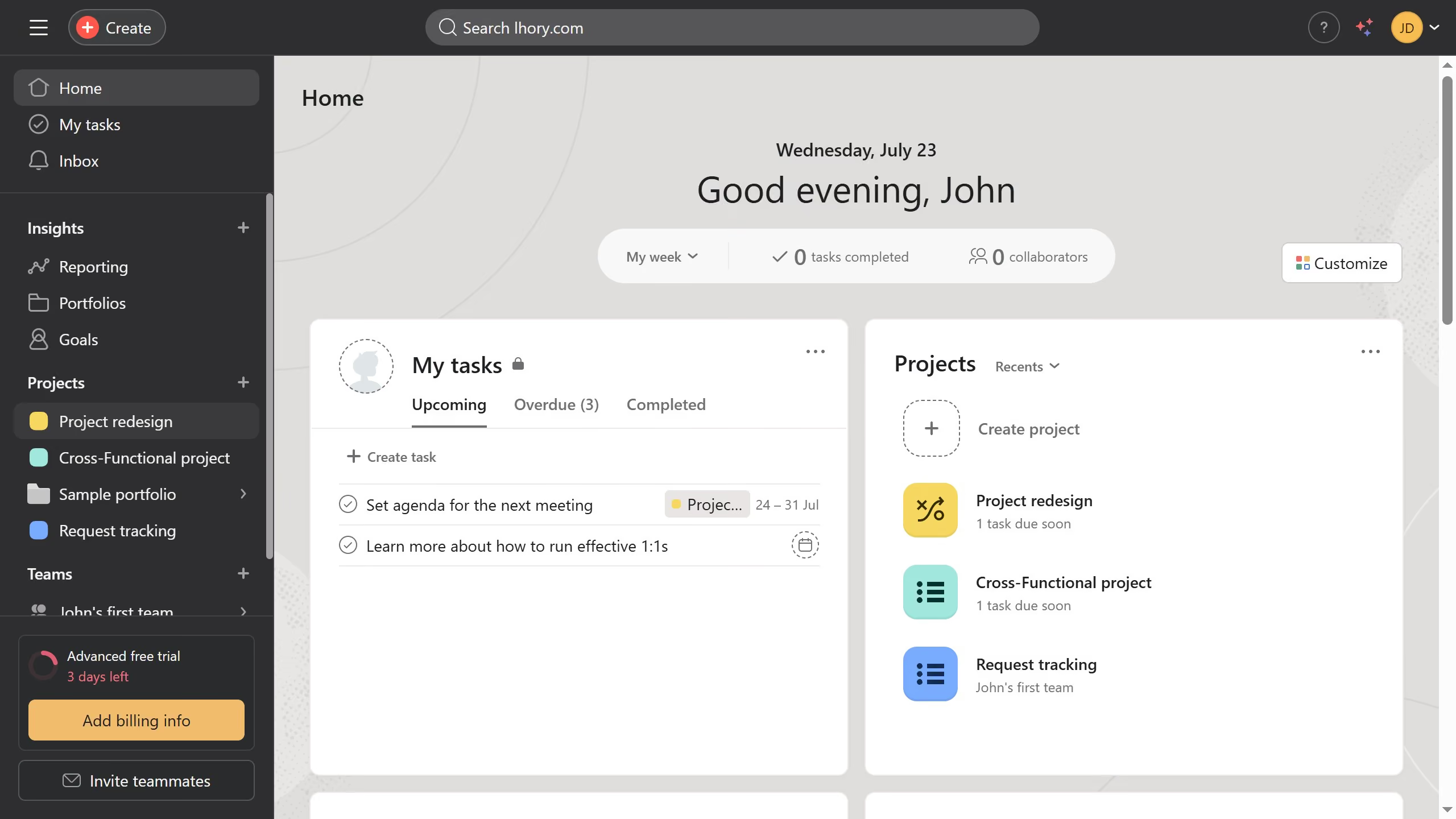
  1. First click on a team in the left sidebar under Teams section
  2. Then click on the dropdown button in the team header
  3. Next select "Edit team settings" option from the dropdown menu
  4. In the Team Settings modal window scroll down until you see the Privacy section
  5. Select "Membership by request" radio button in the Team privacy section
  6. Finally click on the "Update Team" button to save the changes

Create your own interactive guide with Guideflow

Why should you change team privacy to membership by request in Asana

Asana is a powerful tool designed to enhance team collaboration and streamline project management.

One of its valuable features is the ability to change team privacy to membership by request, providing you control over who joins your team.

This feature offers enhanced security, ensuring that only the most relevant members gain access to your projects. It fosters a focused and productive environment, where team dynamics remain intact.

Adjusting team privacy settings helps maintain organizational structure, allowing your team to thrive with clear boundaries.


Last update
June 16, 2026
Cursor MariaA cursor points to a button labeled "James."

Create your first demo in less than 30 seconds.