Asana
Asana is a work management tool for planning, tracking, and executing projects.
Website
Industry
Project Management
Share this article:

How to print a project brief in Asana

Here is how to print a project brief in asana

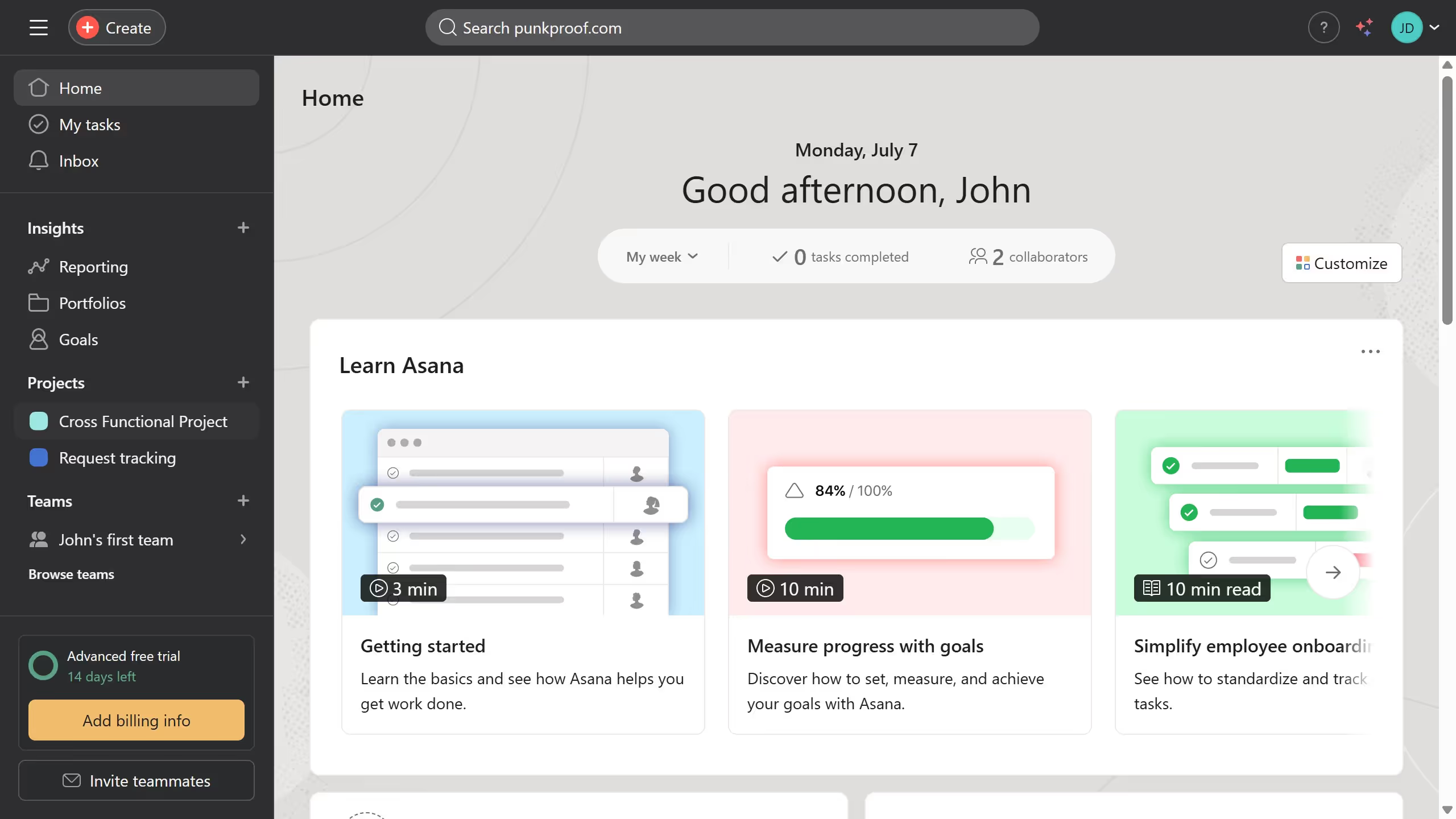
  1. First click on a project in the left sidebar
  2. Then click on the "Overview" tab in the top navigation menu
  3. Next scroll down the overview page until you see the key resources section
  4. Then click the project brief you want to print under the key resources section
  5. Next click the three dots menu icon at the top right of the project brief
  6. Finally click on the "Print" option in the document menu

Create your own interactive guide with Guideflow

Why should you print a project brief in Asana

Asana is a robust project management tool designed to streamline teamwork and enhance productivity.

One useful feature within Asana is the ability to print a project brief. This allows teams to have a tangible format of essential project details, making it easier to share and reference during meetings.

Printing a project brief can help teams stay aligned and maintain clarity, ensuring everyone involved has easy access to key project information at any time.

This feature offers convenience and supports effective collaboration by providing a clear overview of project goals and timelines.


Last update
June 23, 2026
Cursor MariaA cursor points to a button labeled "James."

Create your first demo in less than 30 seconds.