Here is how to add a field admin on a custom field in asana
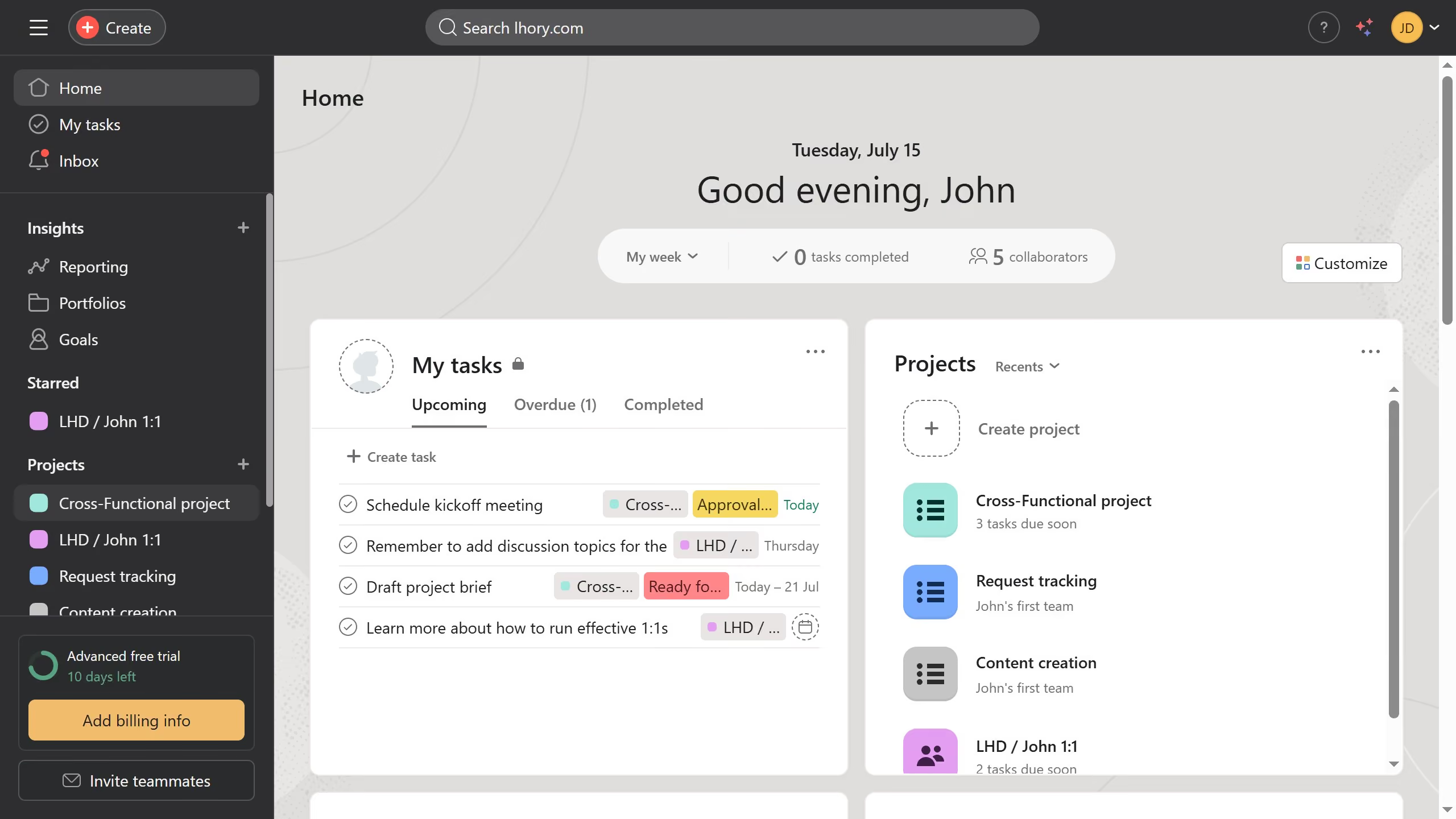
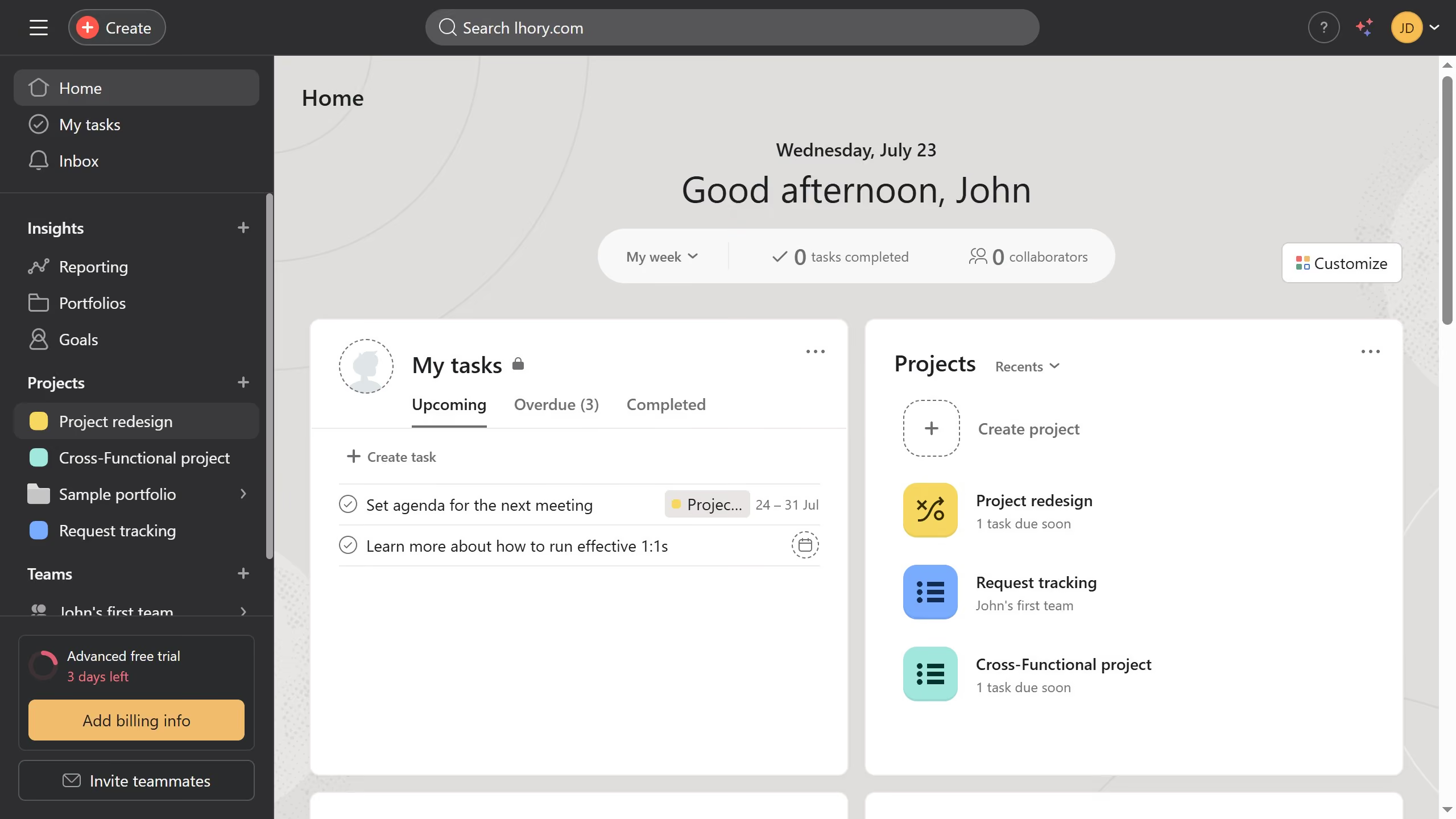
- First click on a project in the left sidebar Projects menu
- Then click on the "Customize" button in the top-right corner of the page
- Next click on the "Fields" option in the customization menu
- Then click on on the task you want to add a field admin in the Fields list
- Next click on the option icon on the top right of the edit field modal
- Then type in the name or email of the member you want to add as a field admin in the member search field
- Next select the member from the dropdown list of search results
- Finally click the "Invite" button to add the selected user