How to enable Gant view compact mode in Asana
Here is how to enable gant view compact mode in asana
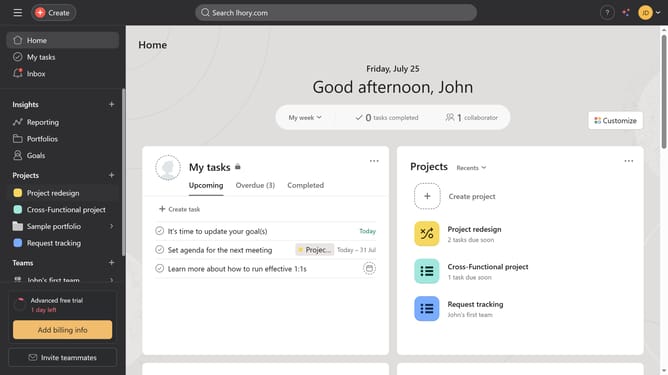
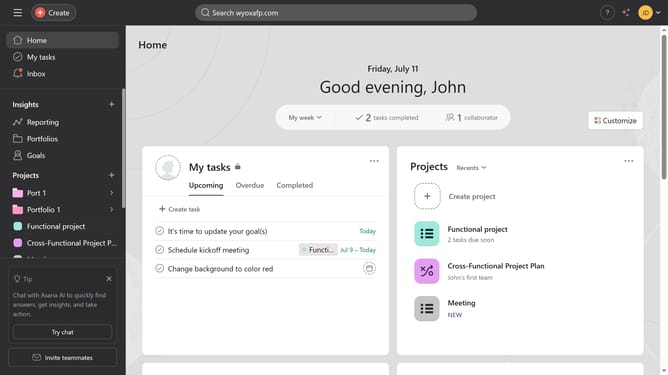
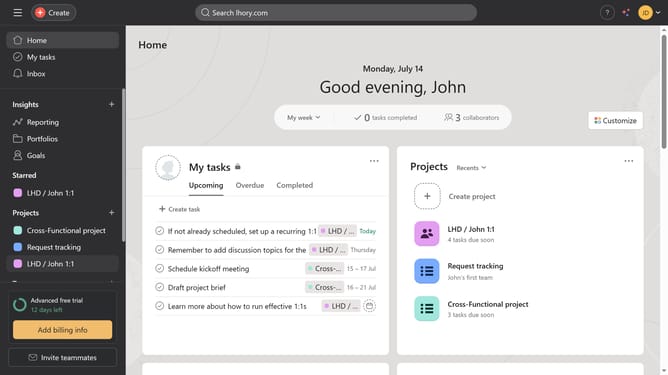
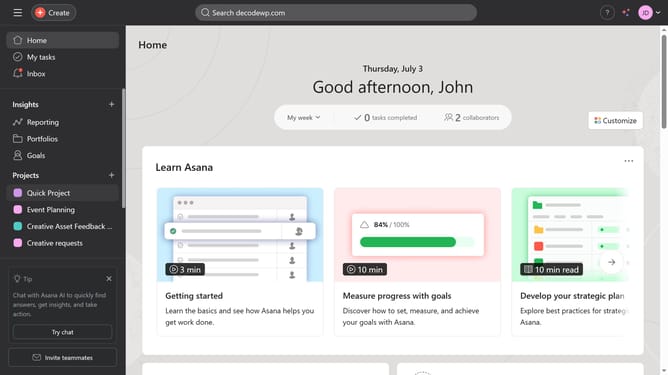
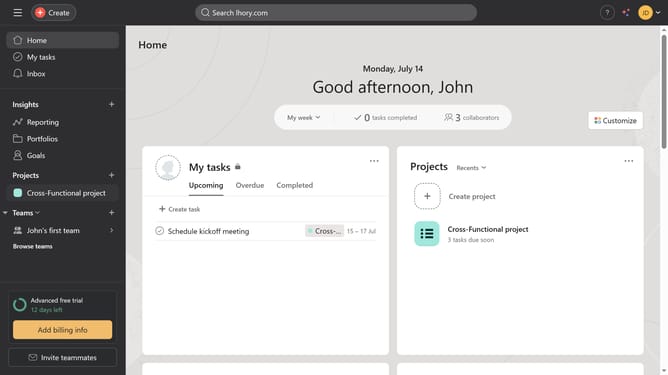
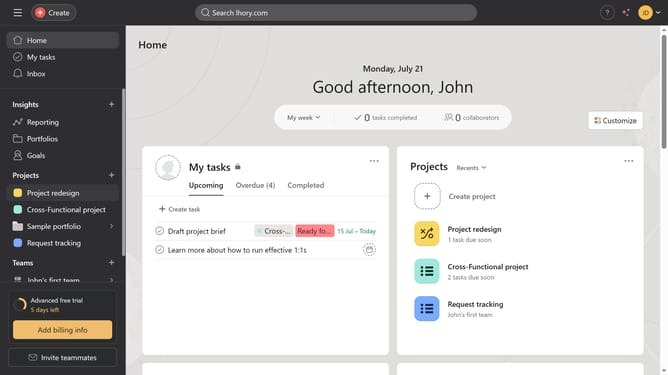
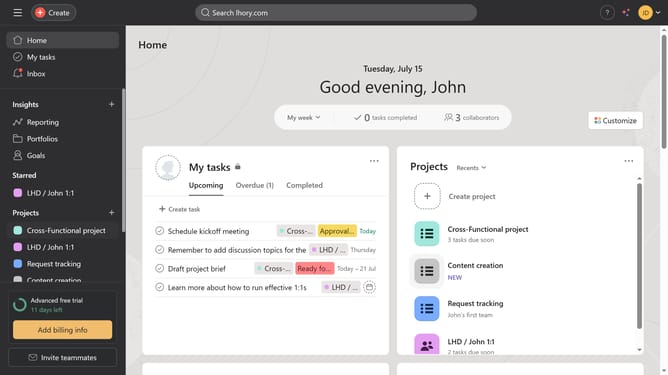
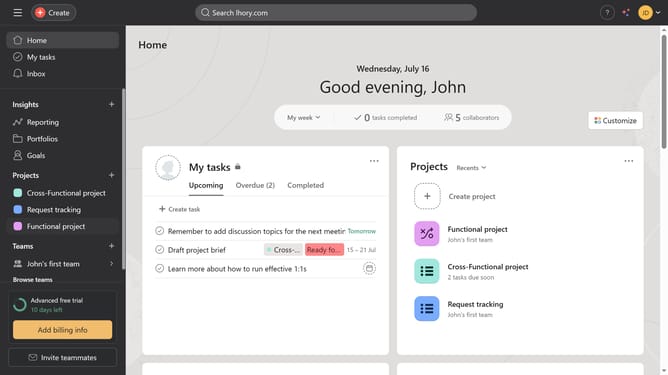
- First click on a project in the left sidebar under Projects section
- Then click on "Gantt" tab in the top navigation menu
- Next click on "Options" button in the top-right corner of the Gantt view
- Then click on "Layout options" in the options menu
- Next click on "Go to settings" button in the Layout options panel
- Finally click on "Enable compact mode" checkbox in the Display settings
Why should you enable Gant view compact mode in Asana
Asana is a versatile project management tool designed to streamline team collaboration and enhance productivity.
Enabling the Gantt view compact mode in Asana provides a more streamlined and efficient view of project timelines, making it easier to oversee ongoing tasks and milestones.
This feature is particularly beneficial in busy project environments, allowing users to focus on critical details without clutter, thereby enhancing clarity and decision-making.
Last update