Asana
Asana is a work management tool for planning, tracking, and executing projects.
Website
Industry
Project Management
Share this article:

How to assign project roles in the overview in Asana

Here is how to assign project roles in the overview in asana

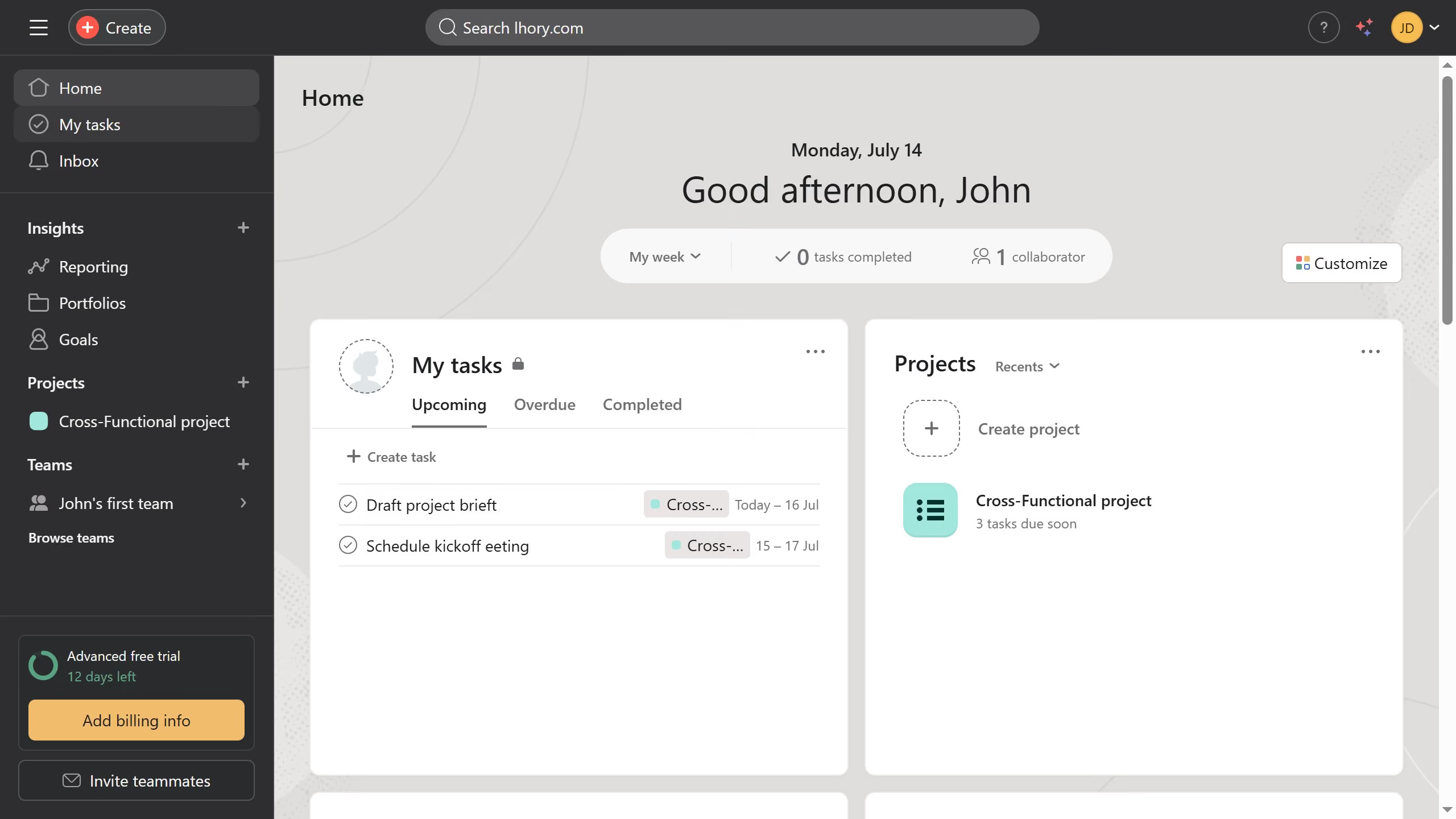
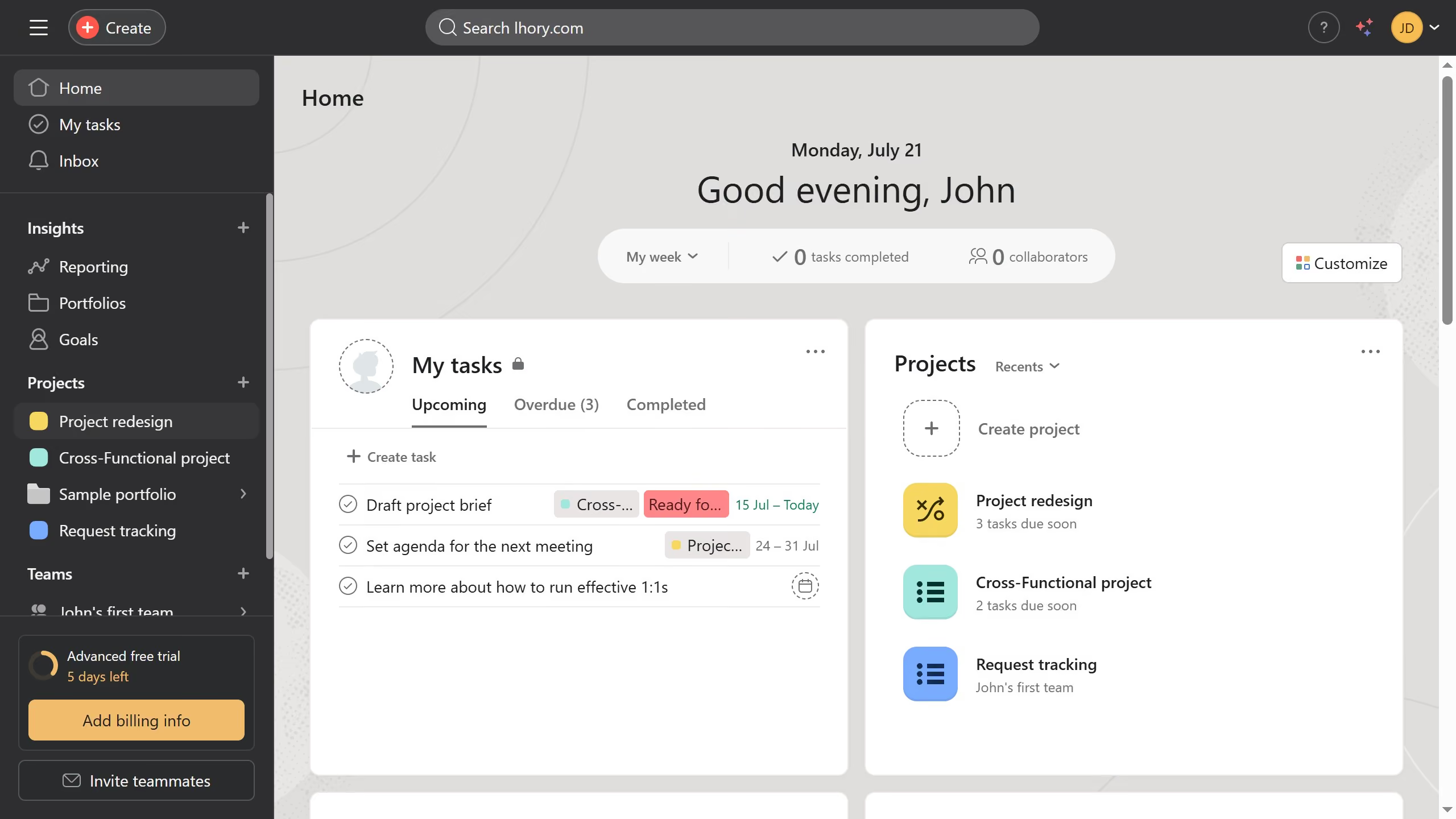
  1. First click on a project in the sidebar under Projects section
  2. Then click on "Overview" tab in the top navigation menu
  3. Next click the dropdown menu next to the profile of the member you want to assign a role to in the project roles section
  4. Then click on "Add role" text field that appears in the dropdown
  5. Next type the role you want to assign in the role text field that appears
  6. Finally click on "Done" button after entering the role information

Create your own interactive guide with Guideflow

Why should you assign project roles in the overview in Asana

Asana is a powerful project management tool designed to streamline team collaboration and enhance productivity.

One key feature of Asana is the ability to assign project roles in the overview, which allows clear delineation of responsibilities and ensures everyone knows their part in a project's success.

By assigning roles, team dynamics improve as each member understands their specific contributions, fostering accountability and focus.

This clarity not only drives projects forward efficiently but also enhances team satisfaction by reducing confusion and overlapping duties.


Last update
June 23, 2026
Cursor MariaA cursor points to a button labeled "James."

Create your first demo in less than 30 seconds.