Here is how to pin a task comment in asana
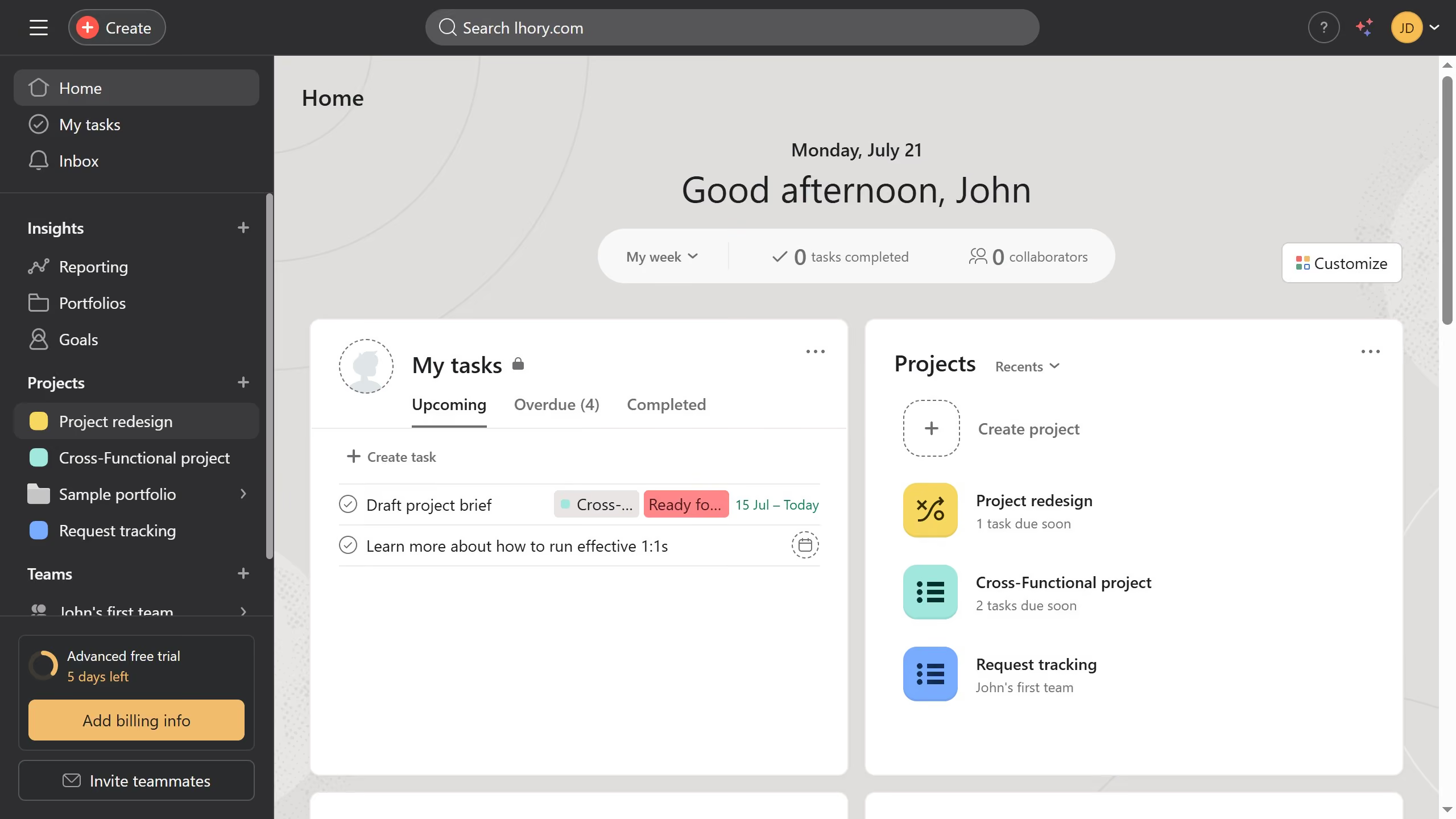
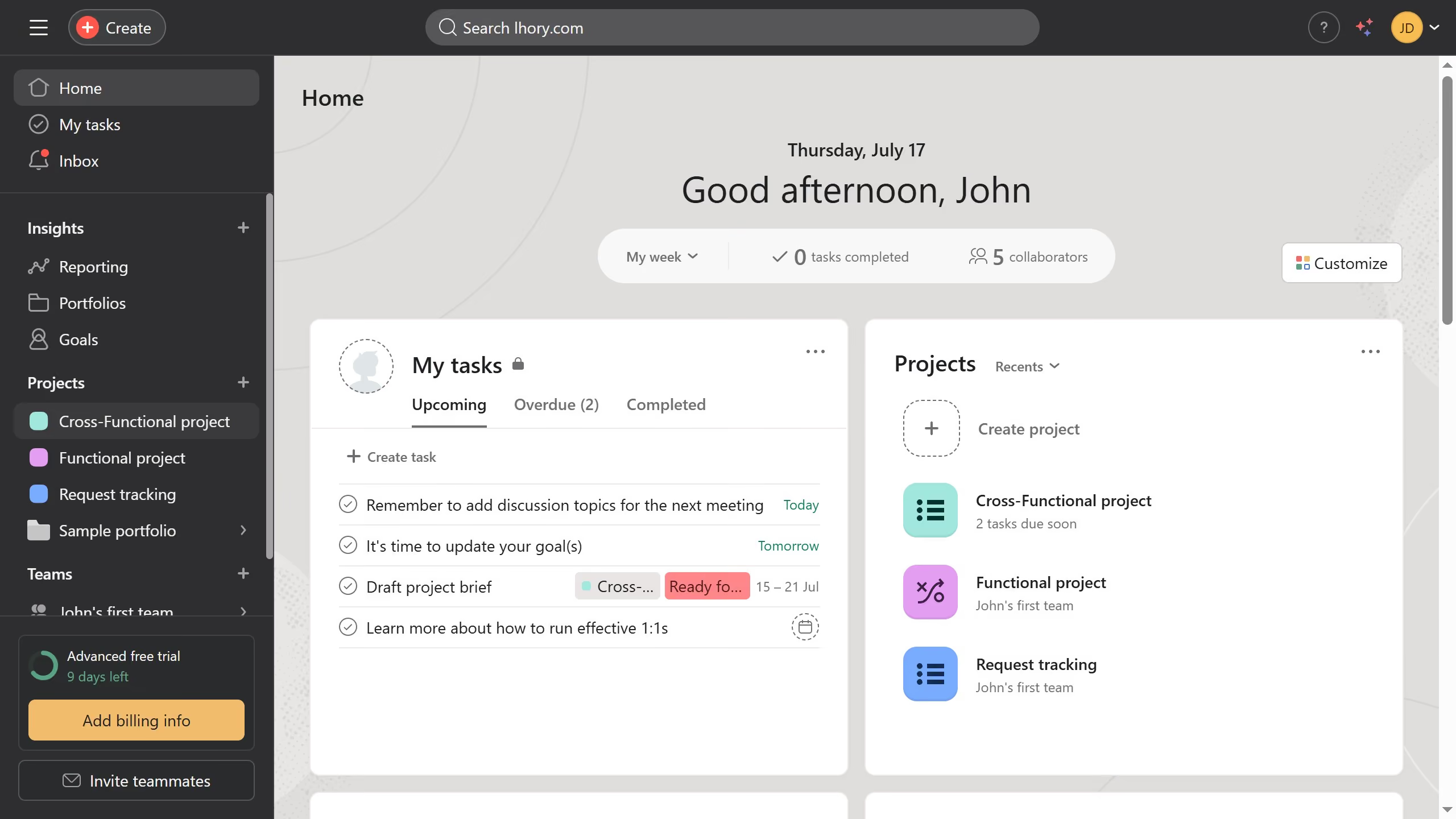
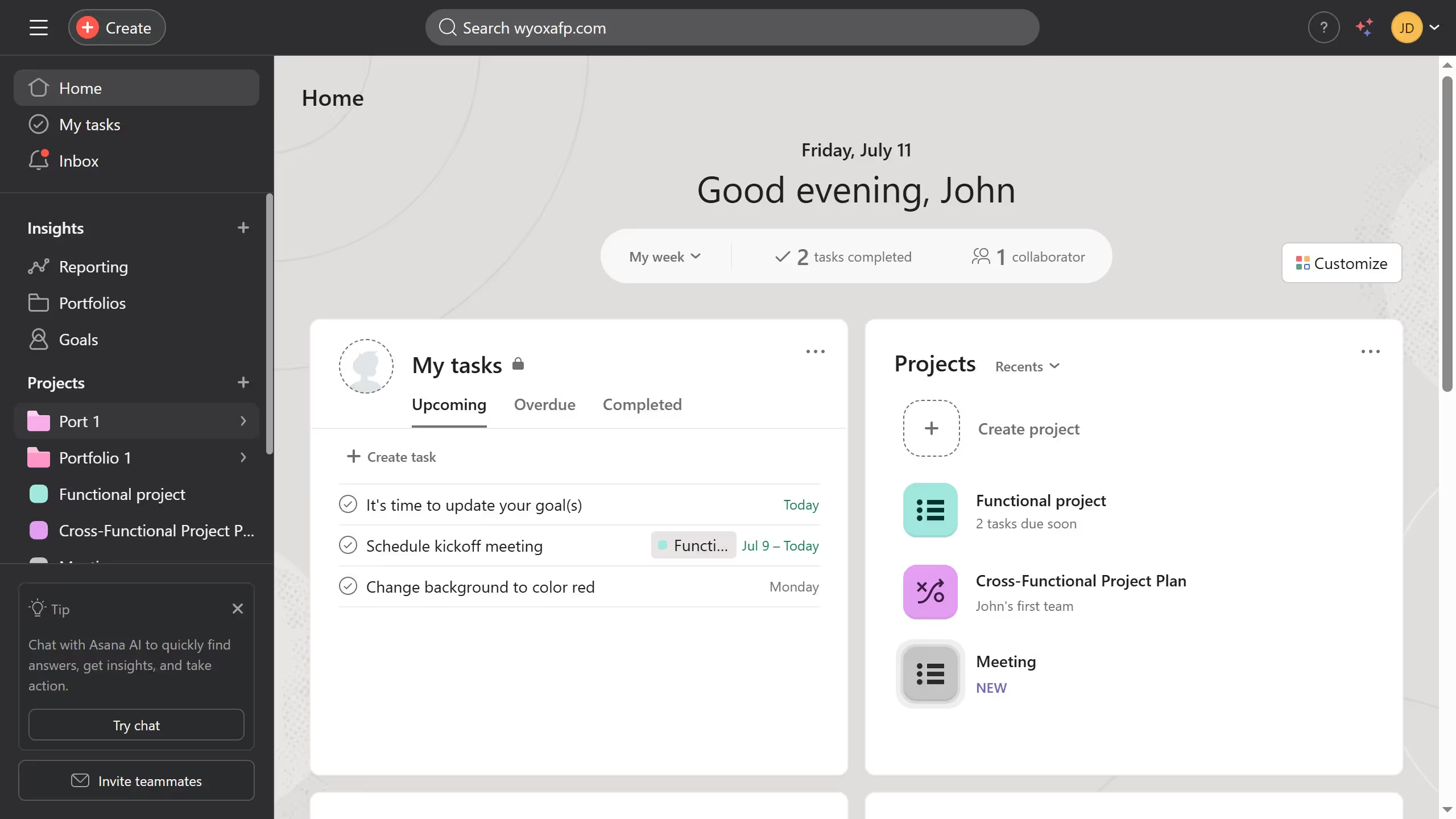
- First click on a project in the left sidebar Projects menu
- Then click the task in the list view that has the comment you want to pin
- In the task details panel on the right scroll down until you see the comments section
- In the comments section click the down arrow button next to the comment you want to pin
- Finally select "Pin to top" option from the comment dropdown menu