How to filter projects by archive status in portfolio in Asana
Here is how to filter projects by archive status in portfolio in asana
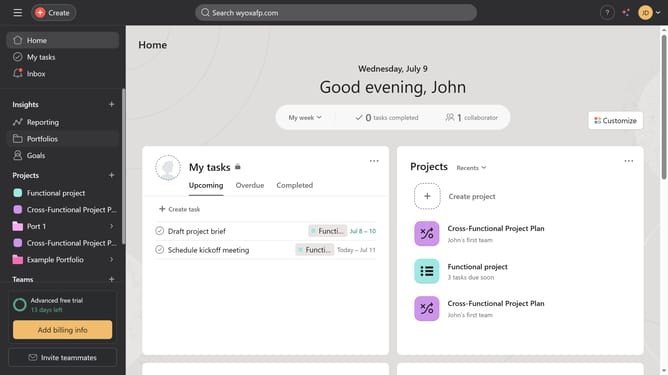
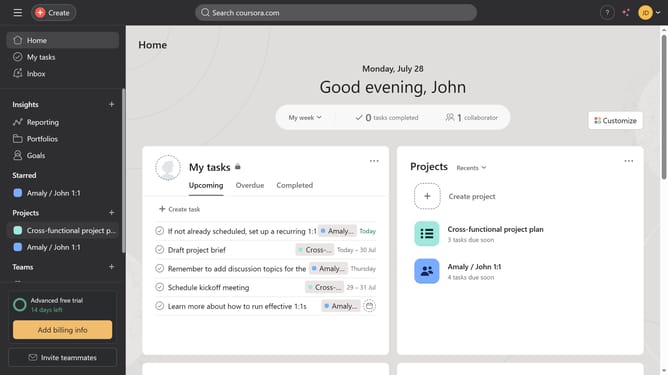
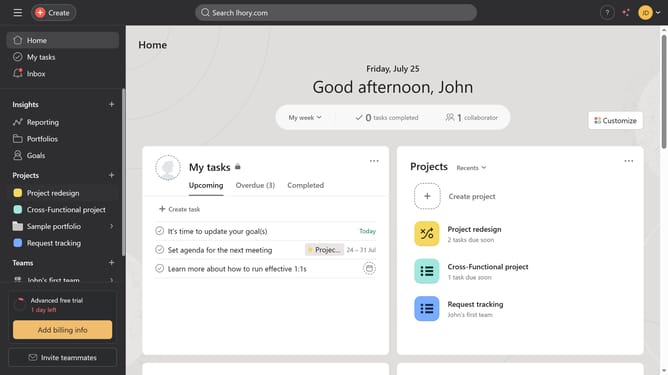
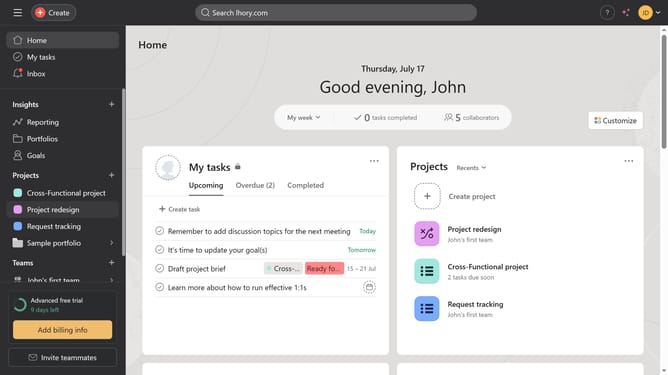
- First click on "Portfolios" in the left sidebar navigation menu
- Then click on a portfolio in the portfolios list
- Next click on "Filter" button in the top toolbar
- Then click on "Add filter" dropdown in the filter panel
- Next click on "Archive status" option from the filter dropdown menu
- Then click on the archive status dropdown field
- Next select the desired archive status from the status dropdown
- Finally click on "Save view" button in the top toolbar
Why should you filter projects by archive status in portfolio in Asana
Asana is a dynamic platform designed to streamline team collaboration and project management.
With the ability to filter projects by archive status in portfolio, Asana enhances organization by allowing users to easily access active projects while keeping the workspace uncluttered.
This feature aids in maintaining focus on current tasks, boosts productivity by minimizing distractions, and ensures critical projects are never buried under archived ones.
Embrace the simplicity of staying organized and efficient with Asana's intuitive project filtering capabilities.
Last update