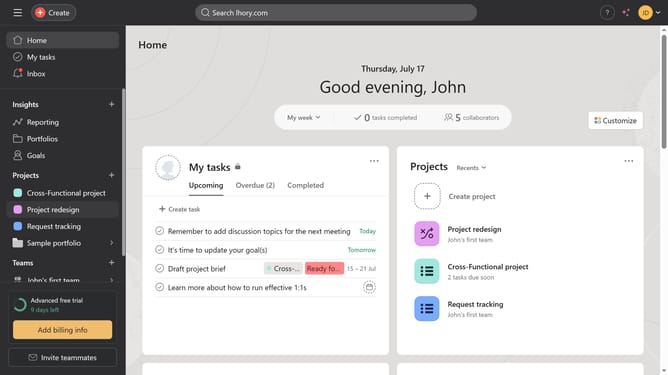
How to set deadlines for events in Asana
Here is how to set deadlines for events in asana
- First click on a project in the left sidebar menu
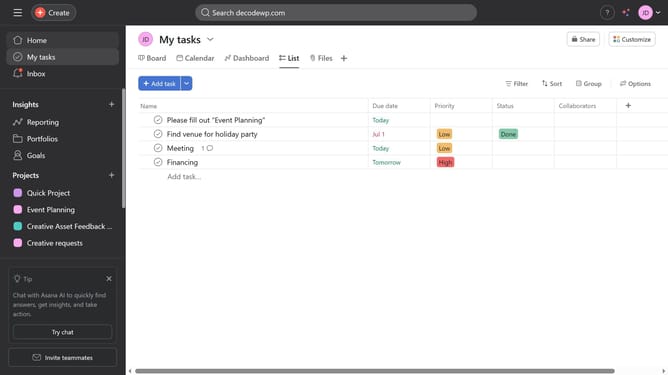
- Next click on the task where you want to set a deadline
- Next click on the calendar icon field in the task details panel
- Next choose the due date you want using the calendar
Why should you set deadlines for events in Asana
Asana is a powerful project management tool designed to streamline teamwork and enhance productivity.
Setting deadlines in Asana for your events ensures that your team stays on track and maintains focus amidst a bustling workflow. This feature allows users to clearly define timelines, contributing to improved task prioritization and increased efficiency.
By using Asana's deadline setting functionality, teams benefit from enhanced accountability and the assurance that nothing falls through the cracks. It’s an essential component for seamless project management.
Last update