How to sort projects in portfolio by estimated time in Asana
Here is how to sort projects in portfolio by estimated time in asana
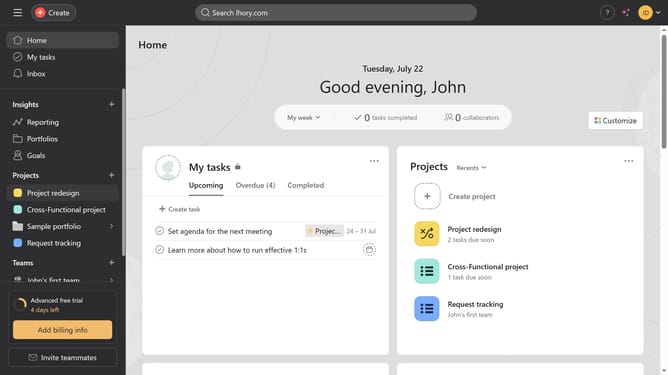
- First click on the "Portfolios" item in the left sidebar navigation menu
- Then click on a portoflio folder in the recent portfolios section
- Next click on the "Sort" button in the top toolbar
- Then select "Estimated time" option from the sort dropdown menu
- Finally click on "Save view" button in the top toolbar to preserve the sorting
Why should you sort projects in portfolio by estimated time in Asana
Asana is a dynamic project management tool designed to enhance team productivity and project organization.
Sorting projects by estimated time in Asana's portfolio feature revolutionizes how teams prioritize their tasks. By organizing projects based on the projected completion time, teams gain a transparent view of upcoming deadlines.
This functionality fosters better time management and ensures resources are allocated efficiently. It also allows members to focus on time-sensitive projects, boosting overall project delivery success.
Last update