Asana
Asana is a work management tool for planning, tracking, and executing projects.
Website
Industry
Project Management
Share this article:

How to create a follow up task in calendar view in Asana

Here is how to create a follow up task in calendar view in asana

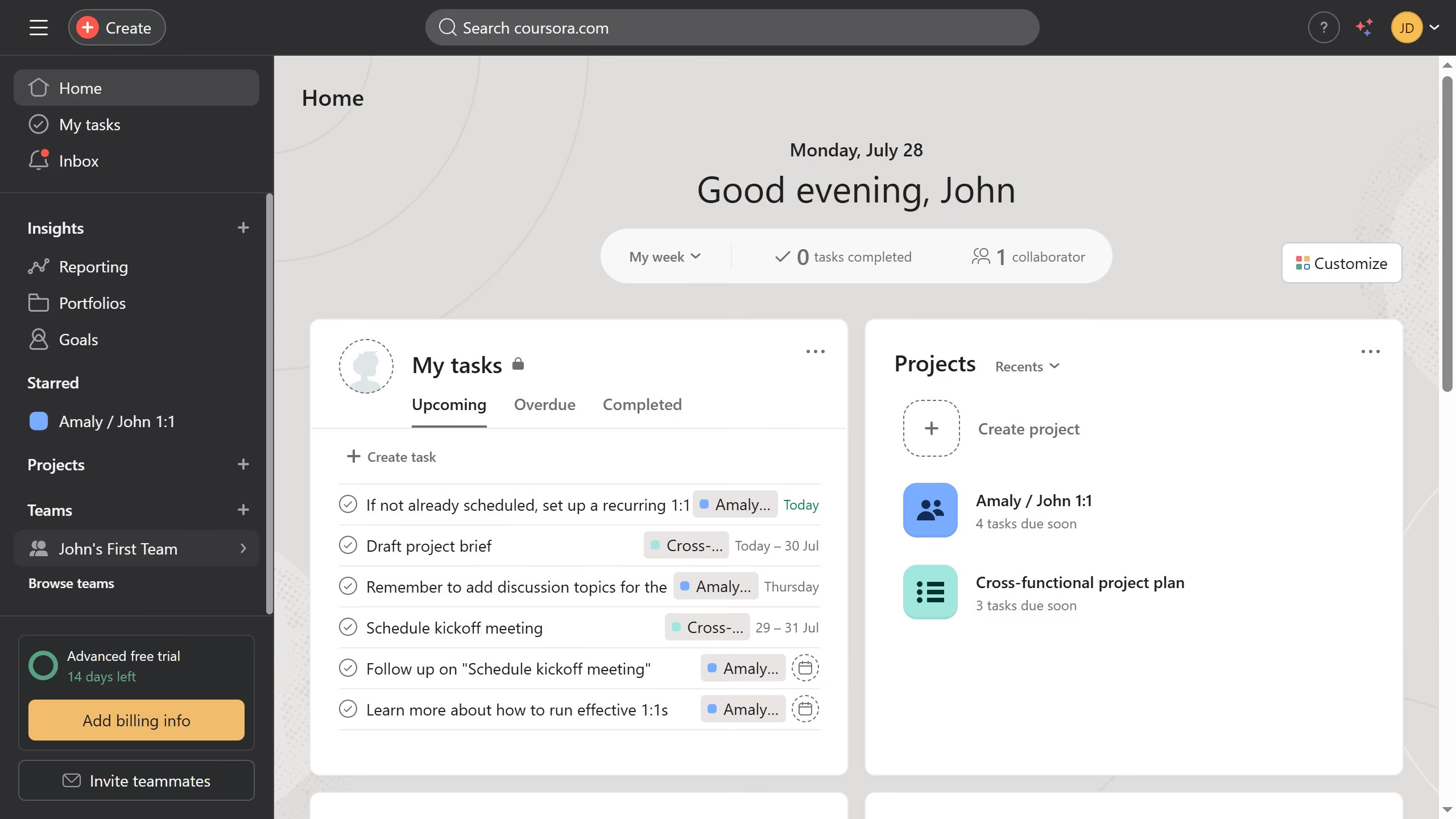
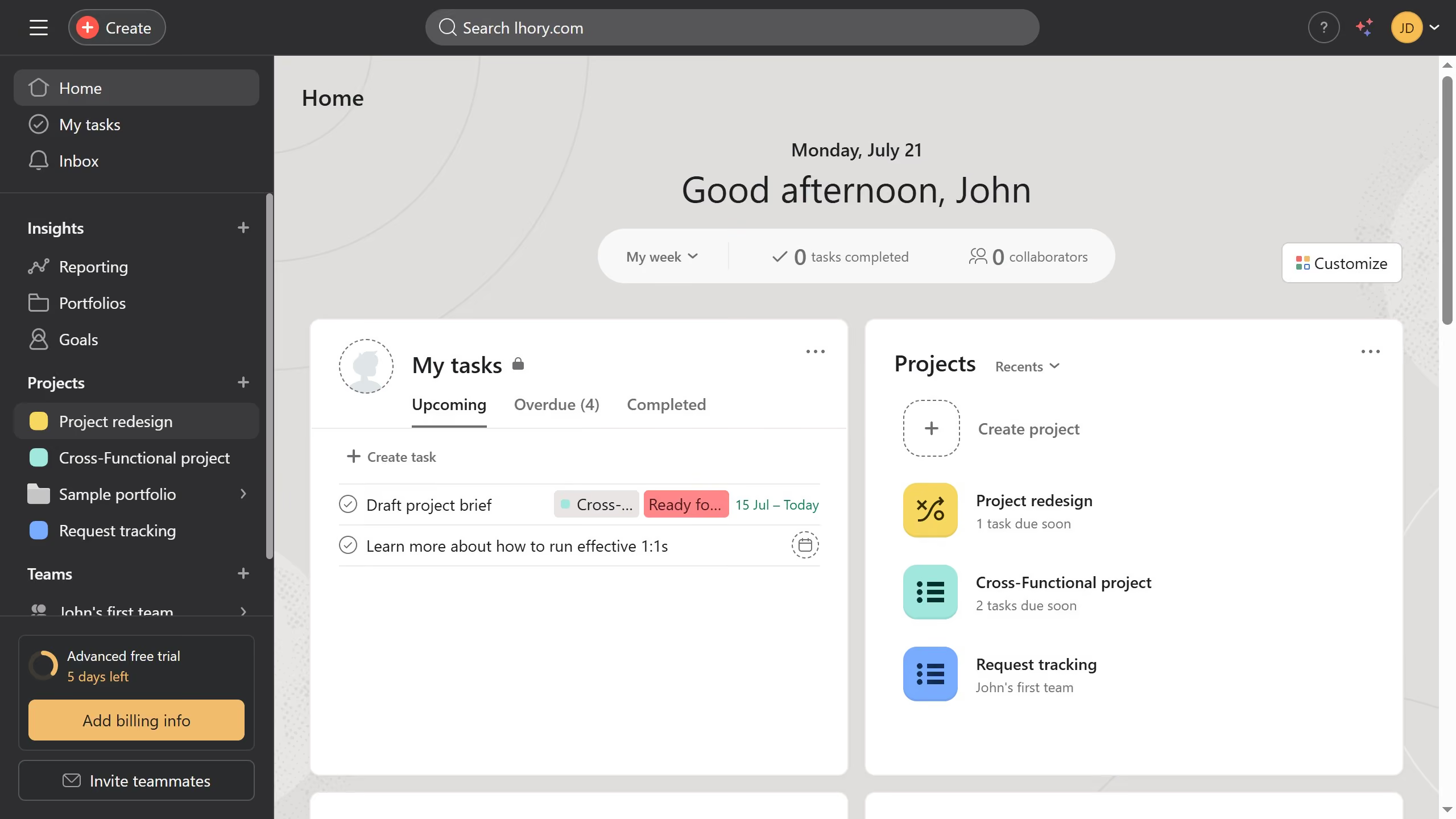
  1. First click on the a project in the left sidebar under Projects section
  2. Then click on the "Calendar" tab in the top navigation menu
  3. Next click the task you want to create a follow up task from
  4. Click on the "More options" menu (three dots) in the top-right corner of the task details panel
  5. Select "Create follow-up task" option from the dropdown menu
  6. Click on the "Project" dropdown field in the follow-up task creation modal
  7. Select the project you want from the list of projects
  8. Click on the "Topic Type" dropdown field
  9. Select the desired topic type from the dropdown options
  10. Finally click the "Create task" button to create the follow-up task

Create your own interactive guide with Guideflow

Why should you create a follow up task in calendar view in Asana

Asana is a dynamic project management tool designed to streamline team collaboration and productivity.

Creating a follow-up task in the calendar view of Asana is a convenient way to organize future actions and priorities. This feature allows users to seamlessly map out the next steps directly from their calendar, ensuring no important task slips through the cracks.

By utilizing this feature, you can keep track of deadlines, manage your workload efficiently, and maintain an organized workflow. It's a pivotal element in fostering proactive task management and ensuring all team members are on the same page.


Last update
June 16, 2026
Cursor MariaA cursor points to a button labeled "James."

Create your first demo in less than 30 seconds.