How to set goal status reminders in Asana
Here is how to set goal status reminders in asana
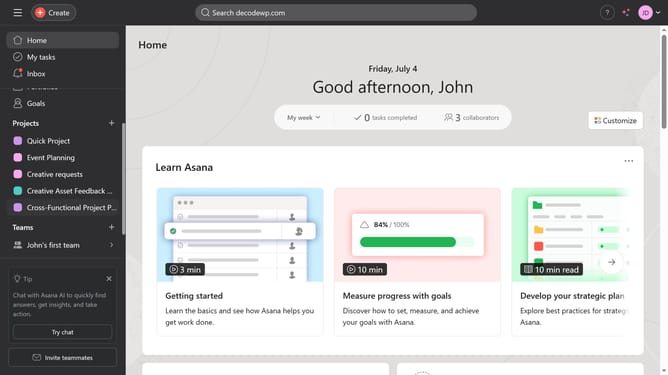
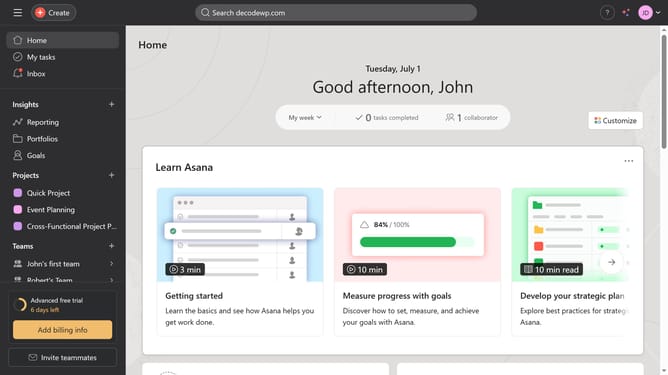
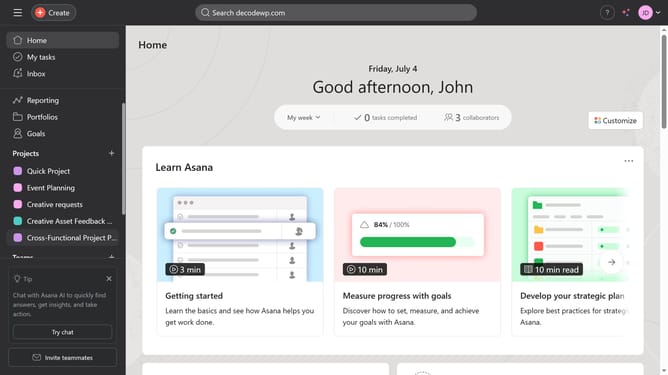
- First click on "Goals" item in the left sidebar
- Then click the goal you want to set a status reminder for in the company goals list
- Next click on "Progress settings" link in the goal details view
- Then scroll down
- Next click on arrow dropdown button in the reminder cadence settings
- Then select the desired reminder frequency from the list option
- Finally click "Save" button to apply the status reminder settings
Why should you set goal status reminders in Asana
Asana is a leading project management tool designed to streamline teamwork and boost productivity.
Setting goal status reminders in Asana is an effective way to maintain focus and keep momentum toward achieving team objectives.
These reminders ensure that you and your team are regularly updated on goal progress, enhancing accountability and visibility.
Utilizing this feature helps prevent goals from slipping through the cracks, keeping everyone aligned and initiatives on track.
Last update