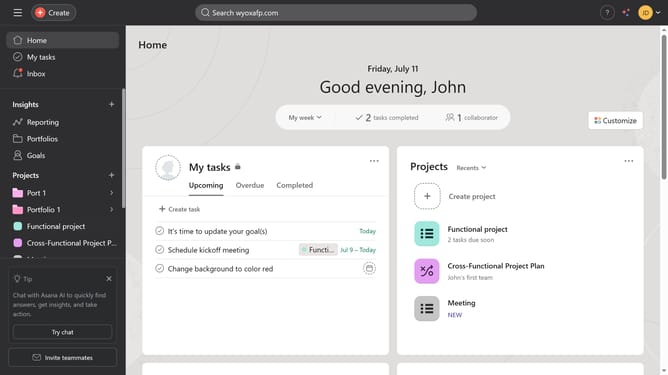
How to filter tasks by task type in list view in Asana
Here is how to filter tasks by task type in list view in asana
- First click on a project in the left sidebar
- Then click on the "List" tab in the project navigation menu
- Next click on the "Filter" button in the task list toolbar
- Then click on "Add filter" dropdown button in the filter panel
- Next click on "Task type" option in the filter dropdown menu
- Then click on task type dropdown menu
- Next click the checkbox for the task type you want to filter in the filter options
- Finally click on "Save view" button in the top right corner of the task list
Why should you filter tasks by task type in list view in Asana
Asana is a powerful project management tool designed to streamline team collaboration and boost productivity.
One of its standout features is the ability to filter tasks by task type in list view, allowing users to focus on specific categories of work efficiently. This feature helps in organizing tasks based on their nature, such as planning, execution, or review stages, providing clarity and direction for project timelines.
Utilizing this method results in enhanced workflow efficiency, reduces time spent searching for specific tasks, and ensures that each team member can concentrate on their core responsibilities.
Last update