How to edit portfolio details in Asana
Here is how to edit portfolio details in asana
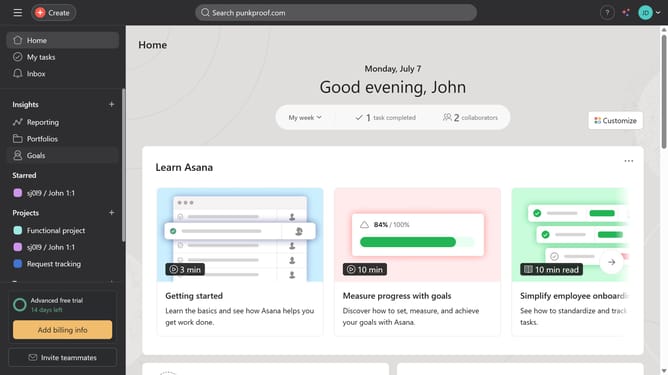
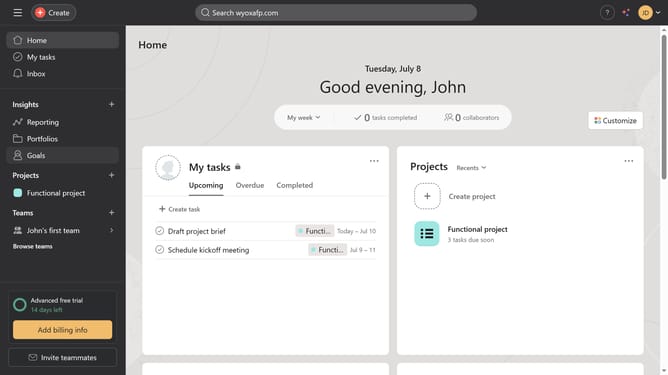
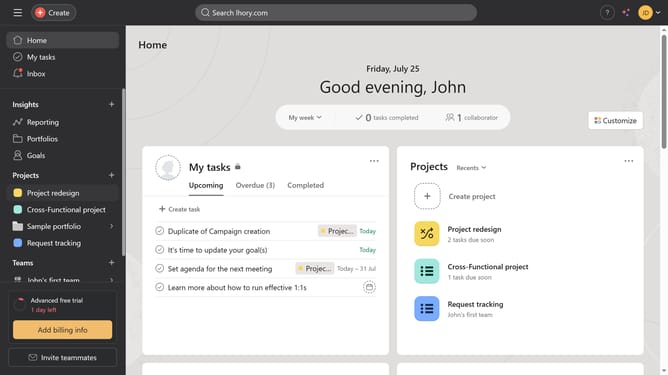
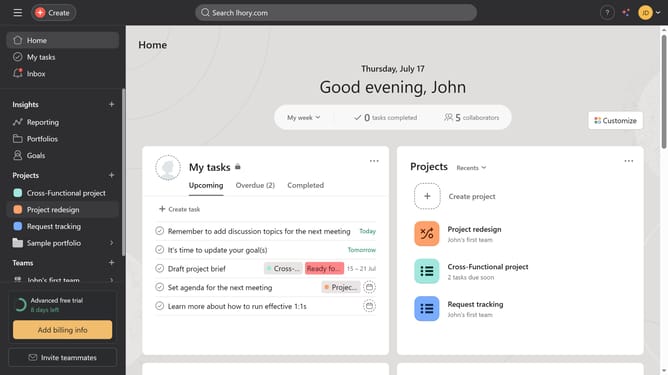
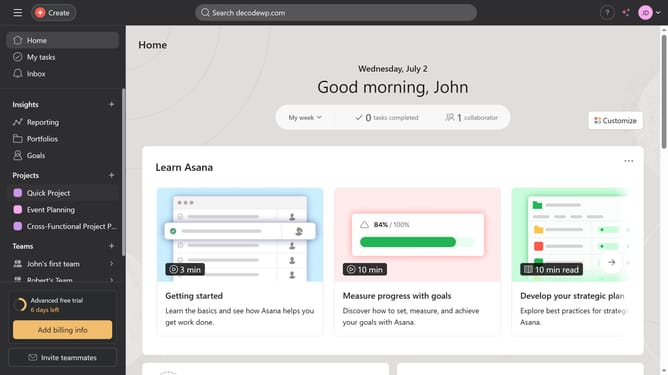
- First click on the "Portfolios" item in the left sidebar
- Then click on the portfolio you want to edit the details in the main content area
- Then click on the portfolio name dropdown arrow in the top header
- Next click on "Edit portfolio details" option in the dropdown menu
- In the Portfolio details modal, click on the current portfolio name field
- Then type the new name or keep the existing one
- Next click on the owner dropdown to select a new owner
- Select a different user from the owner dropdown list if you want to change it
- Click the portfolio description field
- Then type the desired description in the portfolio description text box
- Finally click the close button X icon in the top right corner of the modal Asana automatically saves the changes
Why should you edit portfolio details in Asana
Asana is a powerful tool designed to streamline project management and team collaboration.
Editing portfolio details in Asana allows users to keep their project overviews up-to-date, ensuring that everyone involved has access to the most current information.
This feature is invaluable for maintaining clarity and focus across multiple projects by allowing users to refine goals, deadlines, and priorities with ease.
Ultimately, it empowers teams to make informed decisions swiftly and foster more effective communication.
Last update