How to create a task template in Asana
Here is how to create a task template in asana
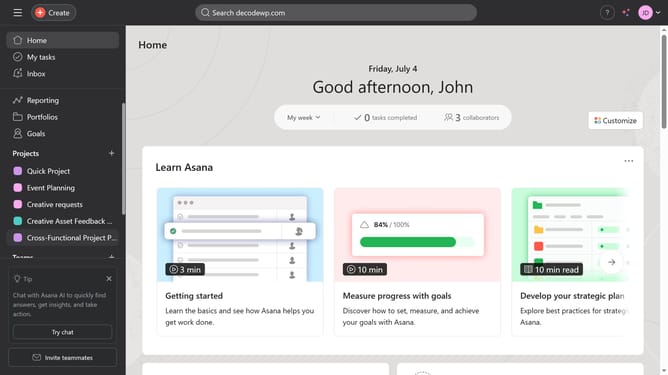
- First click on a project in the left sidebar under Projects section
- Then click on the "Customize" button in the top-right corner of the project view
- Next click on "Task templates" option in the right sidebar customization menu
- Click the "+Add" button in the top-right corner of the Task templates panel
- In the template editor, click on the template name field and type the desired name for the template
- Then fill out the necessary information needed for your task template
- Finally click the "Done" button in the bottom-right corner to save the task template
Why should you How to create a task template in Asana
Asana is a powerful tool designed to streamline project management and boost team productivity.
Creating a task template in Asana allows you to standardize repetitive tasks, making your workflow more efficient and consistent.
This feature is incredibly beneficial for teams that handle similar projects regularly, as it saves time and ensures all necessary steps are included every time.
Utilizing task templates in Asana enhances organization, reduces errors, and empowers teams to focus on delivering high-quality work effortlessly.
Last update