How to sort projects in portfolio by team in Asana
Here is how to sort projects in portfolio by team in asana
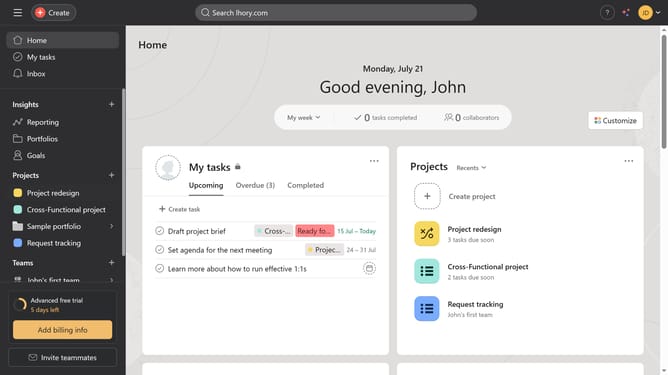
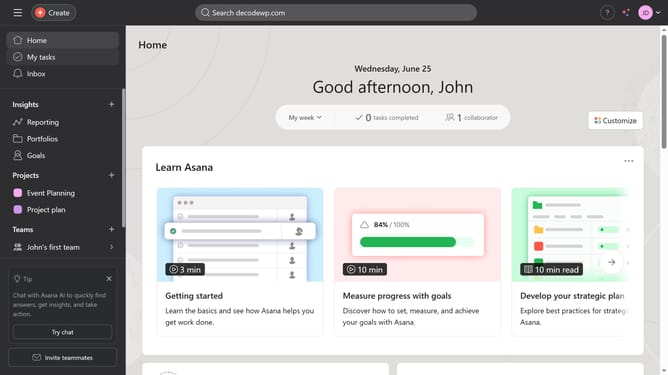
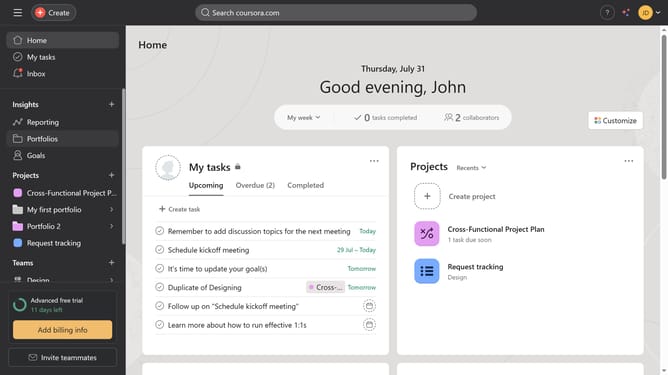
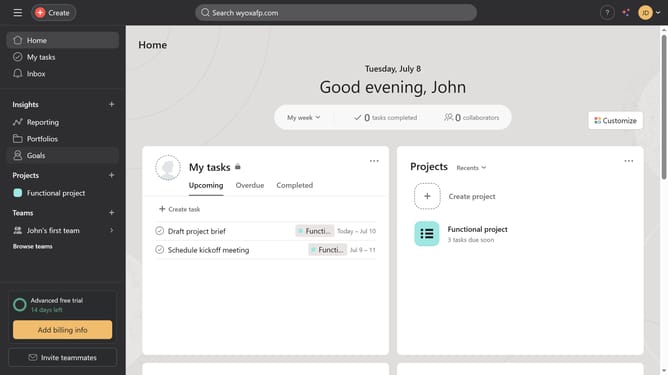
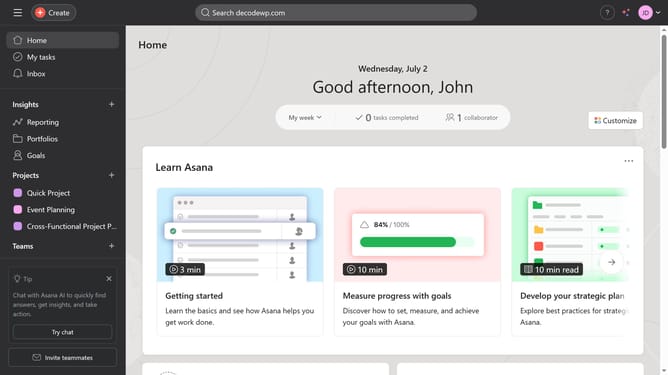
- First click on "Portfolios" in the left sidebar menu
- Then click on a portfolio from the recent portfolios section
- Next click on "Sort" button in the top toolbar
- Then select "Team" option from the sort dropdown menu
- Finally click on "Save view" button in the top toolbar
Why should you sort projects in portfolio by team in Asana
Asana is an intuitive project management tool designed to help teams plan, organize, and track their work seamlessly.
The ability to sort projects in a portfolio by team in Asana allows users to easily see which team is responsible for what, enhancing visibility and accountability.
This feature helps streamline workflows, making it effortless to focus on team-specific tasks and priorities, ultimately boosting productivity.
Overall, sorting projects by team simplifies collaboration by providing clear insights into team capacities and workload distribution.
Last update