How to sort projects in portfolio by status in Asana
Here is how to sort projects in portfolio by status in asana
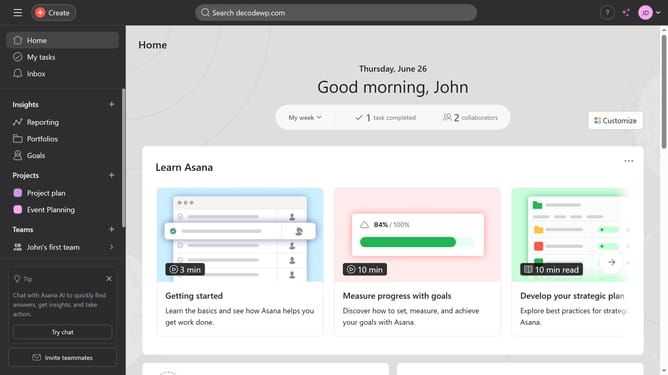
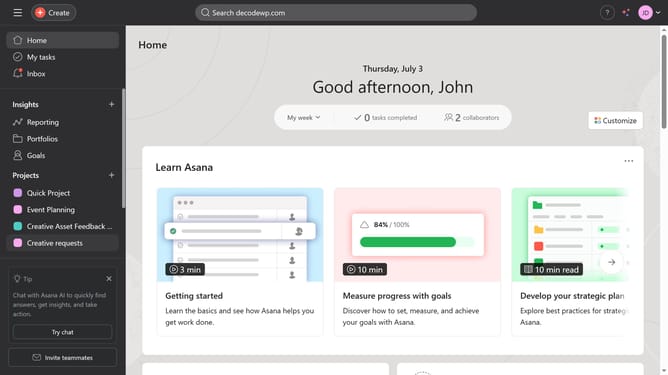
- First click on the "Portfolios" option in the left sidebar menu
- Then click on a portfolio folder in the Recent portfolios section
- Next click on the "Sort" button in the top toolbar
- Then select "Status" from the sort options dropdown menu
- Finally click on the "Save view" button in the top toolbar to save the sorted view
Why should you sort projects in portfolio by status in Asana
Asana is a dynamic tool that streamlines team projects, fostering efficiency and collaboration.
Sorting projects in your Asana portfolio by status is a smart way to gain instant clarity on project progress. This feature allows you to seamlessly filter projects based on their current stage, whether they’re just kicking off, in progress, or successfully completed.
By organizing projects this way, you can quickly identify bottlenecks, prioritize tasks, and assess team alignment, ensuring everyone is on track towards common objectives.
Overall, it simplifies project management, saving you time and optimizing workflow transparency.
Last update