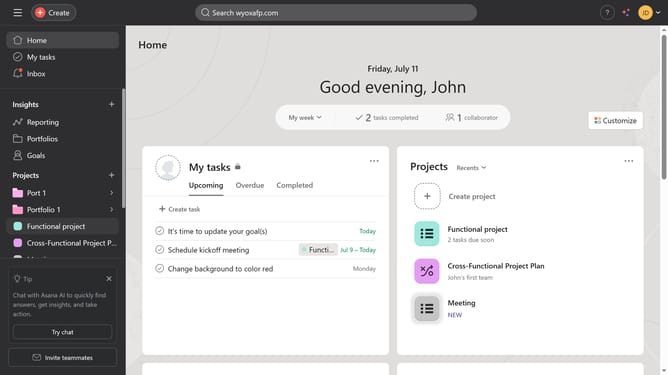
How to schedule tasks in Asana
Here is how to schedule tasks in asana
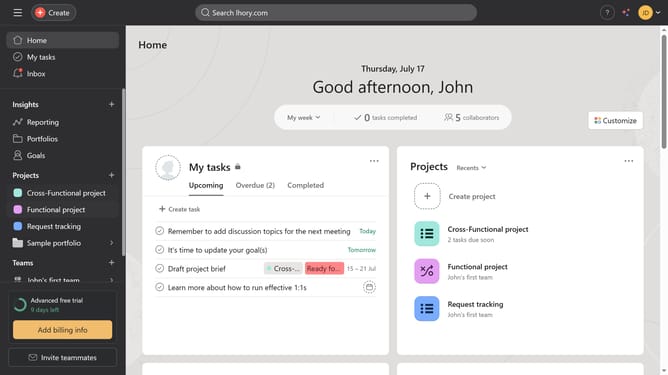
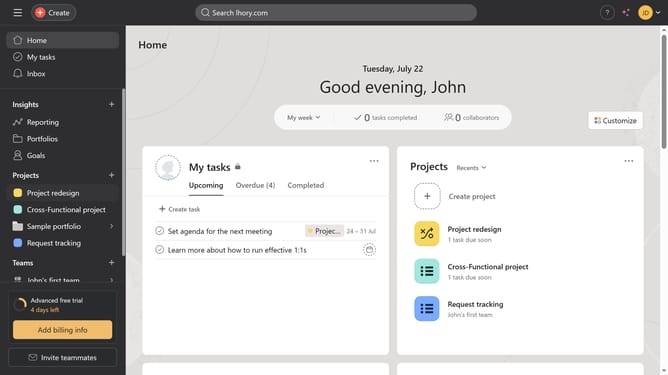
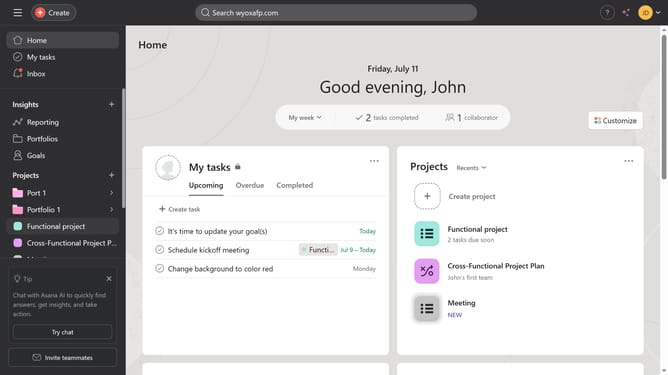
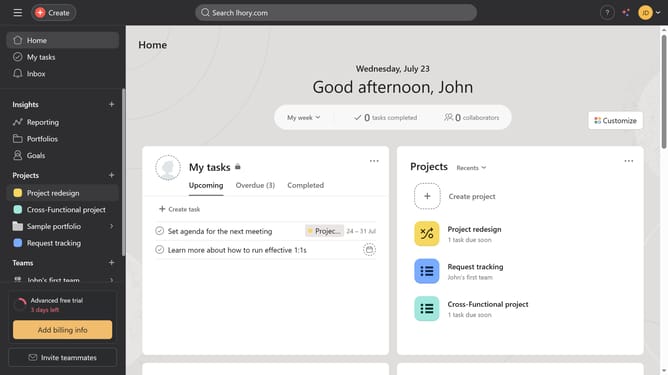
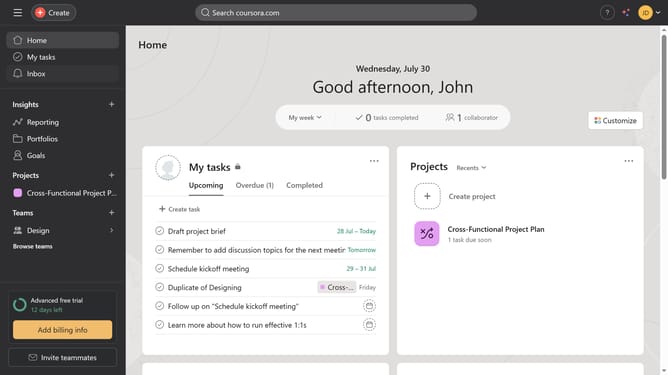
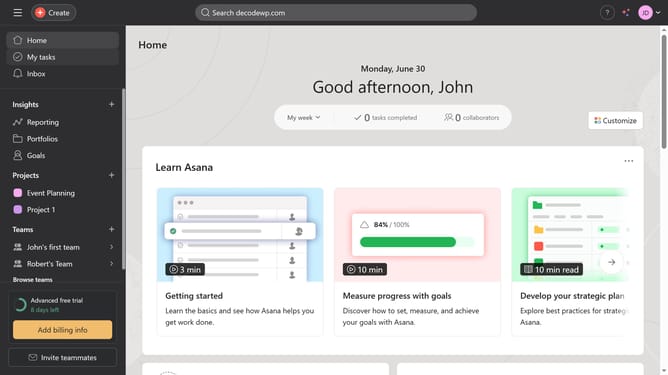
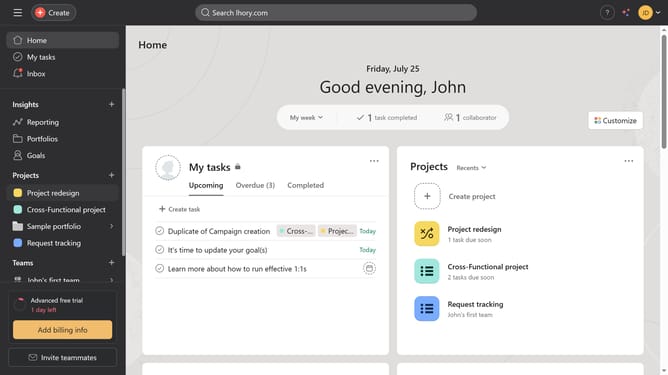
- First click on "My tasks" in the left sidebar menu
- Then click on the tasks you want to schedule in the task list
- Click on the calendar icon in the task details panel
- Choose the the schedule of the task in the date picker
- Click the "Close" button in the top-right corner to close the task details
- Click on "Calendar" tab in the top navigation menu
- Finally click on the “Calendar” tab again to view the task you just scheduled
Why should you schedule tasks in Asana
Asana is a dynamic work management platform designed to streamline team collaboration and enhance productivity.
Scheduling tasks in Asana allows teams to effortlessly plan and prioritize their workflow, ensuring timely completion of projects.
This feature empowers users to allocate specific deadlines to tasks, providing clear visibility and accountability over project timelines.
By utilizing task scheduling, teams can effectively manage workloads, reduce stress, and maintain a steady progress towards their goals.
Last update