How to schedule event meetings in Asana
Here is how to schedule event meetings in asana
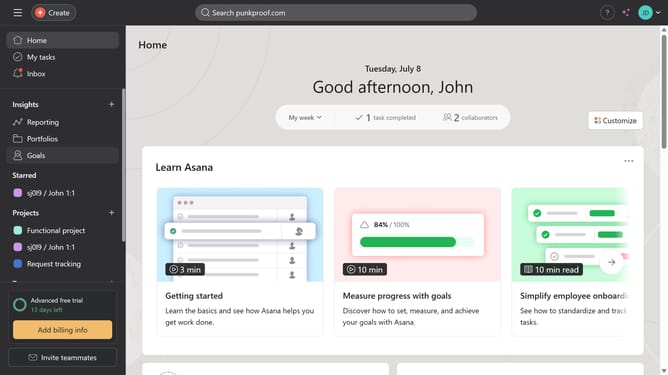
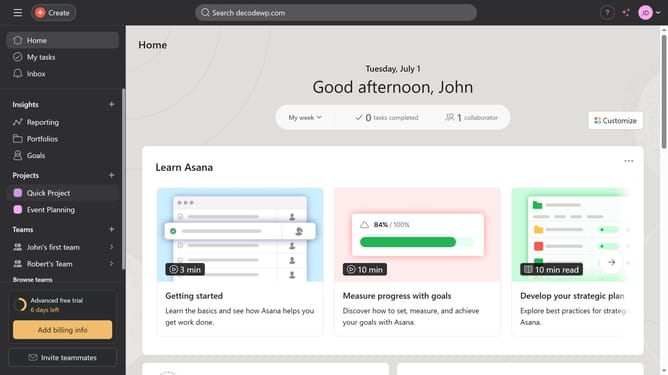
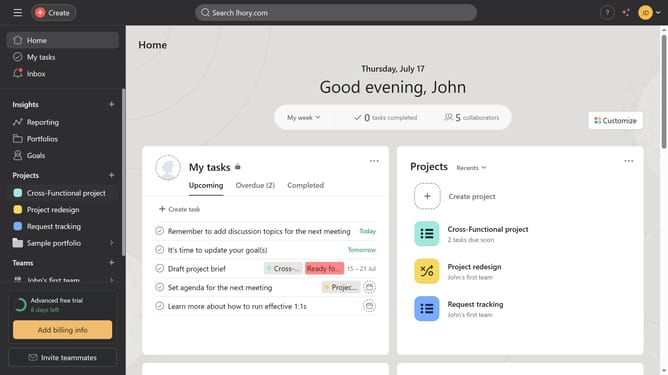
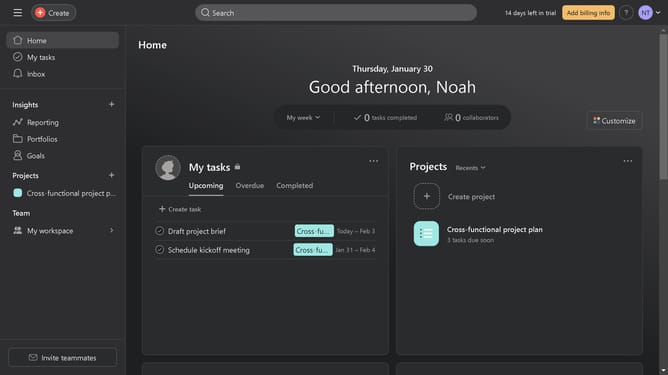
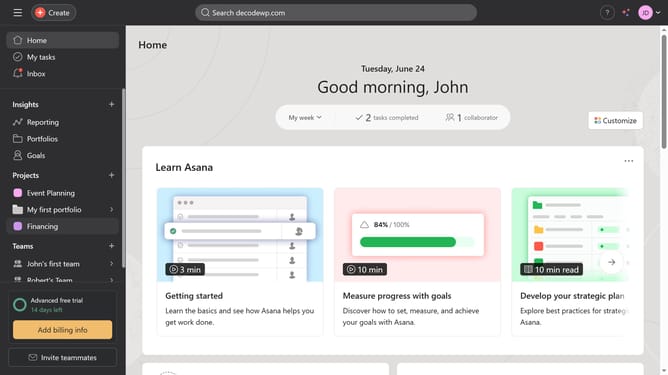
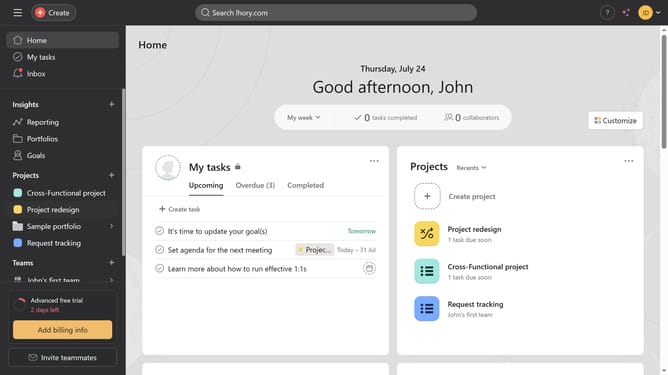
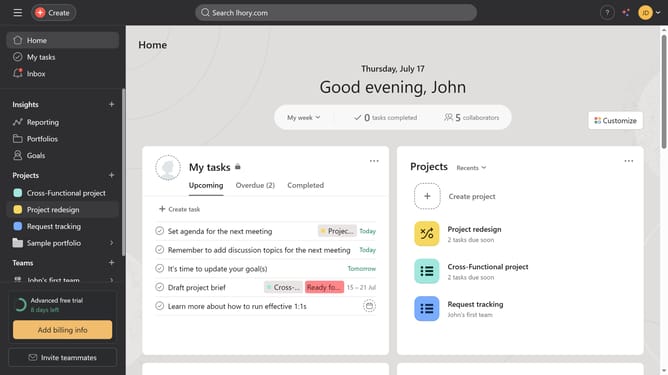
- First click on one of theprojects in the left sidebar under Projects section
- Then click on "Add task..." field in the main content area
- Enter the name of the meeting as the task name
- Click on the task you just created to open its details
- Click on the calendar icon in the task details panel
- In the calendar popup, click on the desired date for the event meeting
- Click on the "Add time" icon below the calendar
- Select the desired time from the time dropdown
- Click on the "No assignee" field in the task details panel
- Select the name or email of the person you want to assign to the meeting
Why should you schedule event meetings in Asana
Asana is a powerful tool designed to streamline project management and boost team productivity.
The scheduling feature in Asana allows you to effortlessly coordinate event meetings. This ensures team members are informed and prepared, fostering a more organized workflow.
By centralizing scheduling, Asana minimizes the risk of double bookings and miscommunication. This enhances team efficiency and focus on tasks that matter.
Overall, using Asana for scheduling meetings promotes a collaborative environment and smooth project execution.
Last update