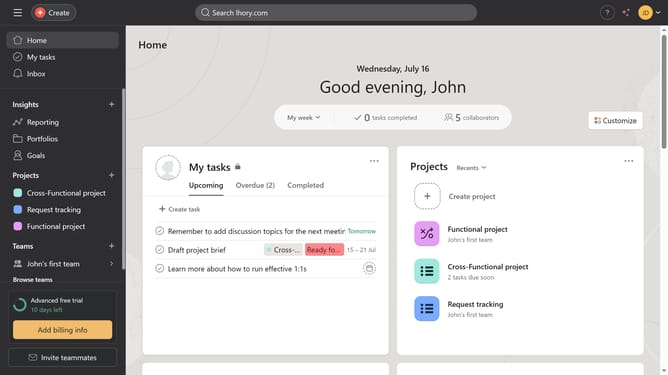
How to zoom timeline in Gantt view in Asana
Here is how to zoom timeline in gantt view in asana
- First click on a project in the left sidebar project list
- Then click on the "Gantt" view option in the top navigation bar
- Next click on the "+" zoom button in the timeline controls to zoom in by months
- Then click on the "-" zoom button in the timeline controls to zoom in by weeks
Why should you zoom timeline in Gantt view in Asana
Asana is a powerful tool designed to streamline team collaboration and enhance project management.
By using the zoom timeline feature in the Gantt view, Asana enables users to focus on the big picture or dive into fine details of their projects instantly.
This flexibility is invaluable for teams aiming to maintain a comprehensive perspective on their project timelines or to manage specific tasks with precision.
The ability to adjust the timeline scale enhances project clarity, improves time management, and ensures crucial milestones are always in view.
Last update