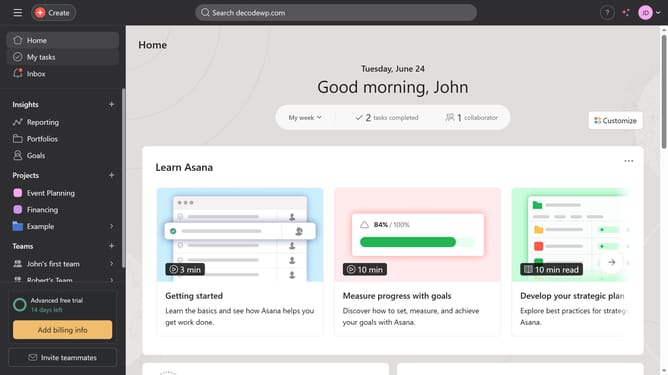
How to add milestones to a project status in Asana
Here is how to add milestones to a project status in asana
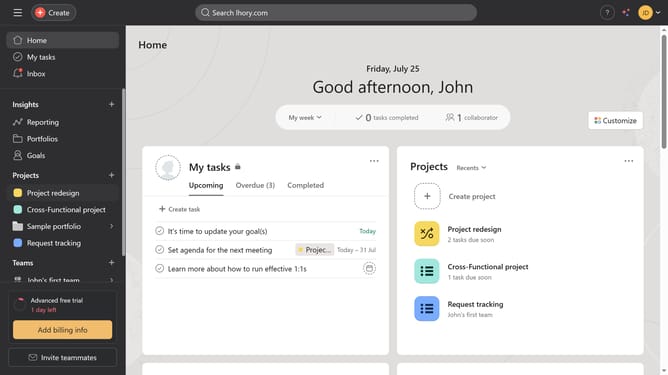
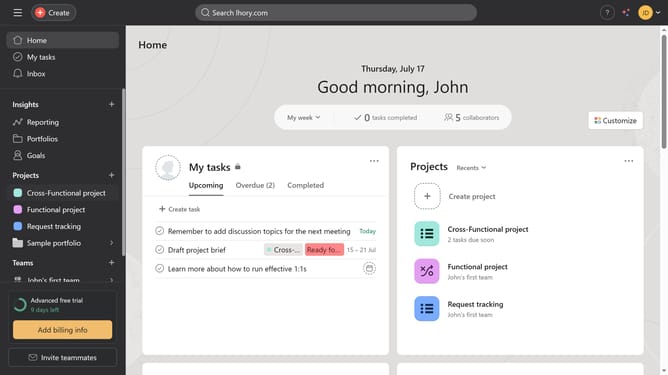
- First click on a project in the left sidebar under Projects section
- Then click on "Overview" tab in the top navigation menu
- Click on "Update status" button in the top right corner of the project page
- Select the desired status from the dropdown menu
- Click on "Highlights" tab in the right sidebar of the status update form
- Click and drag the milestone in the Highlights panel to the status update main view
- Click "Post" on the top right corner of the page
Why should you add milestones to a project status in Asana
Asana streamlines teamwork by organizing projects and tasks efficiently.
Incorporating milestones into your project status in Asana provides a clear, visual representation of key achievements in your project timeline.
This feature helps teams to focus on important objectives and stay aligned. The result is improved collaboration and communication, allowing everyone to see progress and adjust strategies accordingly.
Using milestones fosters accountability and motivation, keeping your projects on track towards successful completion.
Last update