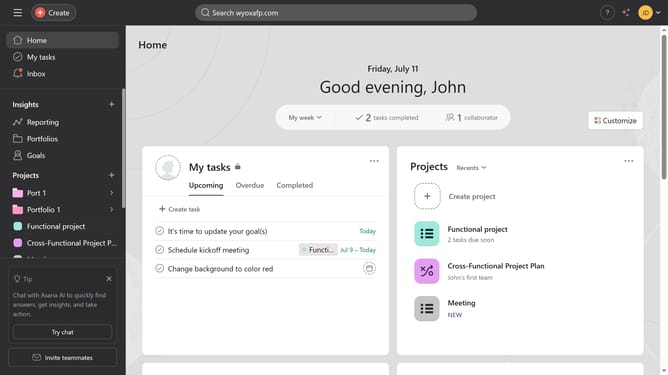
How to view all task activity in Asana
Here is how to view all task activity in asana
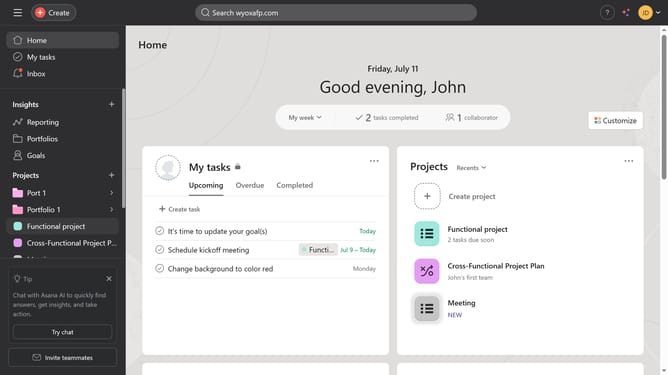
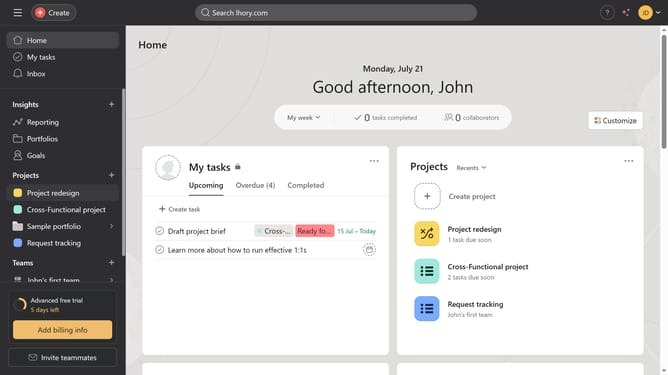
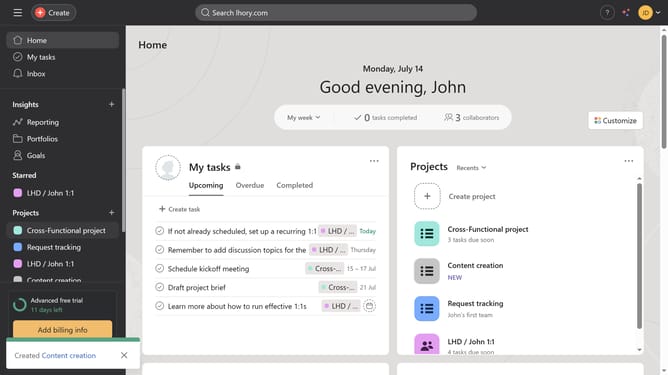
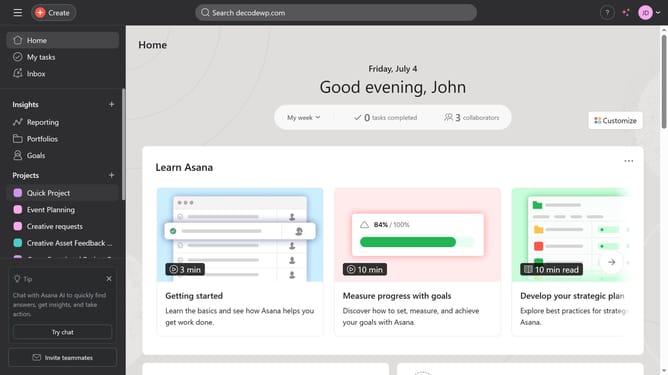
- First click on the "My tasks" option in the left sidebar navigation menu
- Then click on one of the tasks in the main task list
- Scroll down
- Finally click on the "All activity" tab in the task details panel
Why should you view all task activity in Asana
Asana is a powerful project management tool designed to streamline collaboration and enhance productivity.
The ability to view all task activity in Asana offers a comprehensive overview of project progress, keeping teams aligned and informed.
Staying updated on task changes fosters transparency and accountability, ensuring no detail goes unnoticed.
This feature empowers users by highlighting task updates and discussions, making team coordination smoother and more efficient.
Last update