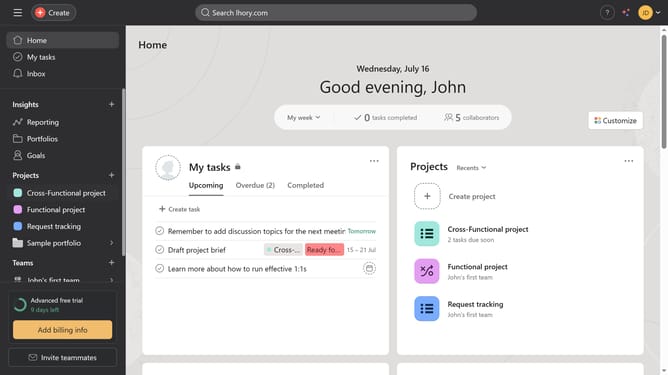
How to mark a subtask complete in Asana
Here is how to mark a subtask complete in asana
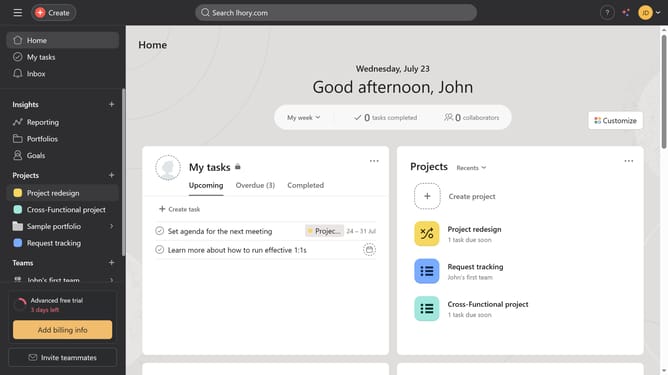
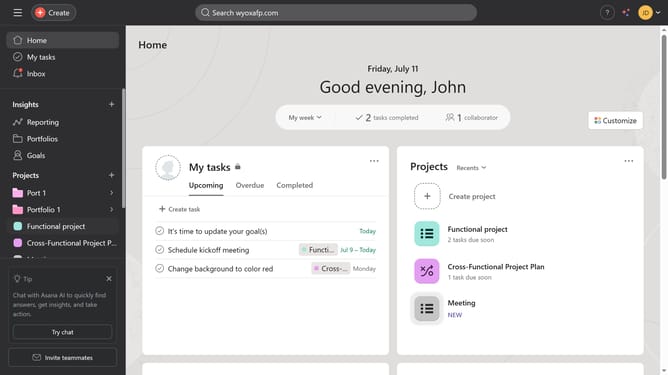
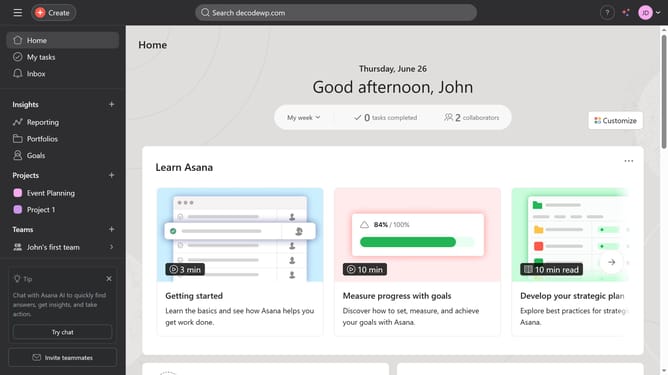
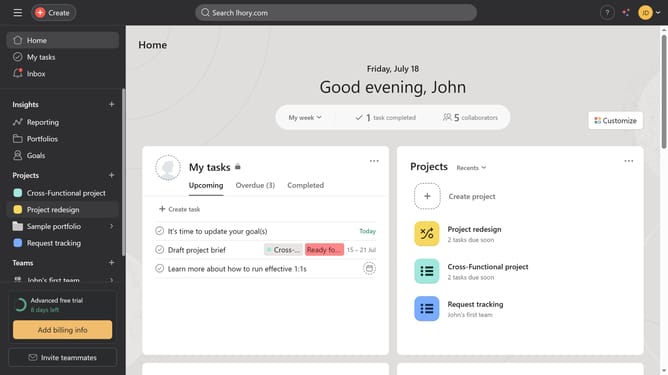
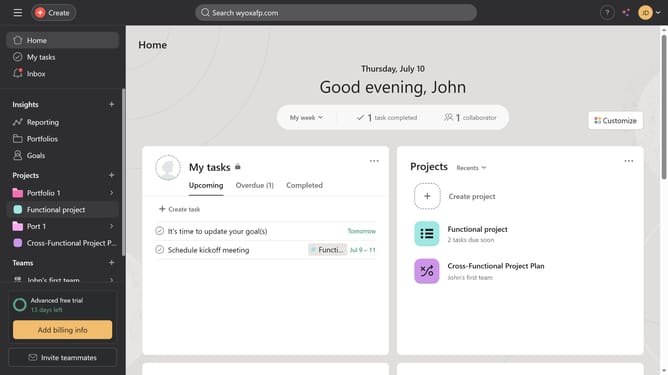
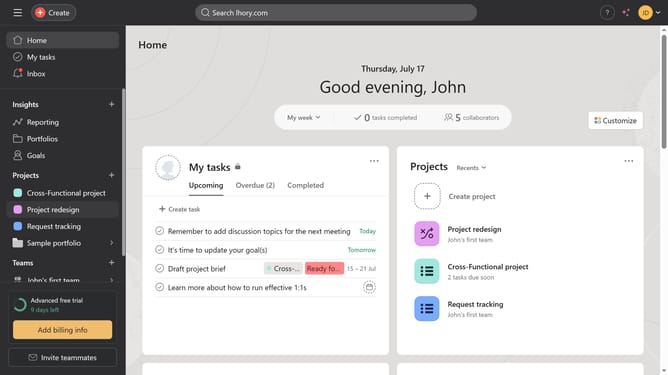
- First click on a project in the left sidebar under Projects section
- Then click on the the subtask icon next to the name of the main task in the content area
- Next click on the subtask in the task details panel
- Finally click on the "Mark complete" checkbox in the top task actions area
Why should you mark a subtask complete in Asana
Asana is a powerful tool designed to streamline team collaboration and project management.
One valuable feature within Asana is the ability to mark a subtask as complete. This allows for seamless management of intricate projects by ensuring that every minor step is tracked and celebrated once accomplished.
By marking subtasks as complete, teams maintain clarity on progress, improving overall productivity and focus. This simple action promotes a sense of achievement and motivates teams to stay engaged and organized throughout their projects.
Last update