Asana
Asana is a work management tool for planning, tracking, and executing projects.
Website
Industry
Project Management
Share this article:

How to request approval attachment in Asana

Here is how to request approval attachment in asana

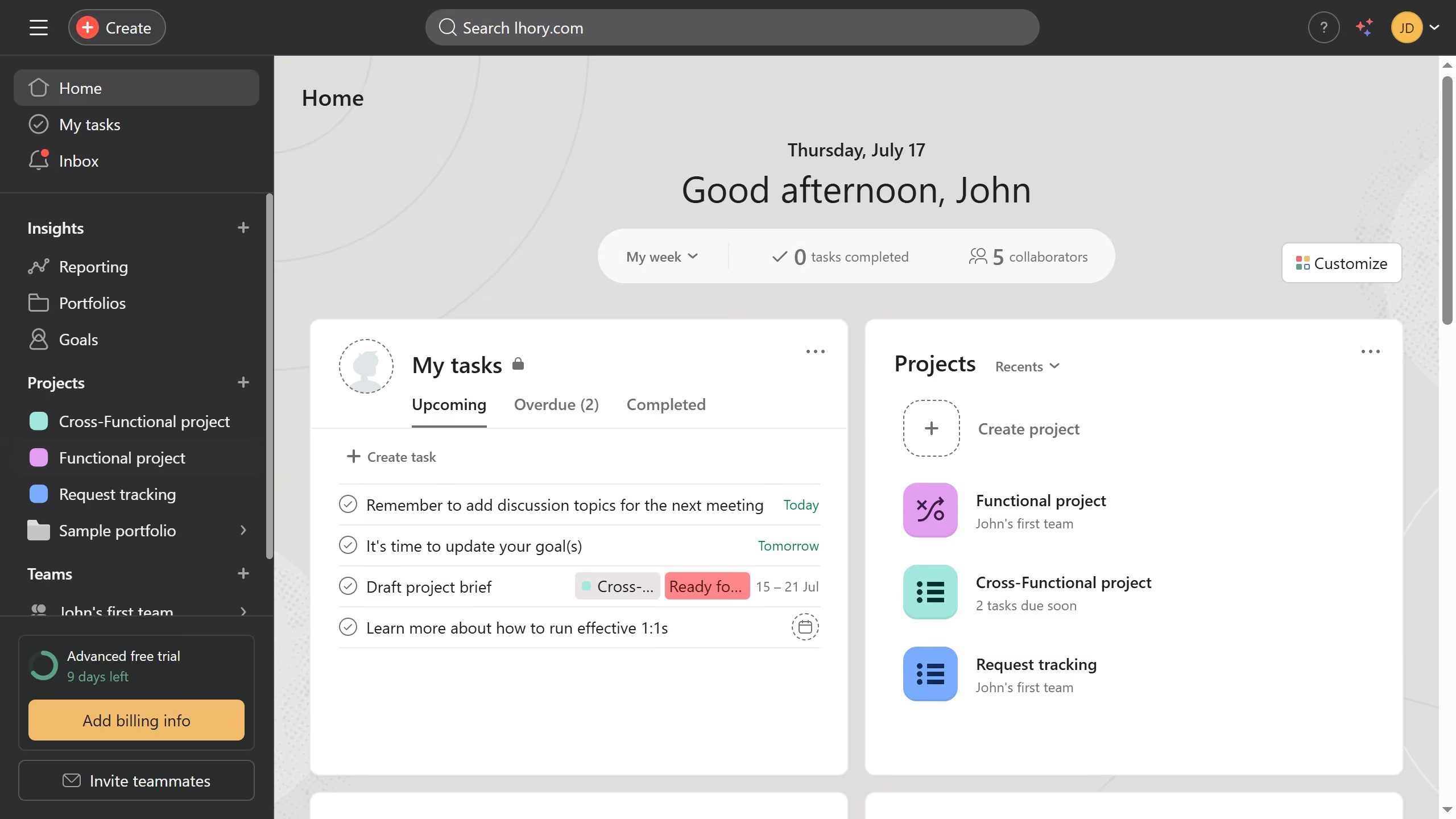
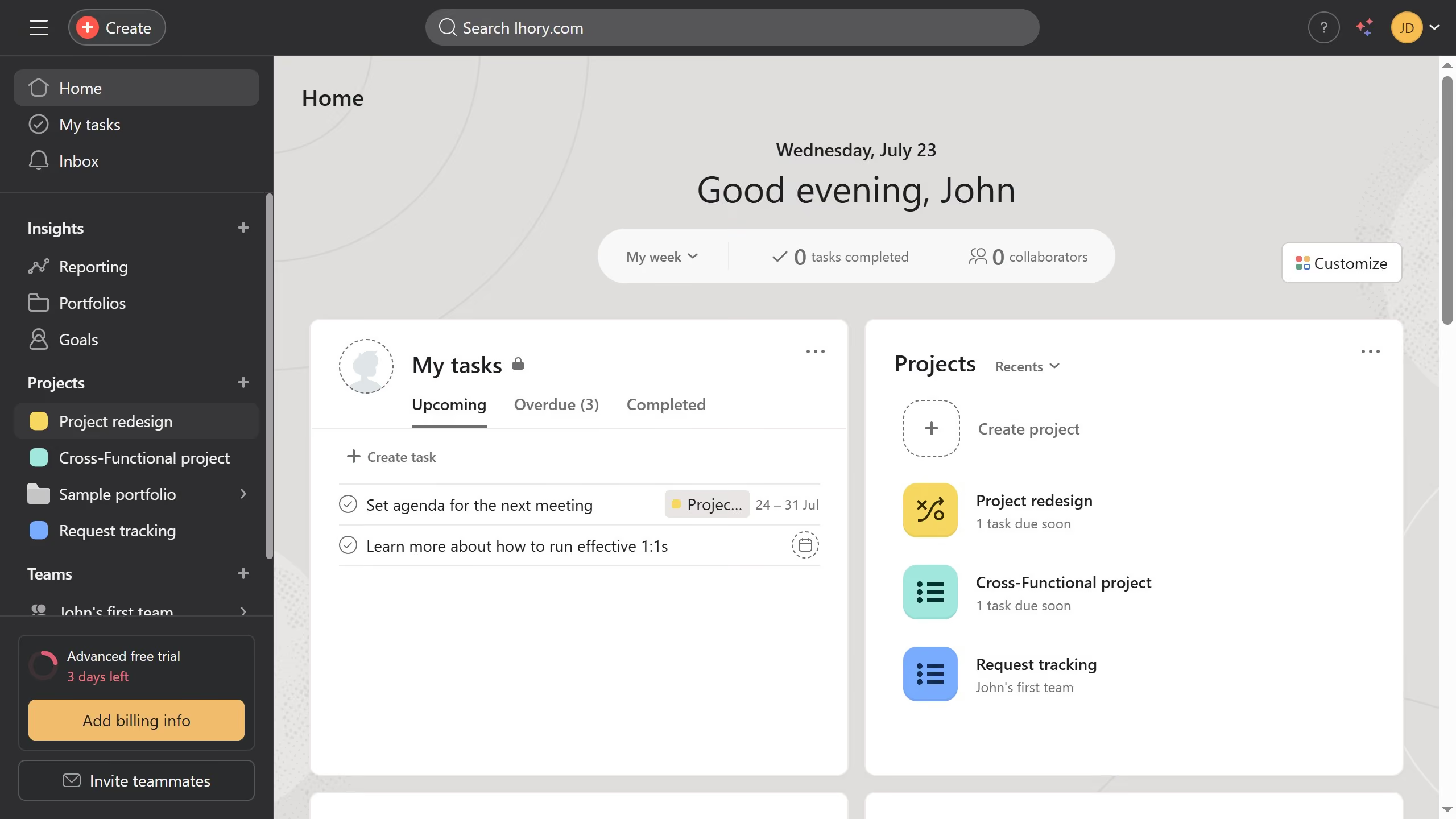
  1. First click on a project in the left sidebar project list
  2. Then click on a task in the task list to open up the details panel
  3. After that scroll down through the details panel
  4. Next hover your mouse over the attachment until the arrow button appears
  5. Then click the down arrow button to see more options
  6. Finally click on "Request approval" option in the image attachment menu

Create your own interactive guide with Guideflow

Why should you request approval attachment in Asana

Asana is a dynamic project management tool designed to enhance team collaboration and streamline workflows.

The "Request Approval Attachment" feature elevates your project organization by allowing you to effortlessly manage approvals with more transparency.

This feature is beneficial as it consolidates feedback, making it accessible and visible to all stakeholders, thus enhancing clarity and reducing miscommunications.

Using this feature simplifies processes, speeds up decision-making, and optimizes the team's productivity.


Last update
June 23, 2026
Cursor MariaA cursor points to a button labeled "James."

Create your first demo in less than 30 seconds.