How to add status updates to goals in Asana
Here is how to add status updates to goals in asana
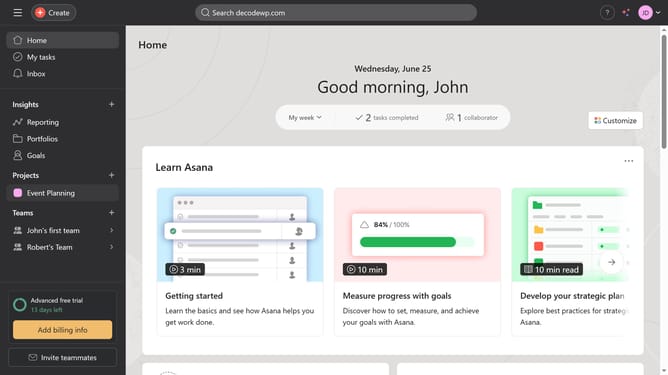
- First click on the "Goals" item in the left sidebar navigation menu
- Then click the goal you want to add a status update to in the main content area
- Next click on the "Latest status" in the goal details panel
- Then click the "Update status" button in the top-right corner
- Next click on the desired status option in the status dropdown menu
- Then click on the title field
- Next type in the desired name for the status update
- Then fill out the necessary information needed for your status update
- Finally click the "Post" button in the top-right corner to submit the status update
Why should you add status updates to goals in Asana
Asana is a powerful tool designed to enhance team collaboration and streamline project management.
Adding status updates to goals in Asana aids in maintaining transparency and aligns team members on progress.
This feature empowers teams by providing real-time insights into goal achievements, fostering accountability.
Regular status updates encourage open communication and ensure that everyone stays informed and motivated as they work towards shared objectives.
Last update