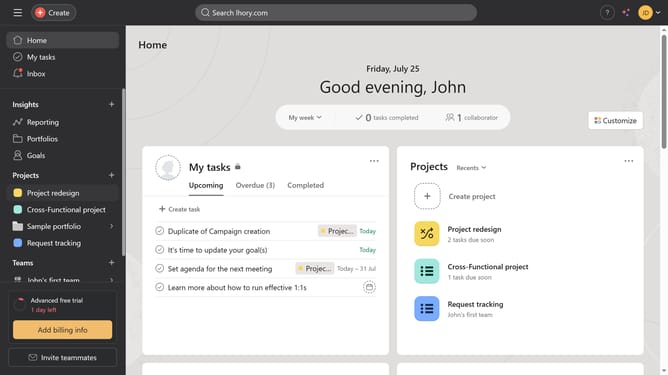
How to set confirmation message in forms in Asana
Here is how to set confirmation message in forms in asana
- First click on a project in the left sidebar menu
- Then click on "Customize" button in the top-right corner of the page
- Next click on "Forms" option in the customize settings panel
- Then click on the three dots menu icon next to your form
- Click on "Edit" option from the dropdown menu
- Next click on the "Settings" tab in the form editor
- Scroll down
- Click on the confirmation message input field
- Edit the confirmation message to your preferred text
- Finally click the "Save" button to apply the changes
Why should you set confirmation message in forms in Asana
Asana is a powerful tool designed to streamline team collaboration and project management effortlessly.
One valuable feature is the ability to set confirmation messages in forms. This ensures that once a form is submitted, users receive immediate acknowledgment, enhancing their experience and providing peace of mind.
By setting confirmation messages, teams can foster communication, minimizing uncertainties and reinforcing efficient workflow processes.
Overall, this feature contributes to clearer communication and improved user engagement.
Last update