How to duplicate a project in Asana
Here is how to duplicate a project in asana
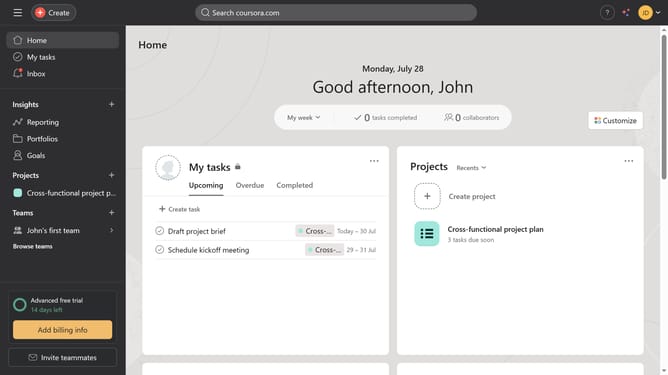
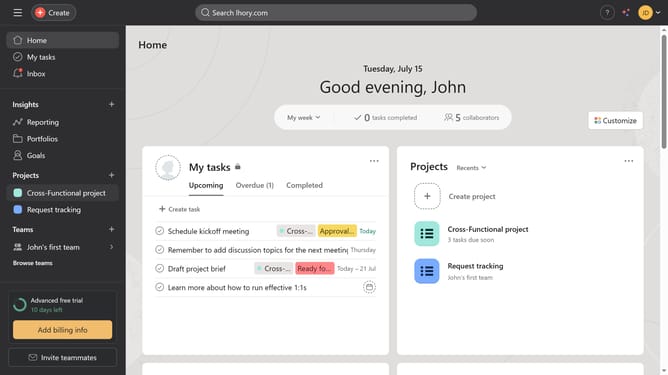
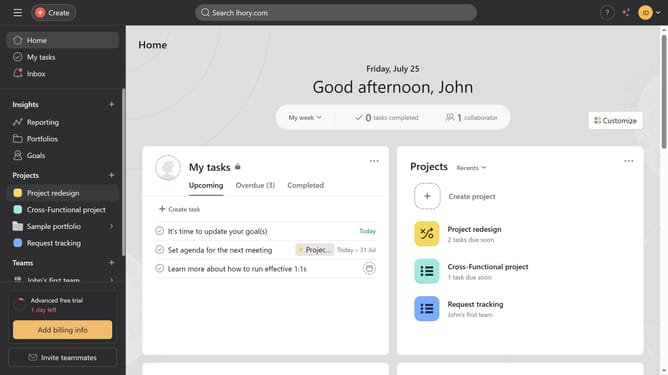
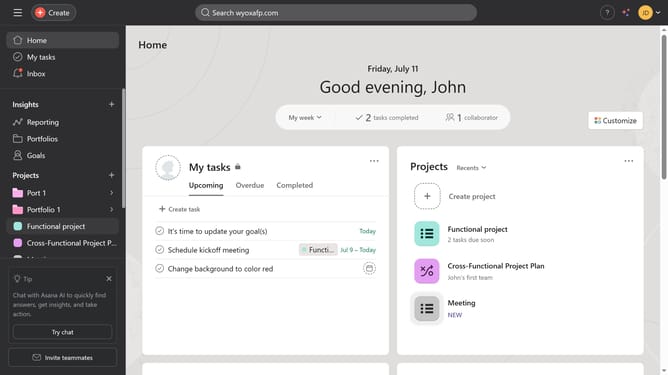
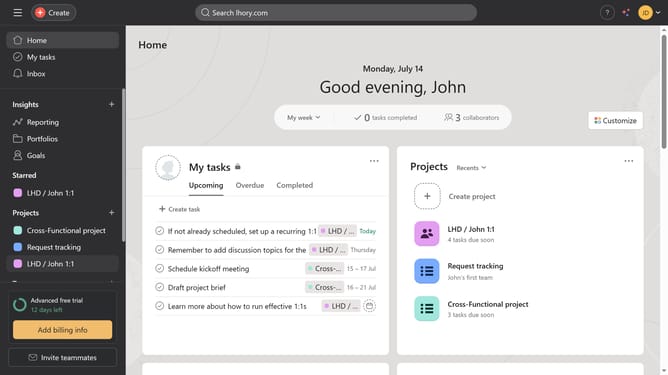
- First click on one of the projects under the project section in the left sidebar
- Then click on the dropdown menu icon in the project header
- Next select "Duplicate" from the Actions dropdown menu
- Finally click the "Duplicate project" button in the duplicate project dialog
Why should you duplicate a project in Asana
Asana is a dynamic project management tool designed to streamline team collaboration and enhance productivity.
The ability to duplicate a project in Asana allows users to efficiently replicate successful workflows, ensuring consistency across various projects. This feature is invaluable for teams who frequently tackle similar tasks or projects, as it saves time in setting up new projects from scratch.
Utilizing the project duplication feature enhances efficiency by preserving custom fields, task assignments, and deadlines. It empowers teams to focus more on execution and less on administrative setup, facilitating smoother transitions and faster project kick-offs.
Last update