Asana
Asana is a work management tool for planning, tracking, and executing projects.
Website
Industry
Project Management
Share this article:

How to edit your profile bio in Asana

Here is how to edit your profile bio in asana

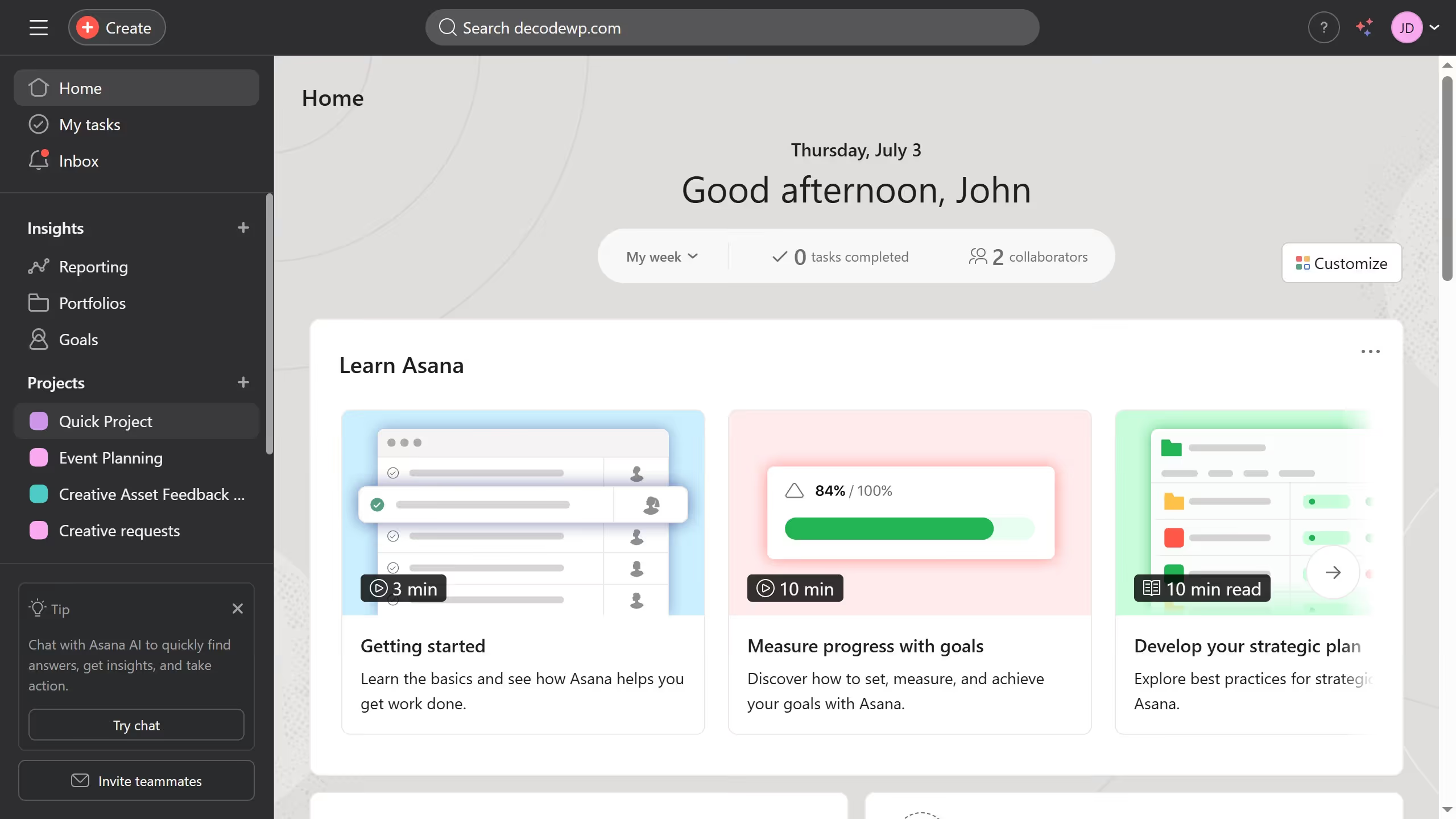
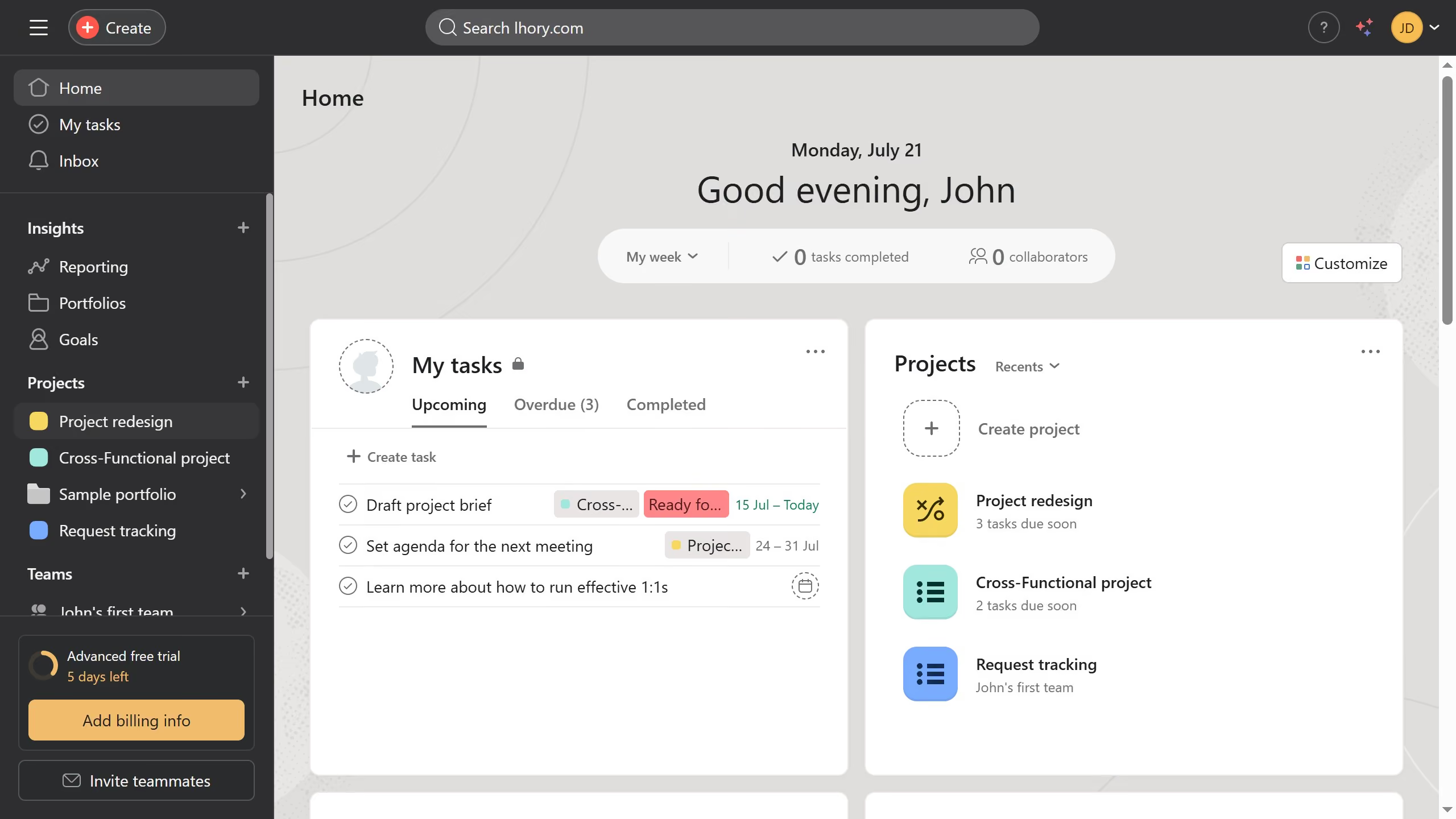
  1. First click on the user profile icon in the top-right corner of the header
  2. Next click on the "Profile" option in the dropdown menu
  3. Then click the "Settings" tab in the modal window
  4. Next scroll down through the profile settings page
  5. Then click the "About me" text field and type your bio
  6. Finally click the "Close" button (X icon) in the top-right corner of the Settings modal Asana automatically saves the changes

Create your own interactive guide with Guideflow

Why should you edit your profile bio in Asana

Asana is a powerful project management tool designed to help teams collaborate effortlessly and achieve their goals.

Editing your profile bio in Asana provides a concise view of your role, expertise, and personality, enhancing team connectivity.

Having a well-crafted profile bio fosters communication and team cohesion, making it easier for colleagues to understand your strengths.

This feature not only personalizes your presence within the platform but also helps establish stronger, more meaningful connections with your team.


Last update
June 16, 2026
Cursor MariaA cursor points to a button labeled "James."

Create your first demo in less than 30 seconds.