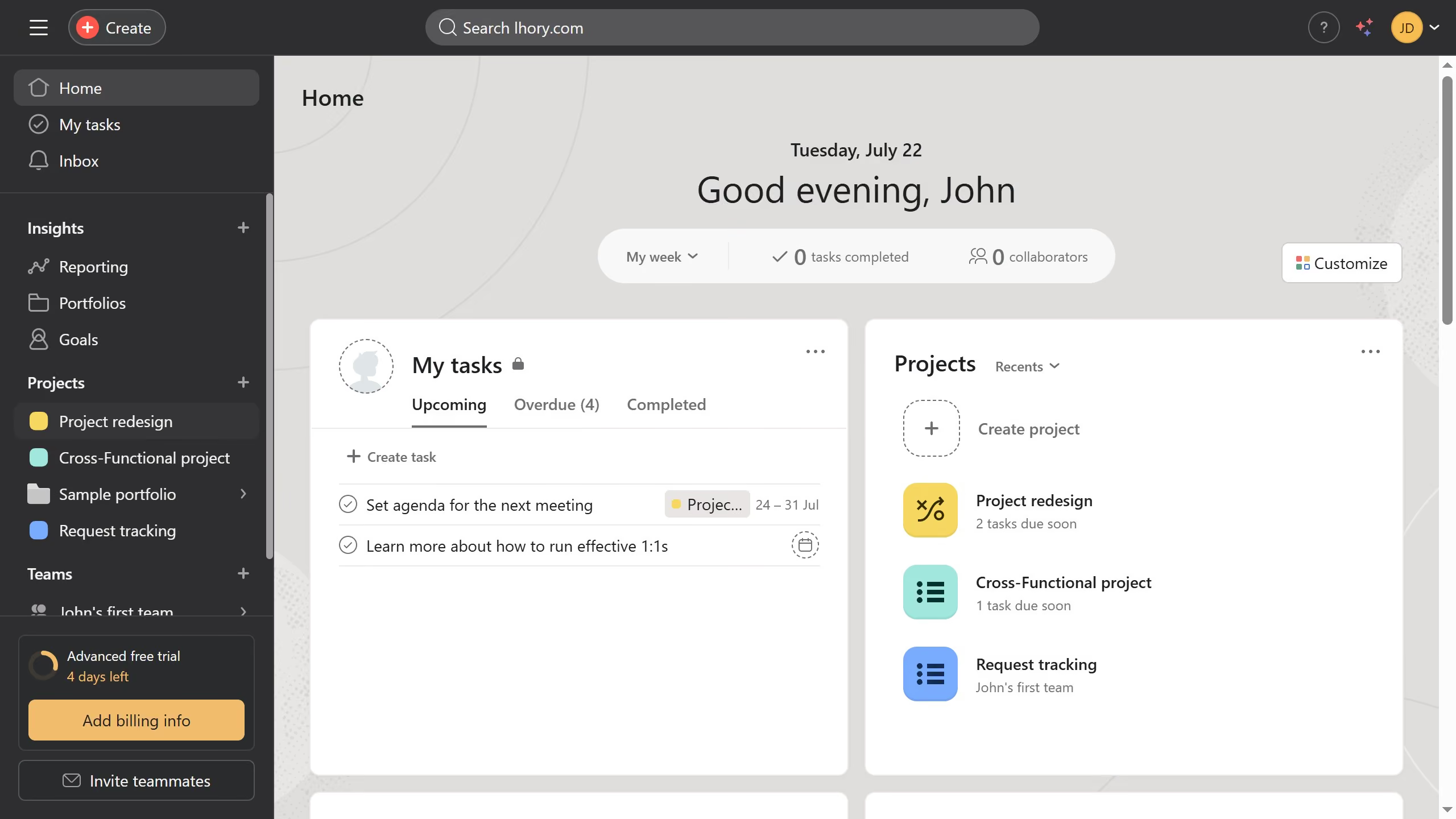
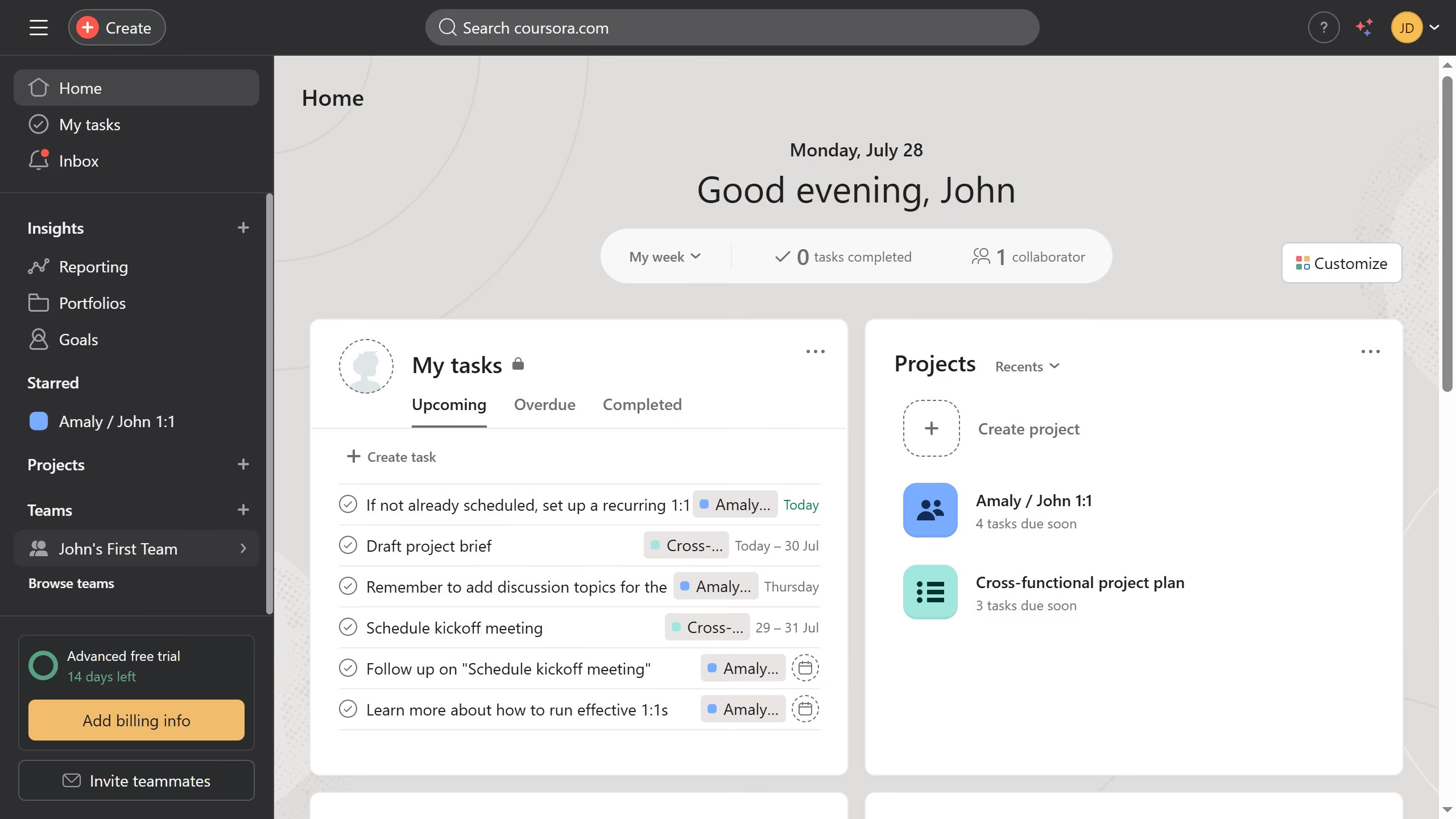
Here is how to manage email notifications in your profile in asana
- First click on the profile avatar button in the top-right corner of the screen
- Then click on the "Profile" option in the dropdown menu
- Next click on the "Edit profile" button on the profile page
- Then click on the "Notifications" tab in the Settings modal window
- Next scroll down until you see the email notifications dropdown
- Then click to expand the "Email notifications" section
- Finally click the checkboxes for the notifications you want to receive or not