Asana
Asana is a work management tool for planning, tracking, and executing projects.
Website
Industry
Project Management
Share this article:

How to change team privacy to private in Asana

Here is how to change team privacy to private in asana

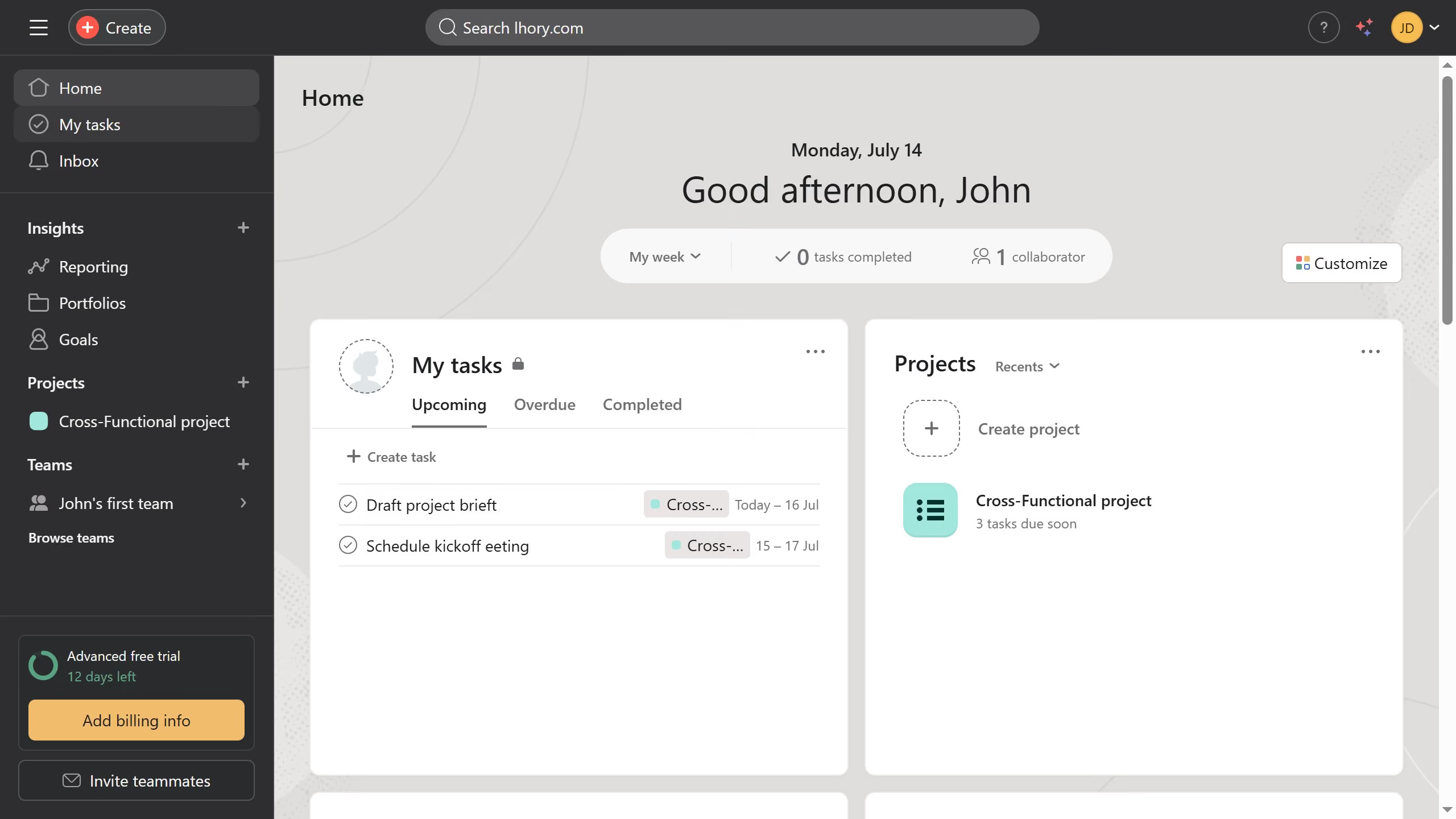
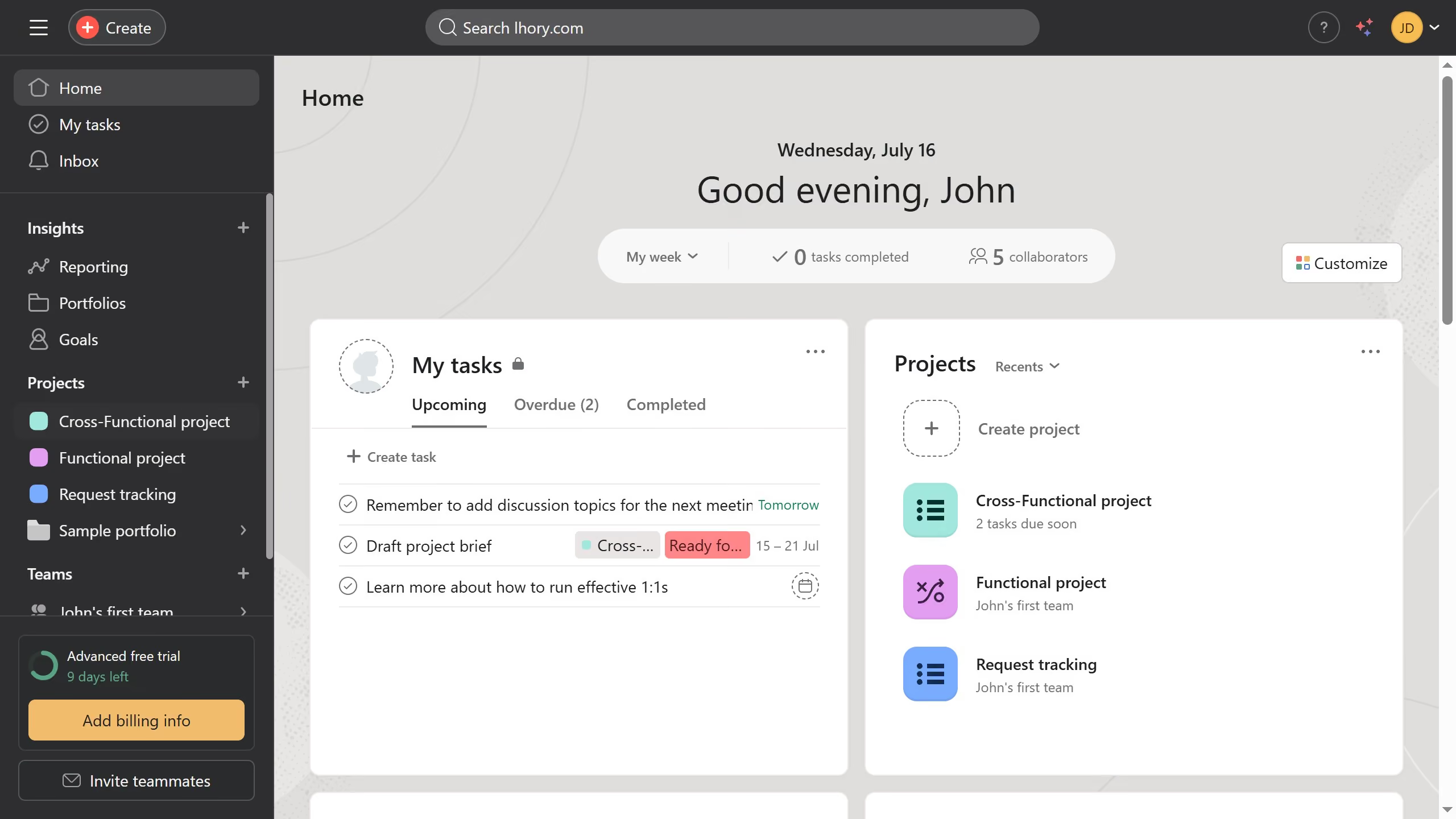
  1. First click on a team in the left sidebar under Teams section
  2. Then click on the "Actions" dropdown menu in the team header
  3. Next click on "Edit team settings" option from the dropdown menu
  4. In the Team Settings modal window, scroll down until you see the "Team Privacy" section
  5. Then click on "Private" radio button under Team privacy settings
  6. Finally click on "Update Team" button at the bottom of the modal window

Create your own interactive guide with Guideflow

Why should you change team privacy to private in Asana

Asana is a versatile project management tool designed to streamline team collaboration and task tracking.

Changing team privacy to private in Asana enhances security by allowing only selected team members access to shared projects and discussions. This feature is perfect for teams handling sensitive information or developing competitive strategies.

The ability to control privacy settings ensures that your team’s workflow remains confidential, fostering a focused and secure environment where members can collaborate without concerns over exposure.

By keeping operations secure, you can bolster trust and efficiency within your team, knowing that critical information is shielded.


Last update
June 16, 2026
Cursor MariaA cursor points to a button labeled "James."

Create your first demo in less than 30 seconds.