Asana
Asana is a work management tool for planning, tracking, and executing projects.
Website
Industry
Project Management
Share this article:

How to mark multiple selected tasks as complete in Asana

Here is how to mark multiple selected tasks as complete in asana

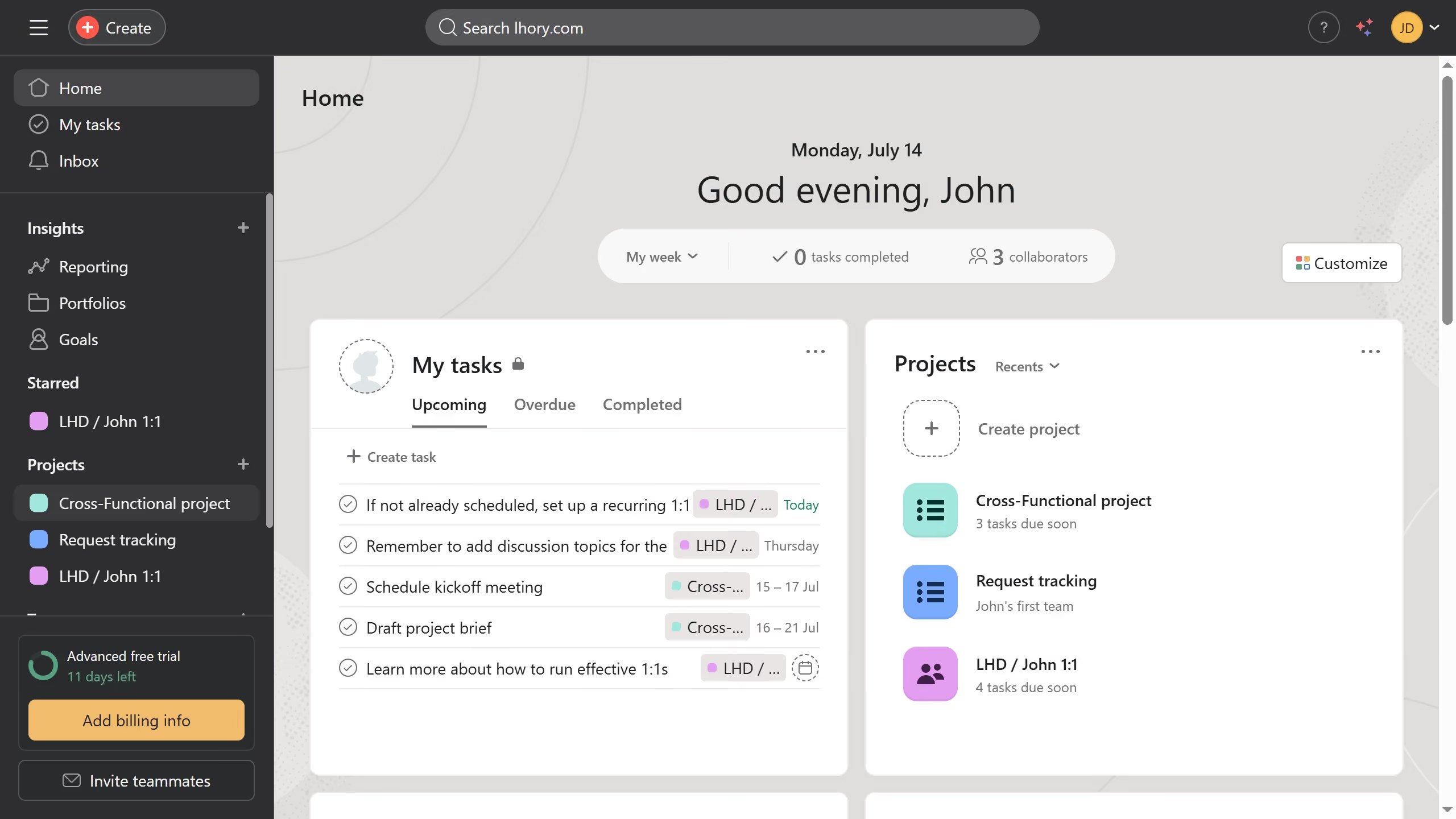
  1. First click on a project in the left sidebar Projects menu
  2. Then hold Ctrl (or Cmd on Mac) and click a task in the task list to select it
  3. Continue holding Ctrl/Cmd and click the other tasks you want to include in the multi-selection
  4. Once the tasks are selected, click the three dots (More actions) button at the bottom
  5. Finally click on "Mark complete" option in the task actions menu

Create your own interactive guide with Guideflow

Why should you mark multiple selected tasks as complete in Asana

Asana is a powerful project management tool designed to streamline team collaboration and enhance productivity.

One of its valuable features is the ability to mark multiple selected tasks as complete simultaneously. This functionality allows users to efficiently update task status, saving time and reducing repetitive actions.

Utilizing this feature helps teams stay focused, maintain clear progress tracking, and ensures that project timelines remain on schedule, fostering a more organized and productive work environment.


Last update
June 23, 2026
Cursor MariaA cursor points to a button labeled "James."

Create your first demo in less than 30 seconds.