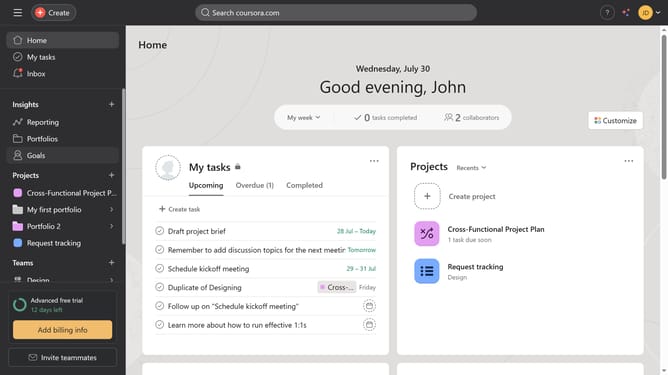
How to add collaborators in task templates in Asana
Here is how to add collaborators in task templates in asana
- First click on a project in the left sidebar
- Then click on the "Customize" button in the top-right corner
- Next click on "Task templates" option in the right sidebar
- Click the three-dot icon next to the task template you want to add collaborators to
- Click on the edit icon next to "Create content" task template
- Scroll down
- Click the "+" button in the Collaborators section
- Click on the collaborator input field
- Type the name or email of the collaborator you want to add in the collaborator field
- Select the suggested collaborator from the dropdown
- Click "Done" in the bottom right of the page when you finish editing Asana automatically saves the changes
Why should you add collaborators in task templates in Asana
Asana is a powerful tool designed to streamline team collaboration and project management.
One of its standout features is the ability to add collaborators to task templates. This allows teams to engage key stakeholders from the onset, ensuring everyone is aligned from the start.
By including collaborators early in the process, communication gaps are minimized, leading to increased accountability and efficiency. This feature not only enhances teamwork but also ensures that projects are completed seamlessly with input from all necessary parties.
Last update