Here is how to convert a task into a project in asana
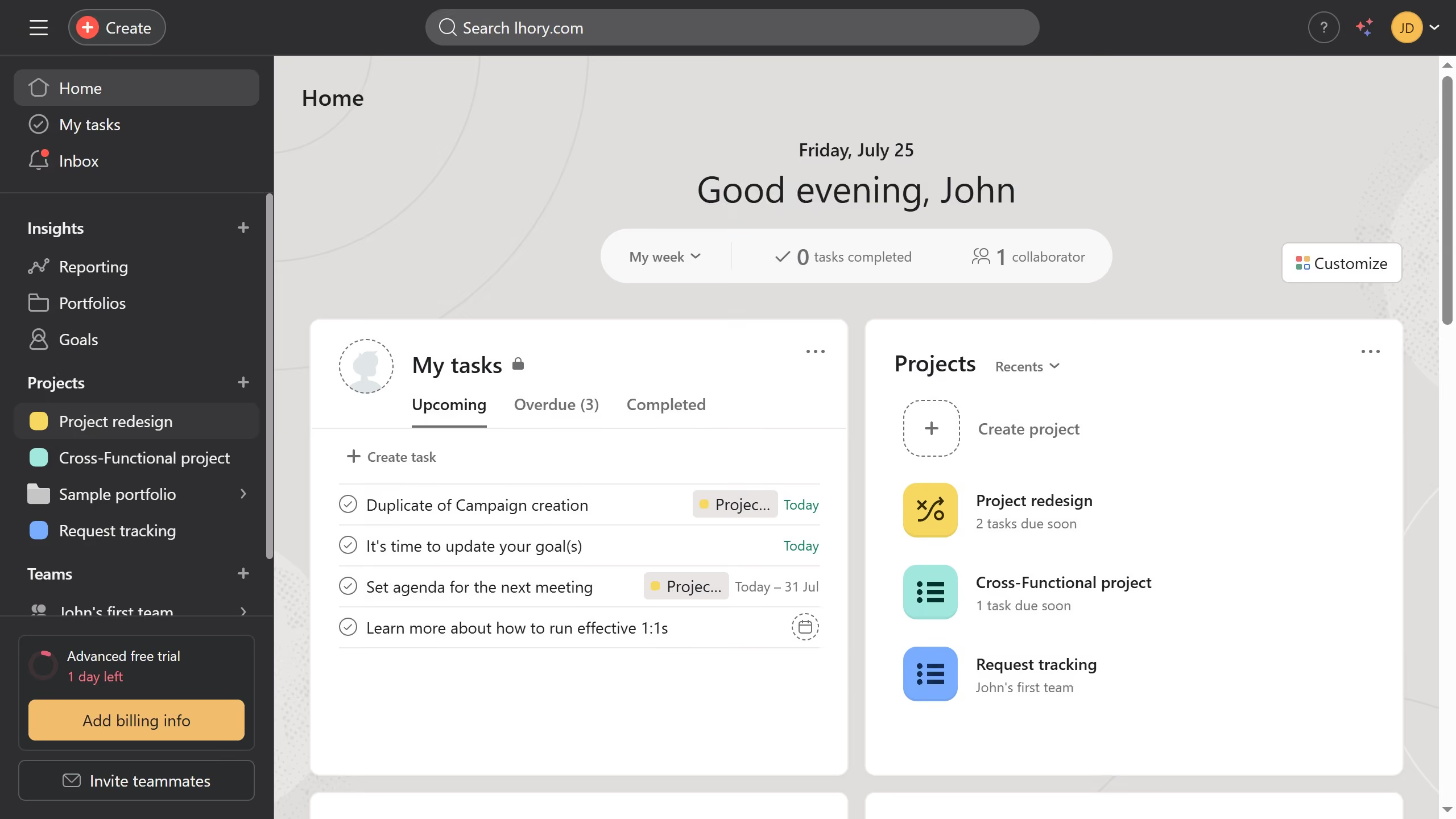
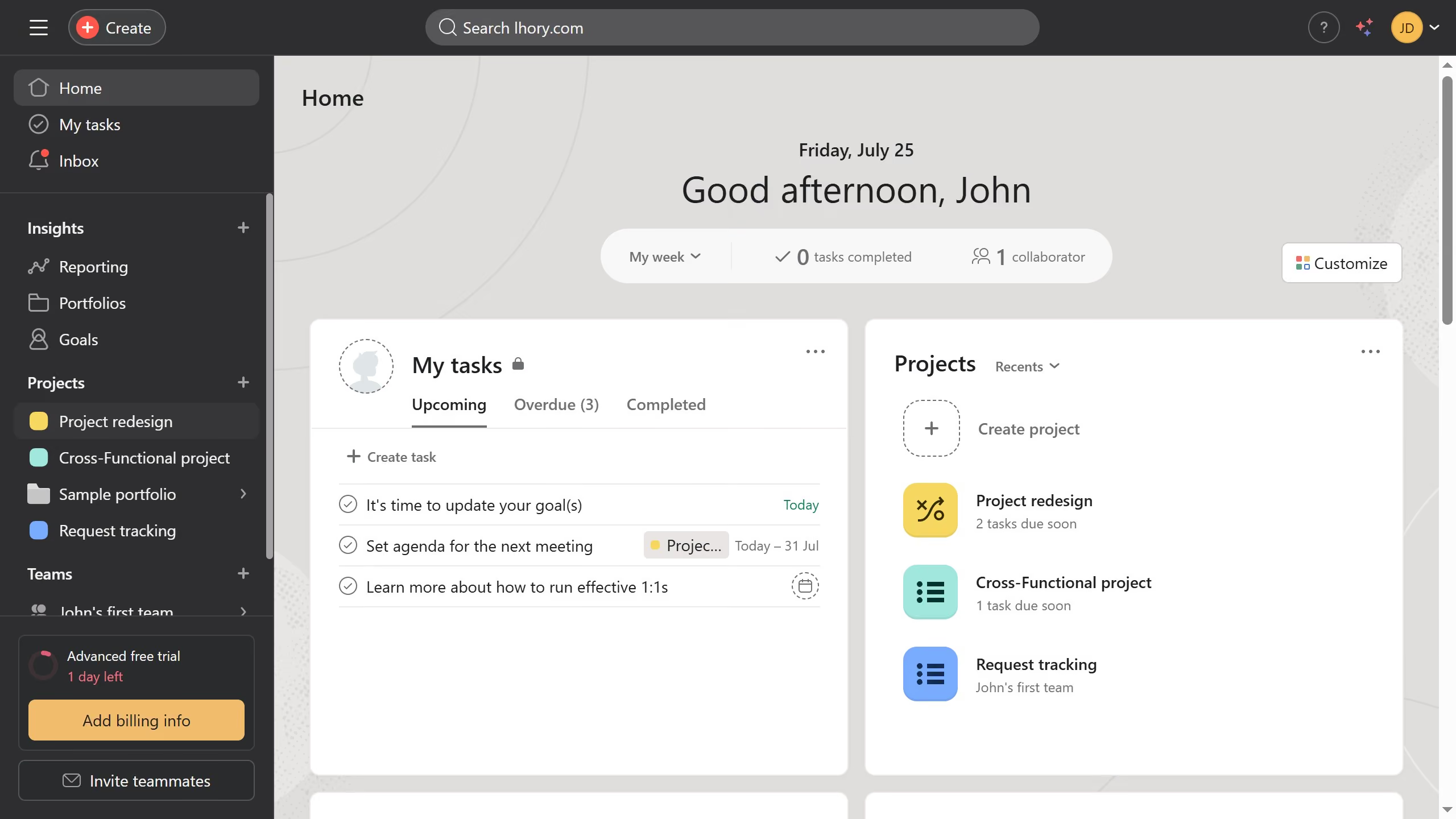
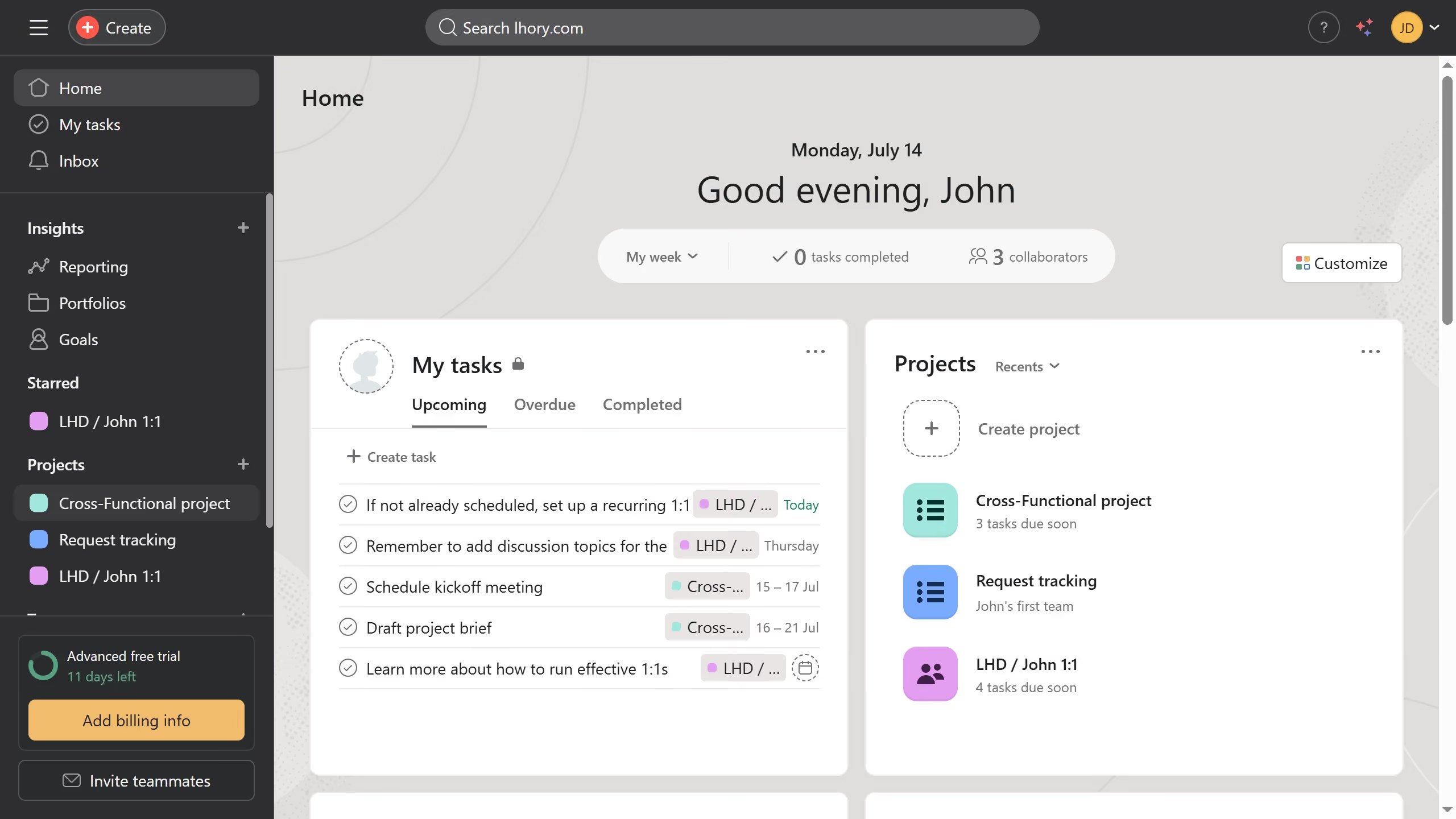
- First click on a project in the left sidebar under Projects section
- Then click on the task you want to convert into a project
- In the task details panel, click the three dots menu button in the top-right corner
- From the dropdown menu, click "Convert to" option
- In the submenu, select "Project" option
- In the convert task dialog click the name input field and change it to your desired name
- Click on the "Select a team..." dropdown in the Team field
- Select the desired team from the team dropdown options
- Confirm all settings are correct in the conversion dialog
- Finally click the "Convert" button to transform the task into a project