Asana
Asana is a work management tool for planning, tracking, and executing projects.
Website
Industry
Project Management
Share this article:

How to mention task in a comment in Asana

Here is how to mention task in a comment in asana

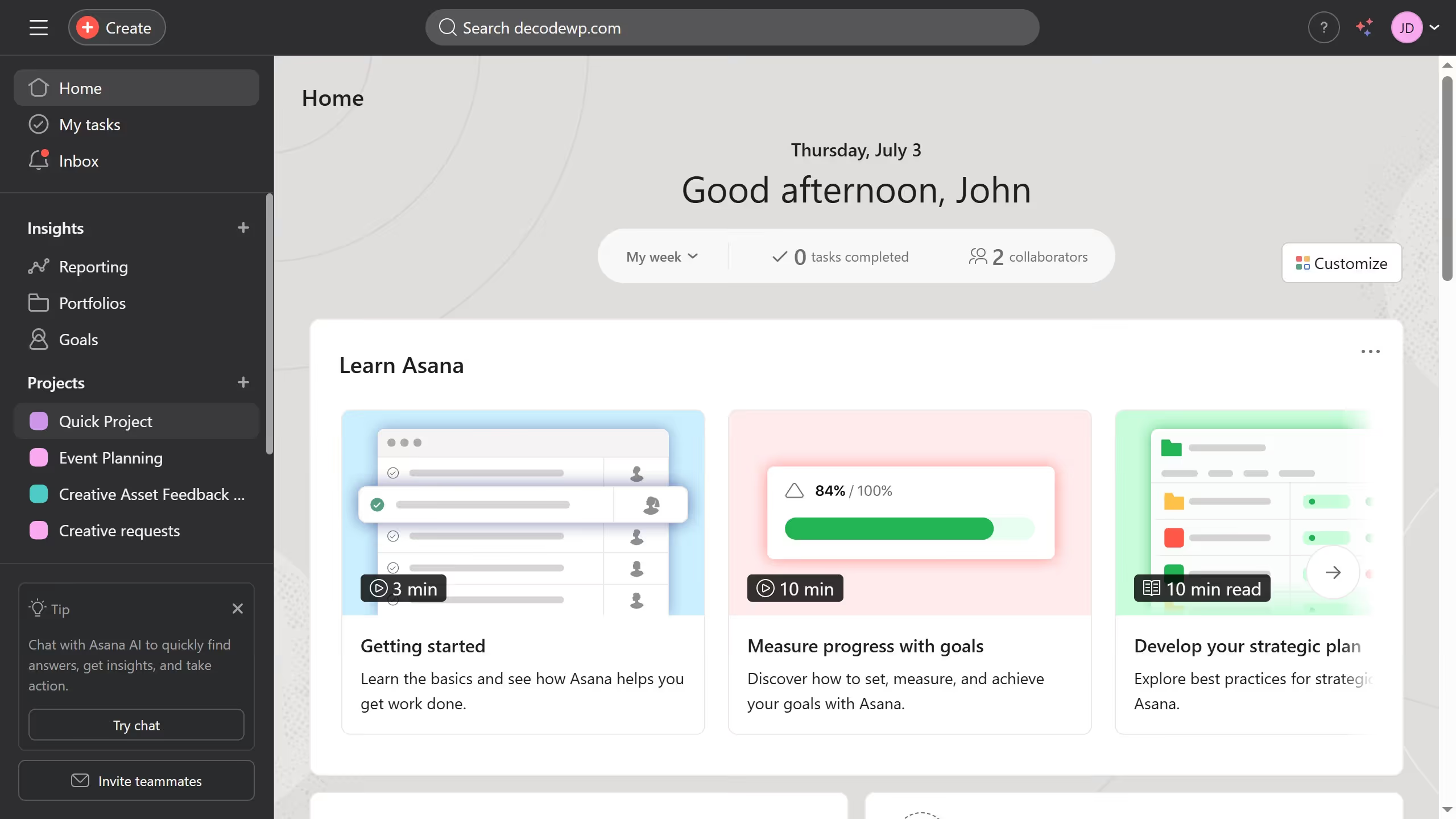
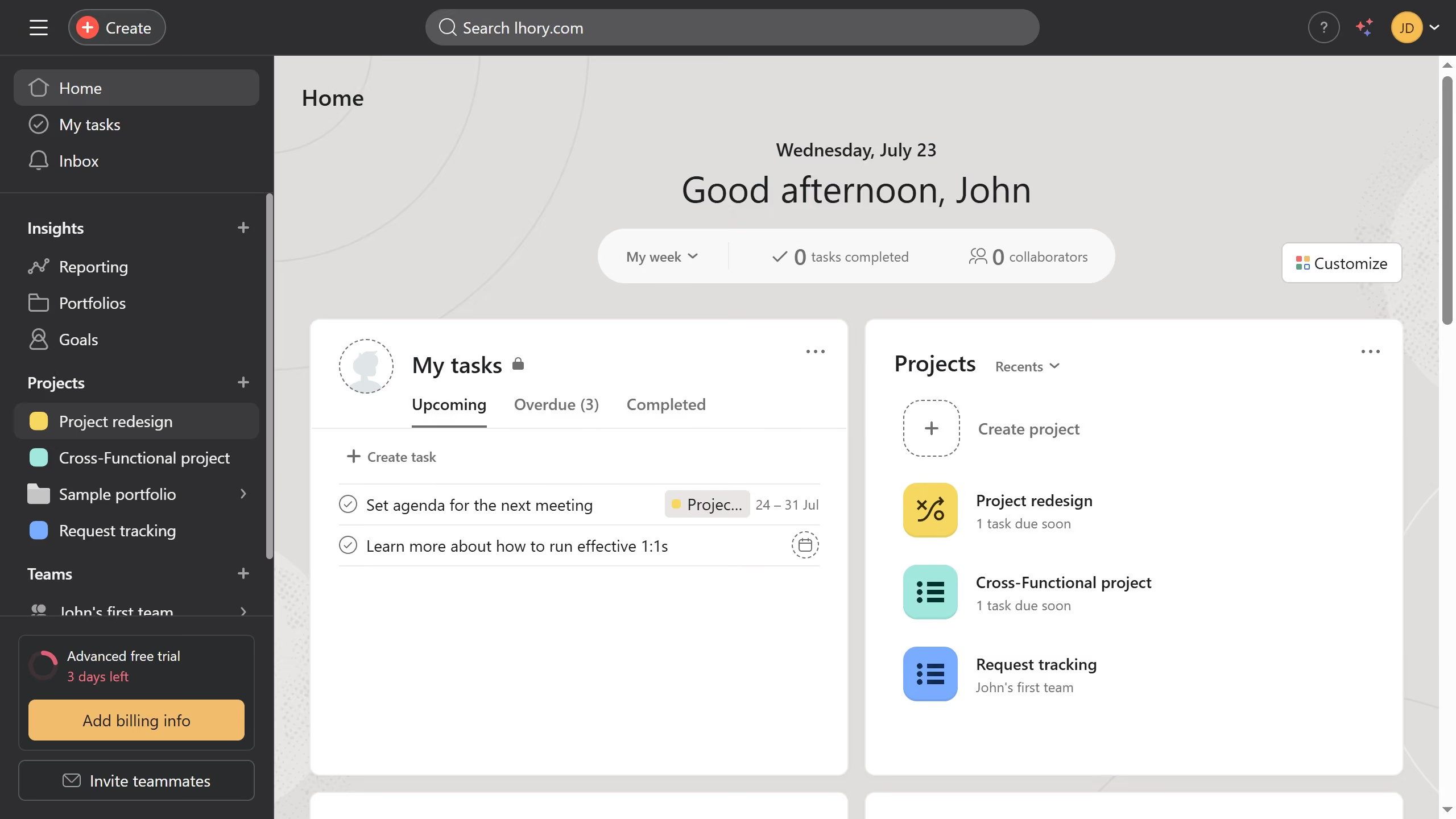
  1. First click on a project in the Projects sidebar
  2. Then click a task in the task list where you want to leave a comment
  3. Next click on "Add a comment" field in the task description area
  4. Then click on the "@" symbol in the comment field to mention the task
  5. Next type the name of the task you want to mention in the comments section
  6. Then click the result in the suggested menu
  7. Finally click the "Comment" button to post the comment

Create your own interactive guide with Guideflow

Why should you mention task in a comment in Asana

Asana is a dynamic tool designed to streamline project management and enhance team collaboration.

The ability to mention a task in a comment within Asana is a powerful feature that keeps communication focused and organized. This allows team members to easily reference specific tasks, ensuring everyone is on the same page without shifting away from the current discussion.

By using mentions, teams can improve efficiency, reduce misunderstandings, and empower a seamless workflow, ultimately contributing to smoother project execution. It enhances clarity and accountability in any project.


Last update
June 23, 2026
Cursor MariaA cursor points to a button labeled "James."

Create your first demo in less than 30 seconds.