How to share project status with your team in Asana
Here is how to share project status with your team in asana
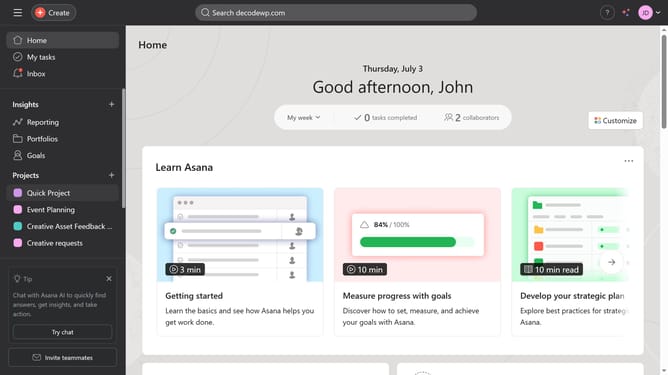
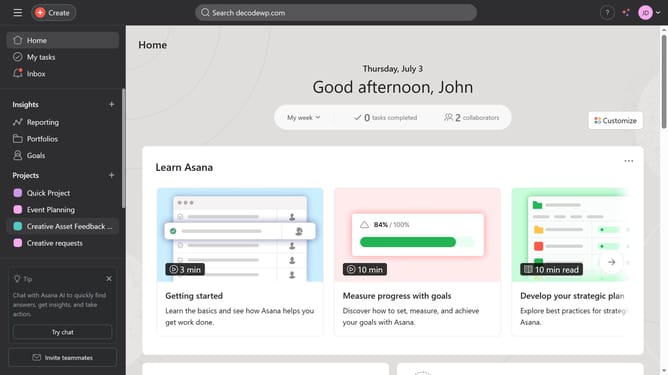
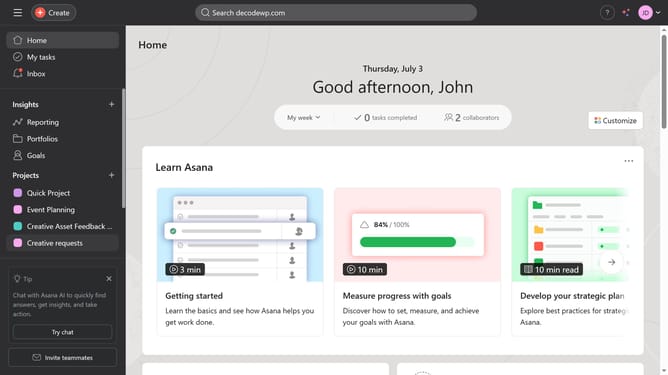
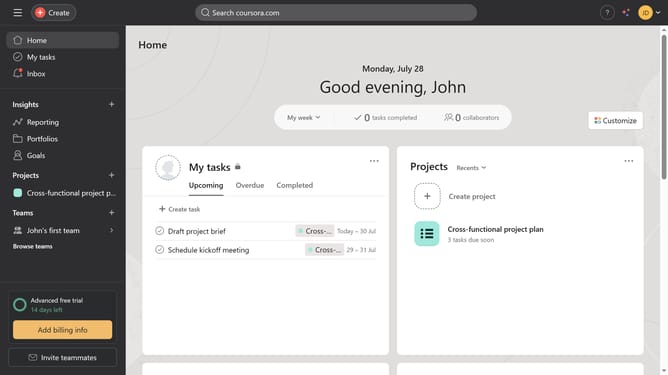
- First click on project item in the left sidebar menu
- Then click on overview tab in the top navigation menu
- Next click on "Update status" button in the top right corner
- Then click on the desired status from the dropdown option
- Finally click on the Post button in the top right corner to submit the status update team members will get a notification and can view the update in the project overview
Why should you share project status with your team in Asana
Asana is a versatile project management tool designed to enhance team collaboration and streamline workflow.
Sharing project status in Asana keeps everyone informed and aligned on current developments. This feature offers a snapshot of project progress, ensuring that all team members have instant access to crucial updates.
Utilizing this feature fosters transparency, enhances productivity, and facilitates smoother communication. Regular updates engage team members and ensure that any necessary adjustments are promptly addressed, making it an invaluable resource for collaborative projects.
Last update