Asana
Asana is a work management tool for planning, tracking, and executing projects.
Website
Industry
Project Management
Share this article:

How to sort your inbox by relevance in Asana

Here is how to sort your inbox by relevance in asana

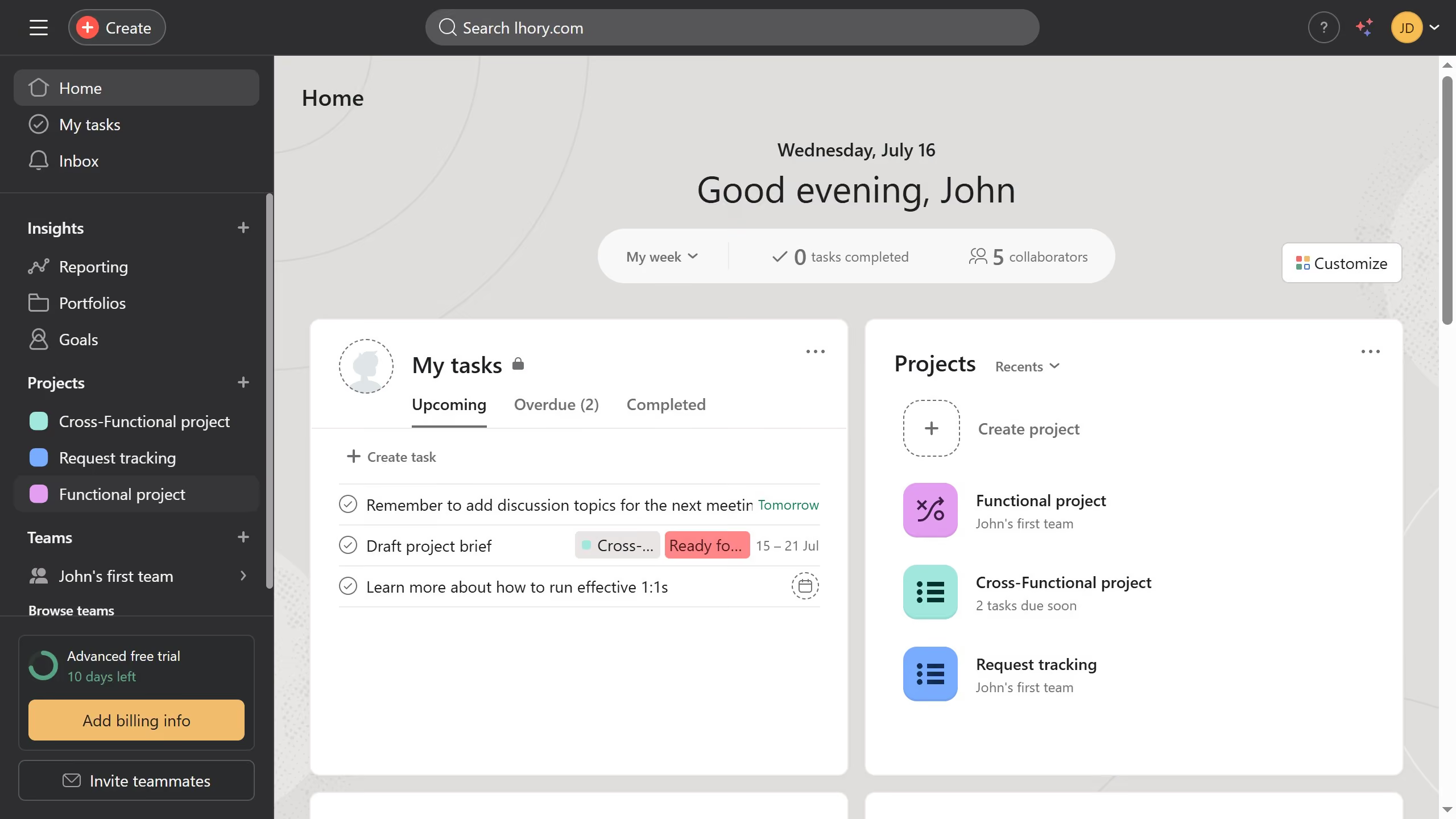
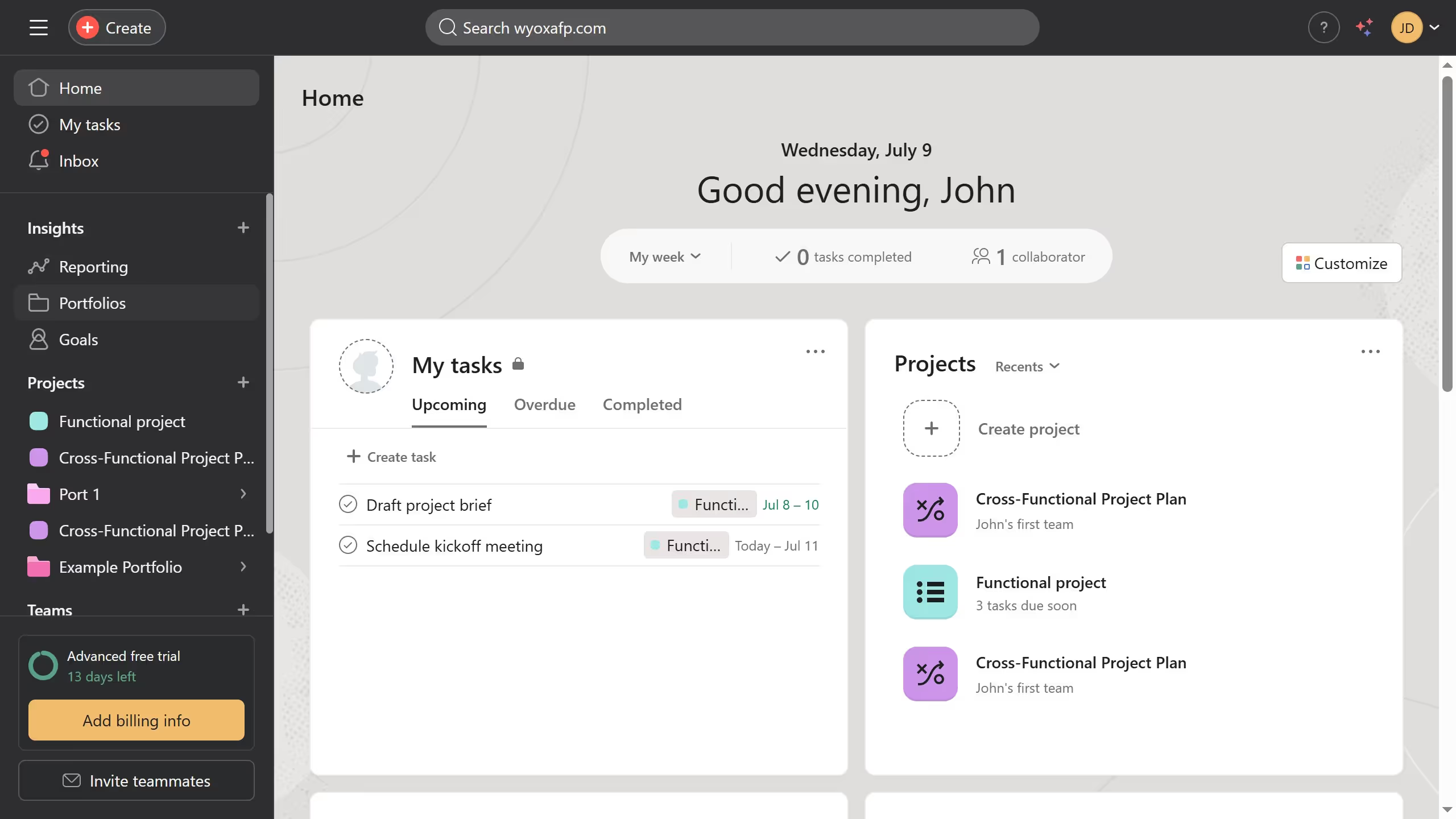
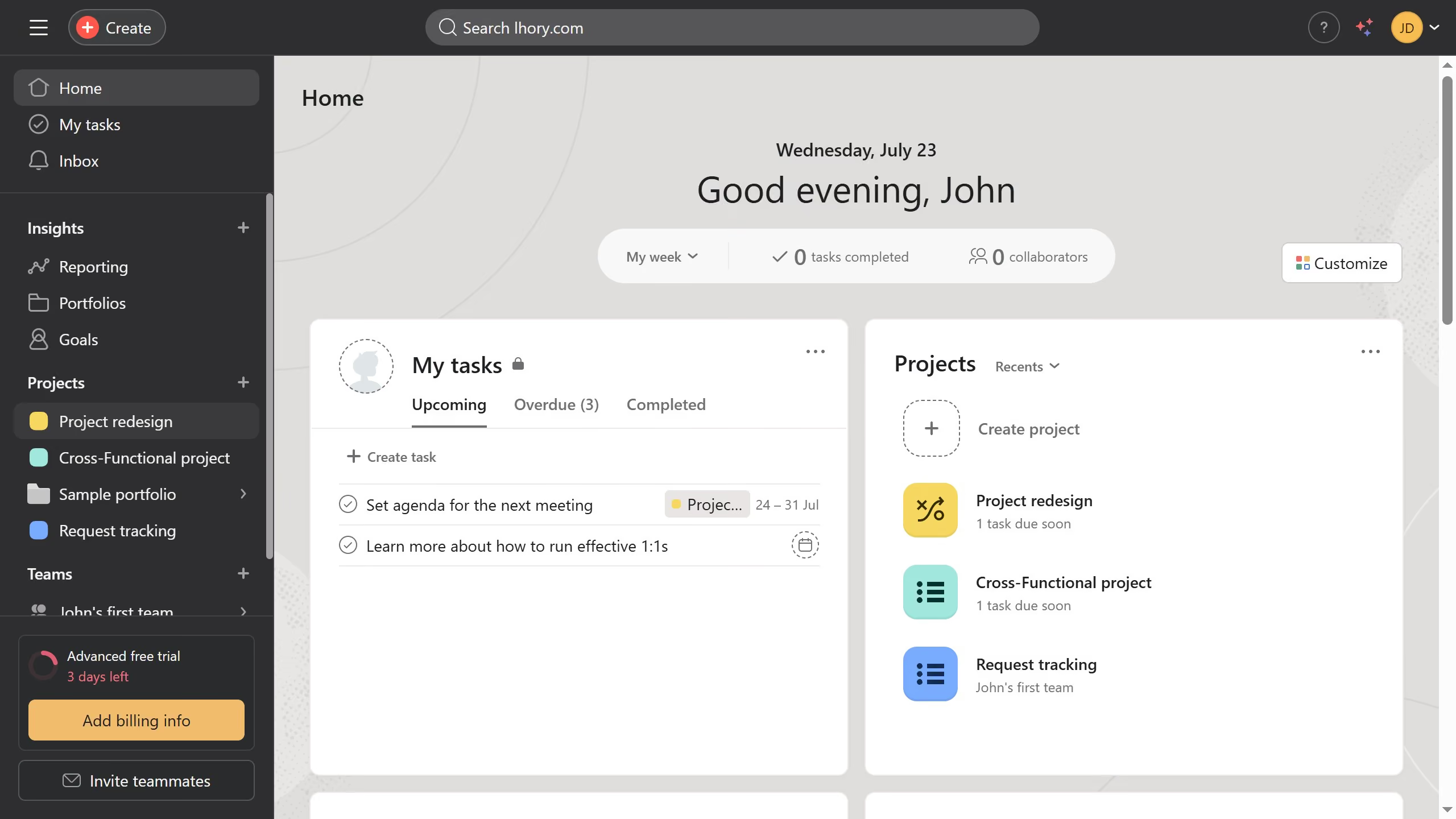
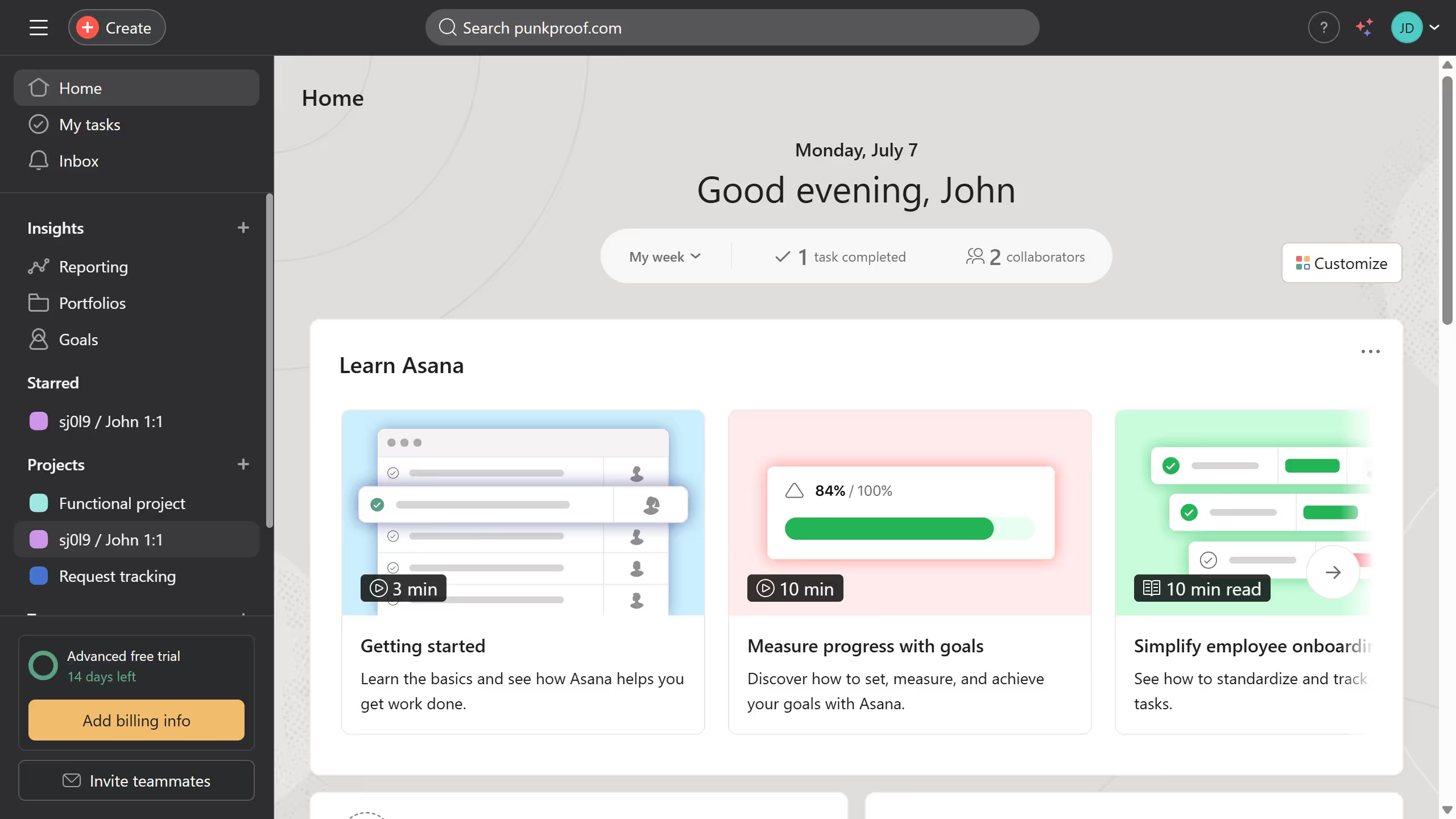
  1. First click on the "Inbox" option in the left sidebar menu
  2. Then click on the sort dropdown in the top filter bar
  3. Next select "Relevance" option from the sorting dropdown menu
  4. Finally click on the "Save view" button in the top filter bar

Create your own interactive guide with Guideflow

Why should you sort your inbox by relevance in Asana

Asana is a powerful project management tool designed to streamline teamwork and optimize productivity.

Sorting your inbox by relevance in Asana enhances how you interact with tasks and updates, ensuring you focus on what truly matters.

With this feature, priority messages are effortlessly highlighted, reducing time spent sifting through less pertinent information.

This smart organization fosters efficiency, helping you stay on top of urgent tasks and manage workload with ease.

Last update
June 16, 2026
Cursor MariaA cursor points to a button labeled "James."

Create your first demo in less than 30 seconds.