Here is how to change team editing permissions to admin only in asana
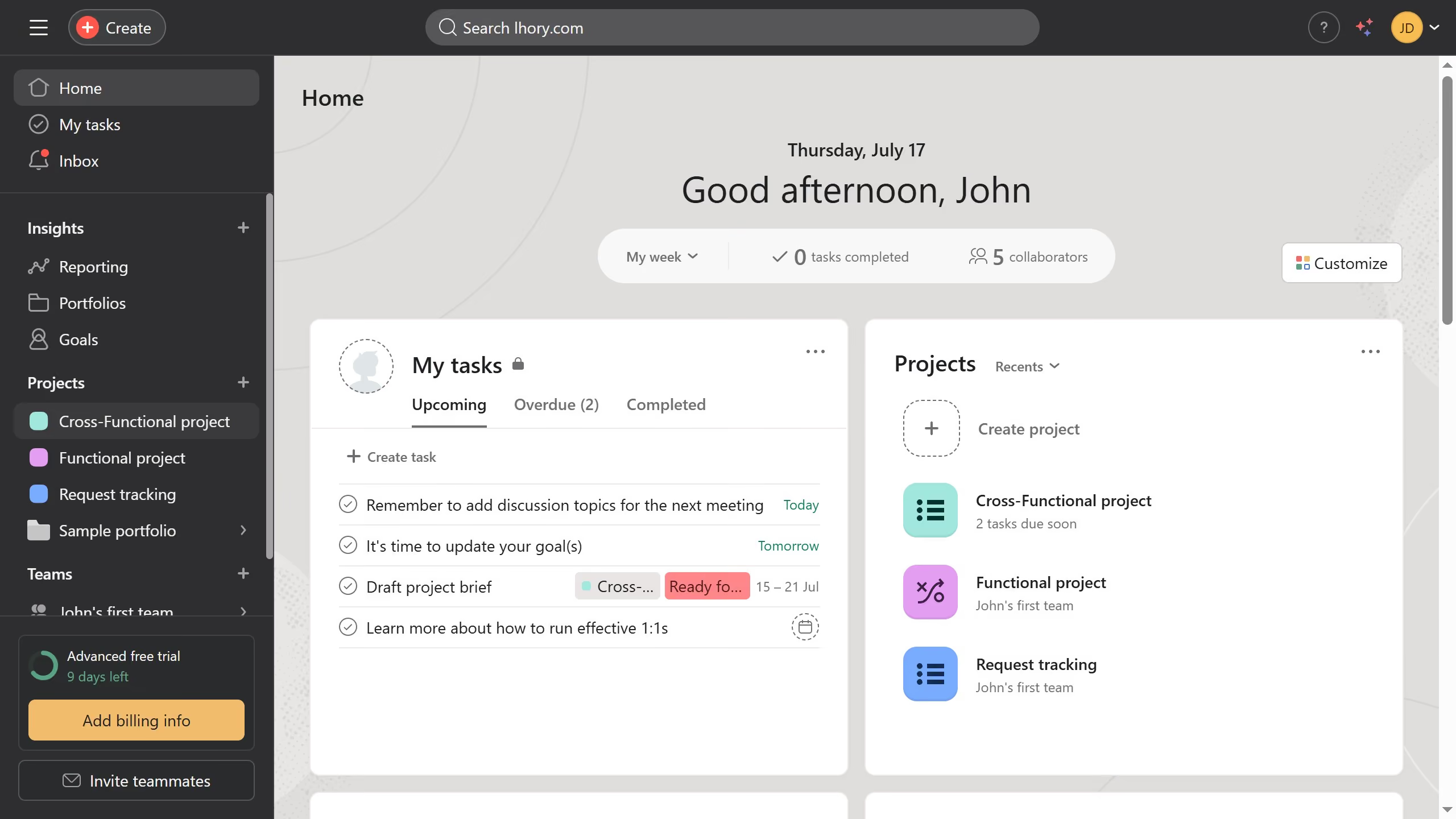
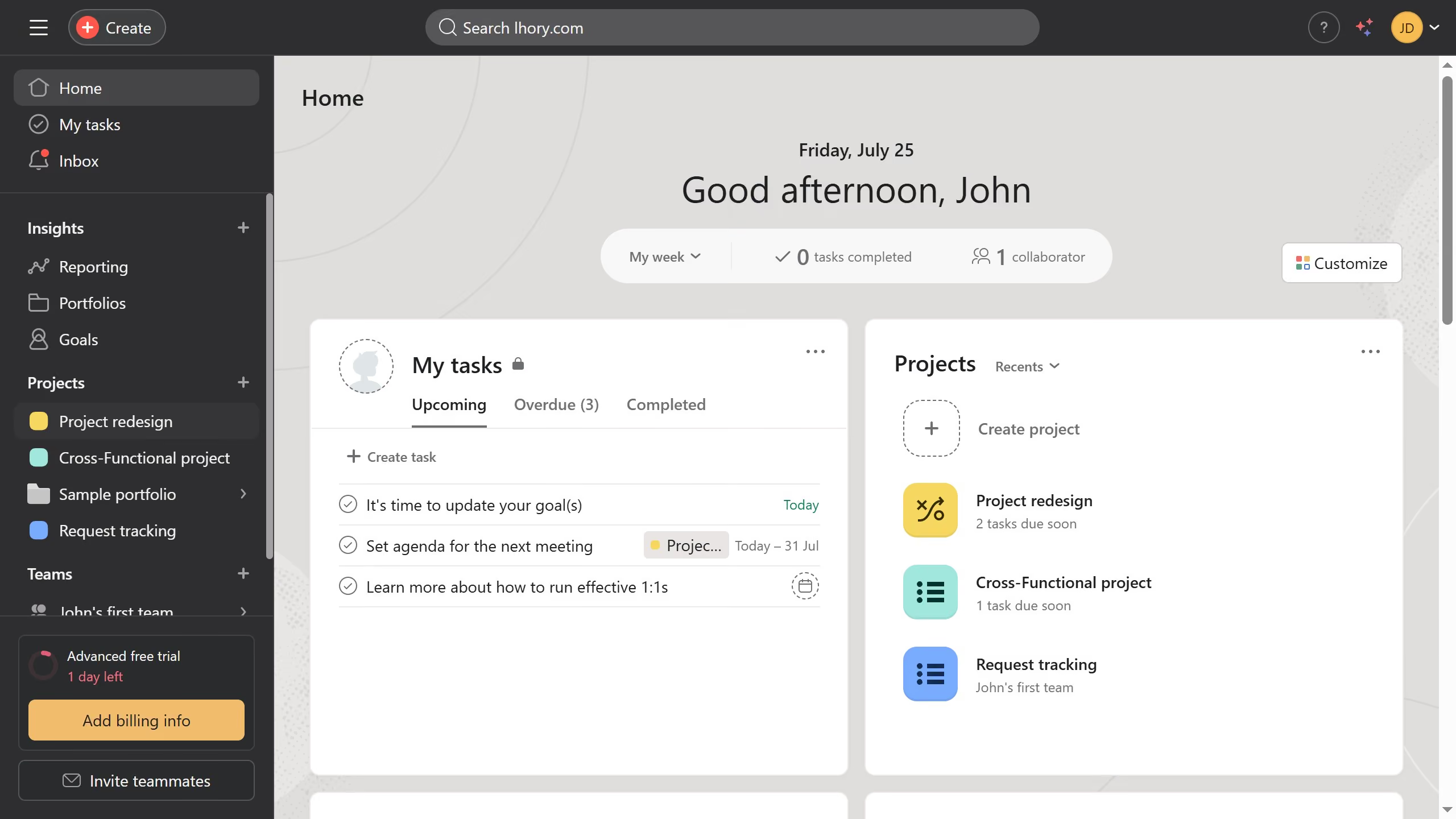
- First click on a team in the left sidebar under Teams section
- Then click the dropdown menu on the top header
- Next select "Edit team settings" option from the dropdown menu
- Click on "Advanced" tab in the team settings modal window
- Click on the dropdown under "Who can edit the team page?"
- Finally select "Only team admins" option from the editing permissions dropdown