Asana
Asana is a work management tool for planning, tracking, and executing projects.
Website
Industry
Project Management
Share this article:

How to edit your profile name in Asana

Here is how to edit your profile name in asana

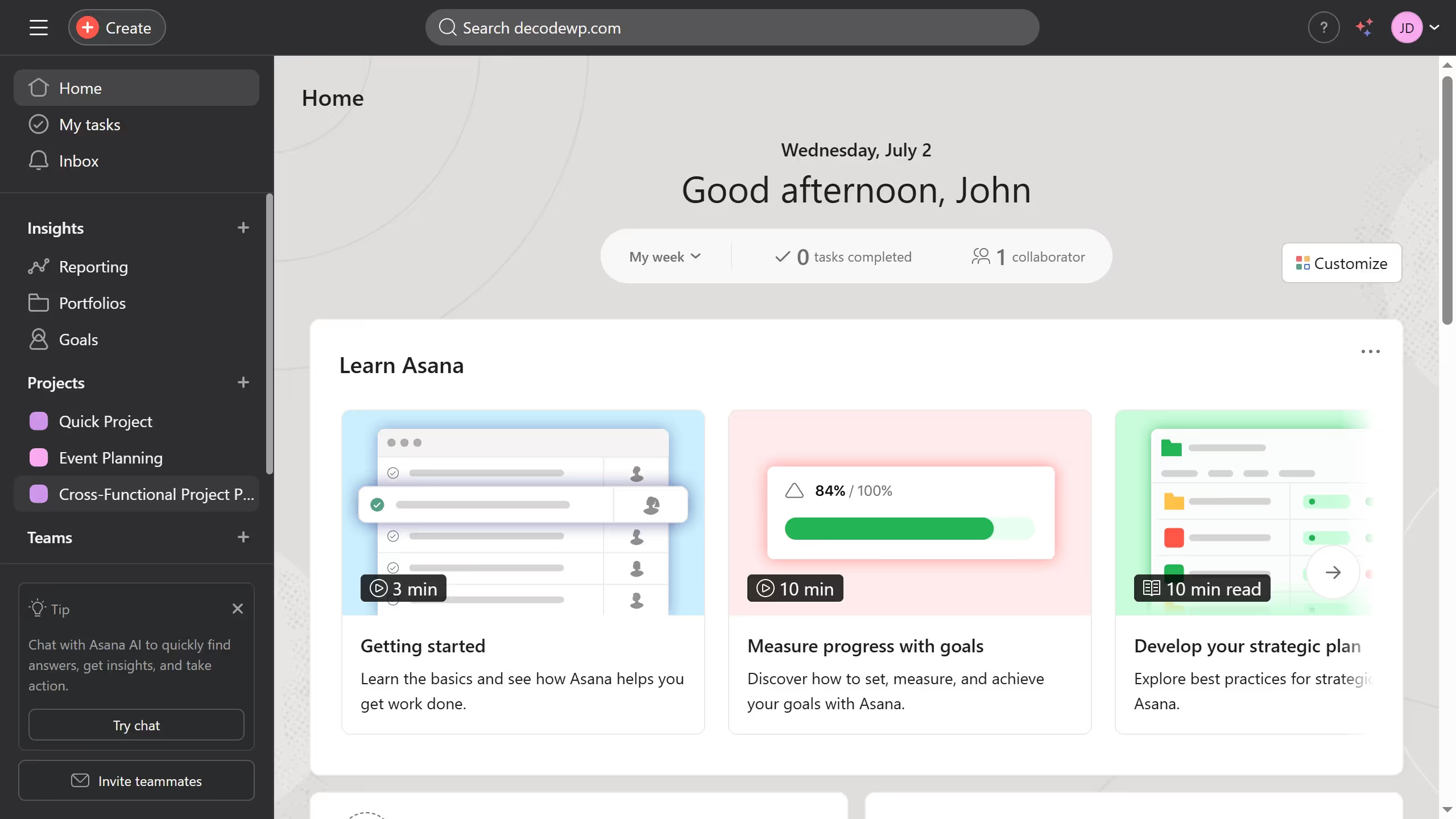
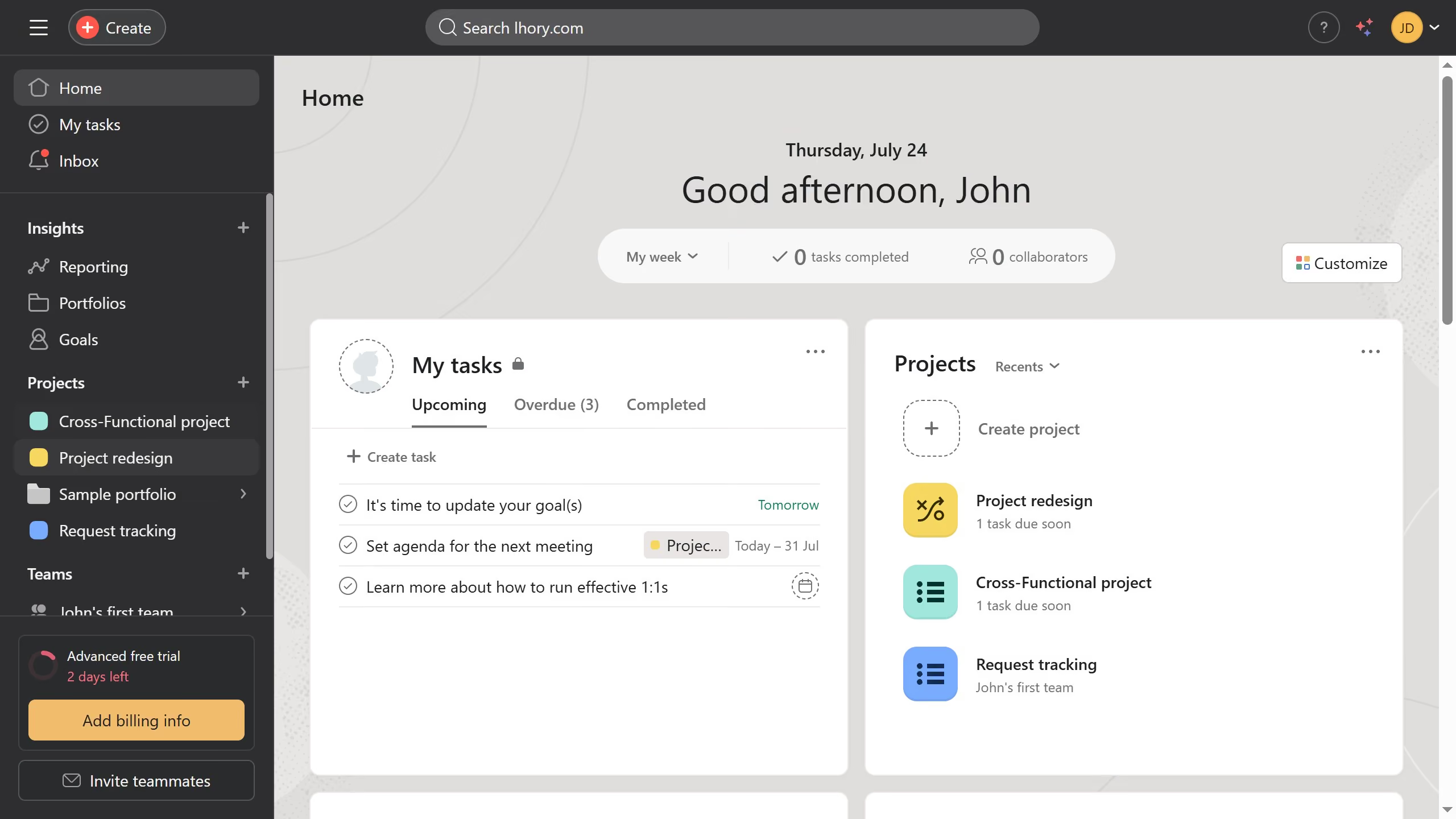
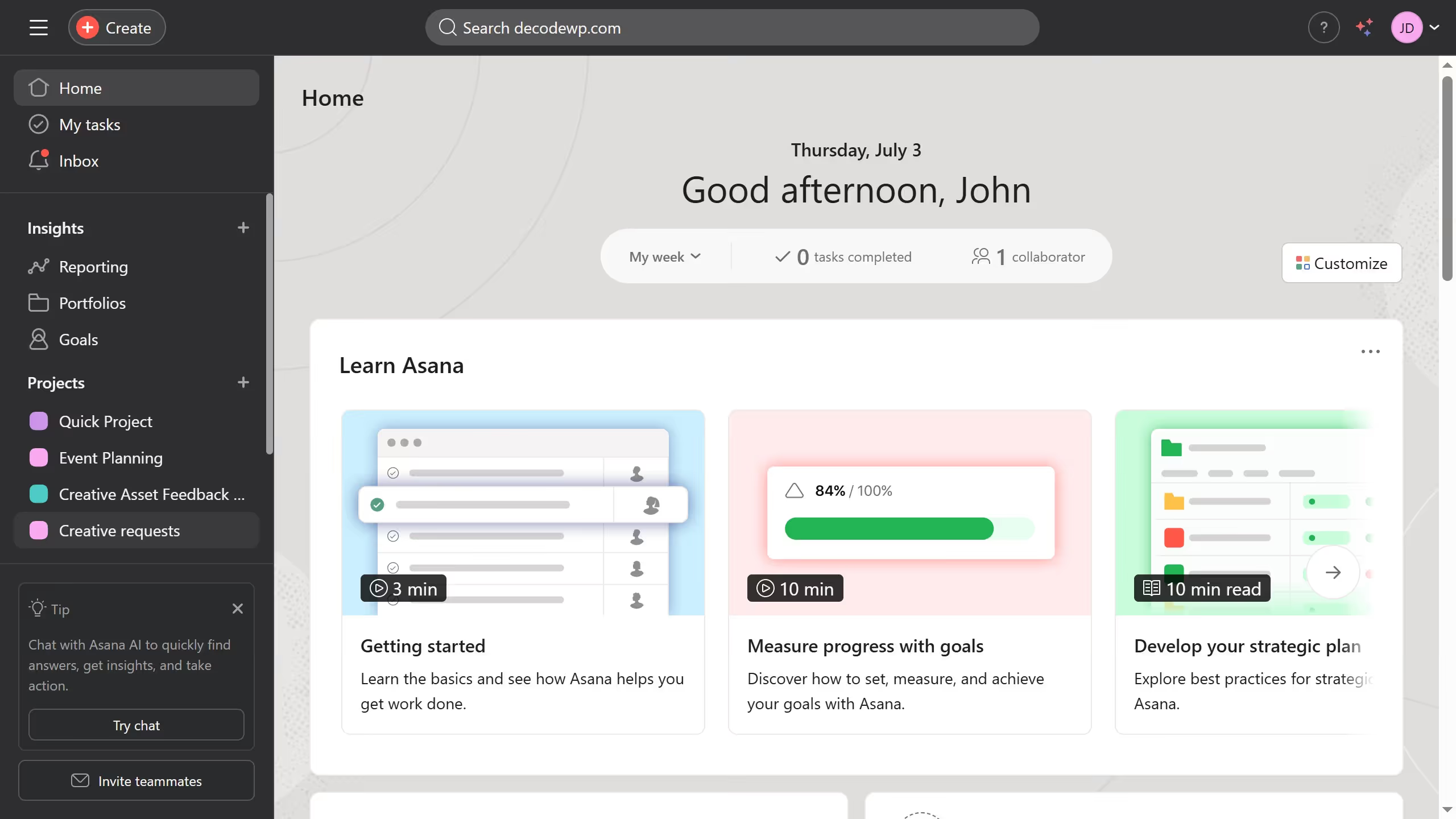
  1. First click on the user profile avatar in the top-right corner of the header
  2. Then click on the "Profile" option in the dropdown menu
  3. Next click on the edit profile in the profile settings
  4. In the settings modal that appears, click on the name field and type in your desired new profile name
  5. Finally click the "X" button on the top right Asana automatically saves the changes

Create your own interactive guide with Guideflow

Why should you edit your profile name in Asana

Asana, a powerful project management tool, streamlines team collaboration and organization.

Updating your profile name in Asana is a straightforward yet impactful feature. This allows you to maintain consistency across professional platforms, reinforcing your personal brand within the team.

Easily editing your profile name enhances communication, ensuring colleagues can quickly recognize and identify you, which fosters a seamless work environment.

Keeping your profile information updated can lead to more personalized interactions, enhancing team dynamics and productivity.


Last update
June 16, 2026
Cursor MariaA cursor points to a button labeled "James."

Create your first demo in less than 30 seconds.